Context Engineering for AI Coding: The Complete Guide for 2026
So you've been using AI coding assistants for a while now. Maybe you've read about and tried them out. But here's the thing—you're probably still leaving 80% of AI's potential on the table. The problem isn't your prompts. It's your


So you've been using AI coding assistants for a while now. Maybe you've read about vibe coding best practices and tried them out. But here's the thing—you're probably still leaving 80% of AI's potential on the table.
The problem isn't your prompts. It's your context.
Context engineering for AI coding is the skill that separates developers who get mediocre AI output from those who get production-ready code on the first try. And honestly? Most tutorials completely miss the point.
What is Context Engineering? (And Why It Matters Now)

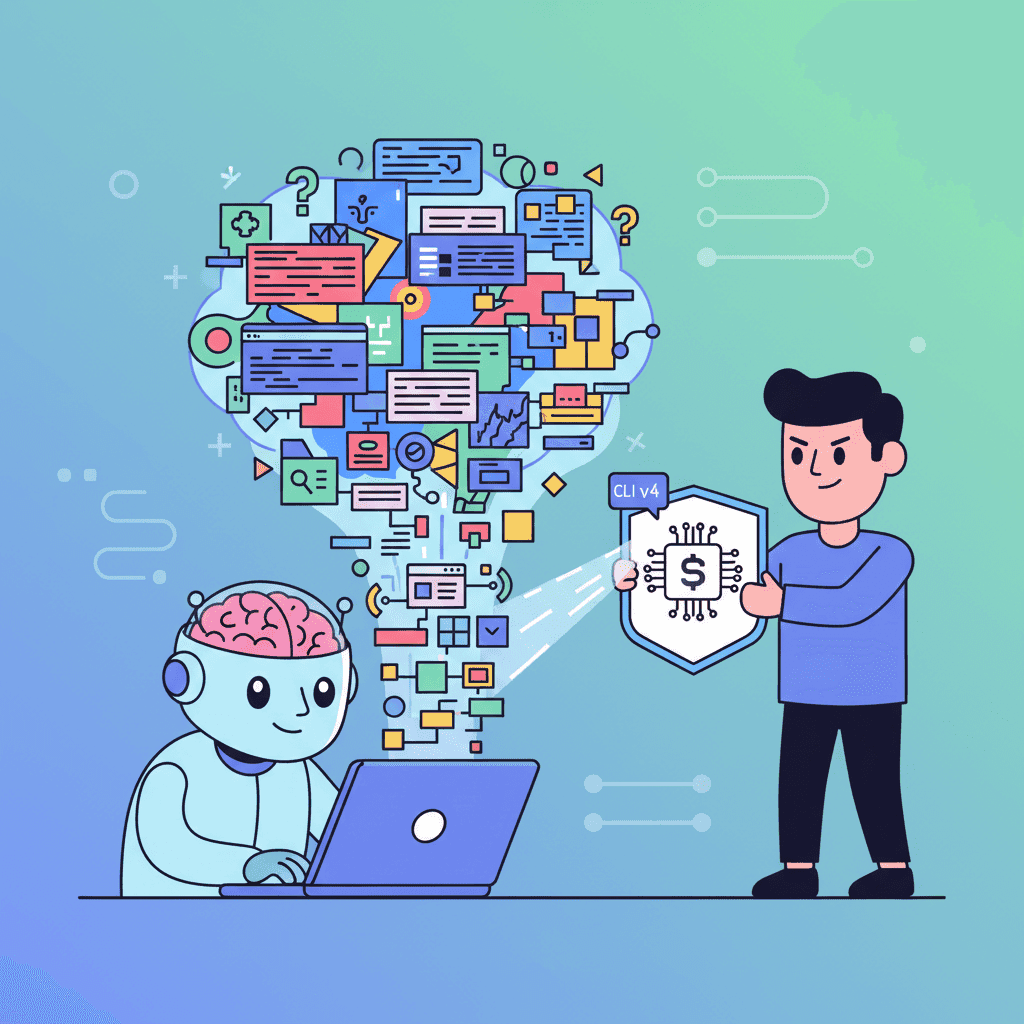
Context engineering is the systematic practice of providing AI models with the right information, in the right structure, at the right time. It's about curating everything the AI "sees" before generating a response—your codebase structure, coding conventions, relevant documentation, and even examples of what you consider good code.
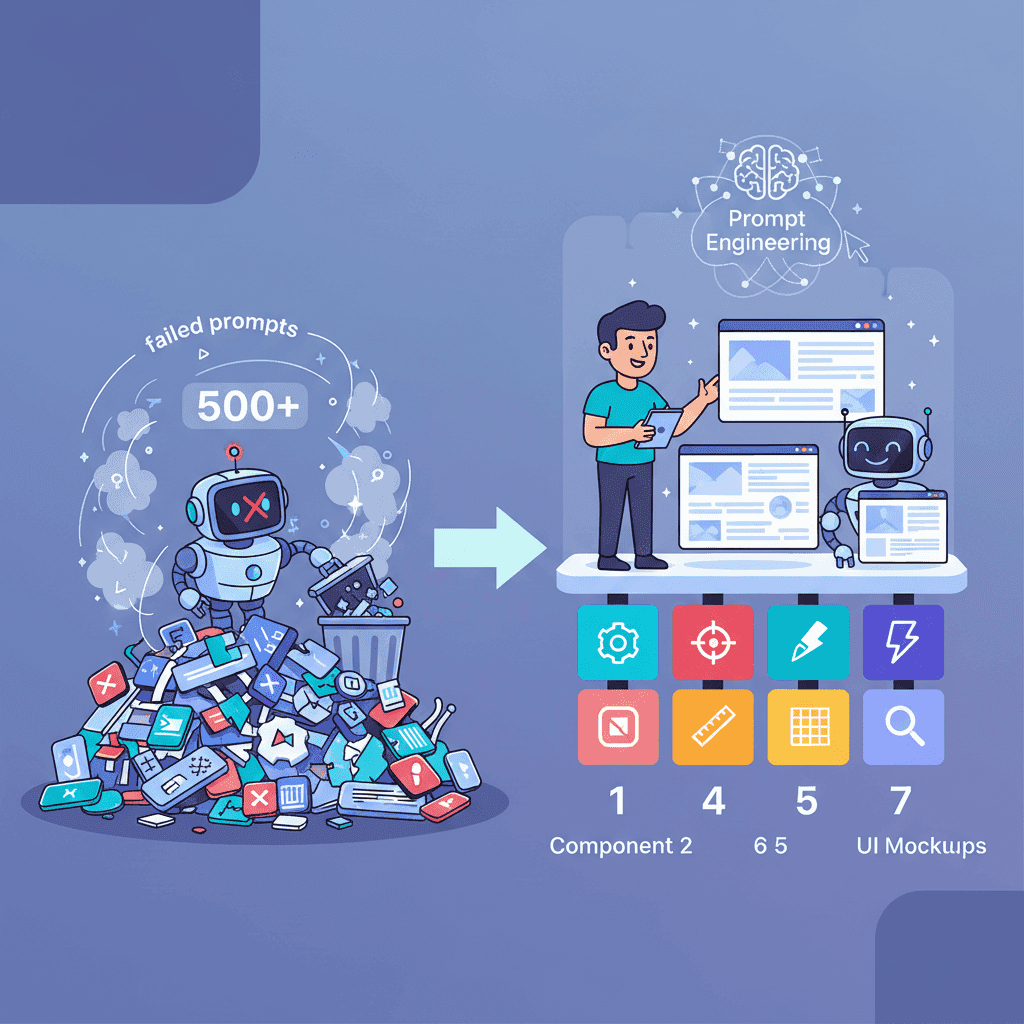
Think of it this way: prompt engineering is writing a good question. Context engineering is making sure the AI has read all the relevant chapters before you ask.
The term gained serious traction in 2025, with Anthropic publishing their guide on "Effective Context Engineering for AI Agents" and MIT Technology Review declaring this the year we shift "from vibe coding to context engineering." It's not hype—it's a recognition that as AI models get smarter, the bottleneck shifts from model capability to what we feed them.
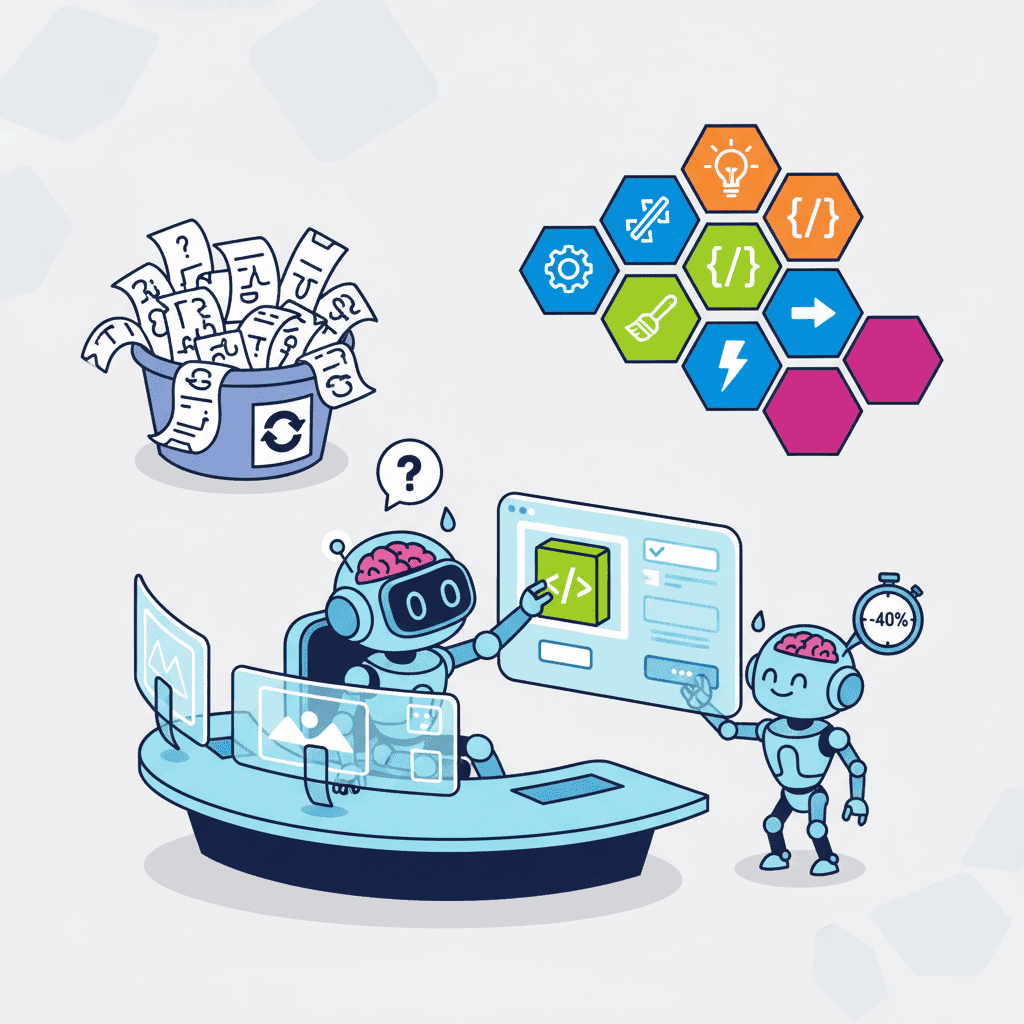
Here's a stat that should get your attention: developers using proper context engineering techniques report 40-60% fewer iterations to get working code. That's not a small improvement. That's the difference between shipping today and shipping next week.
Context Engineering vs Prompt Engineering: The Real Difference
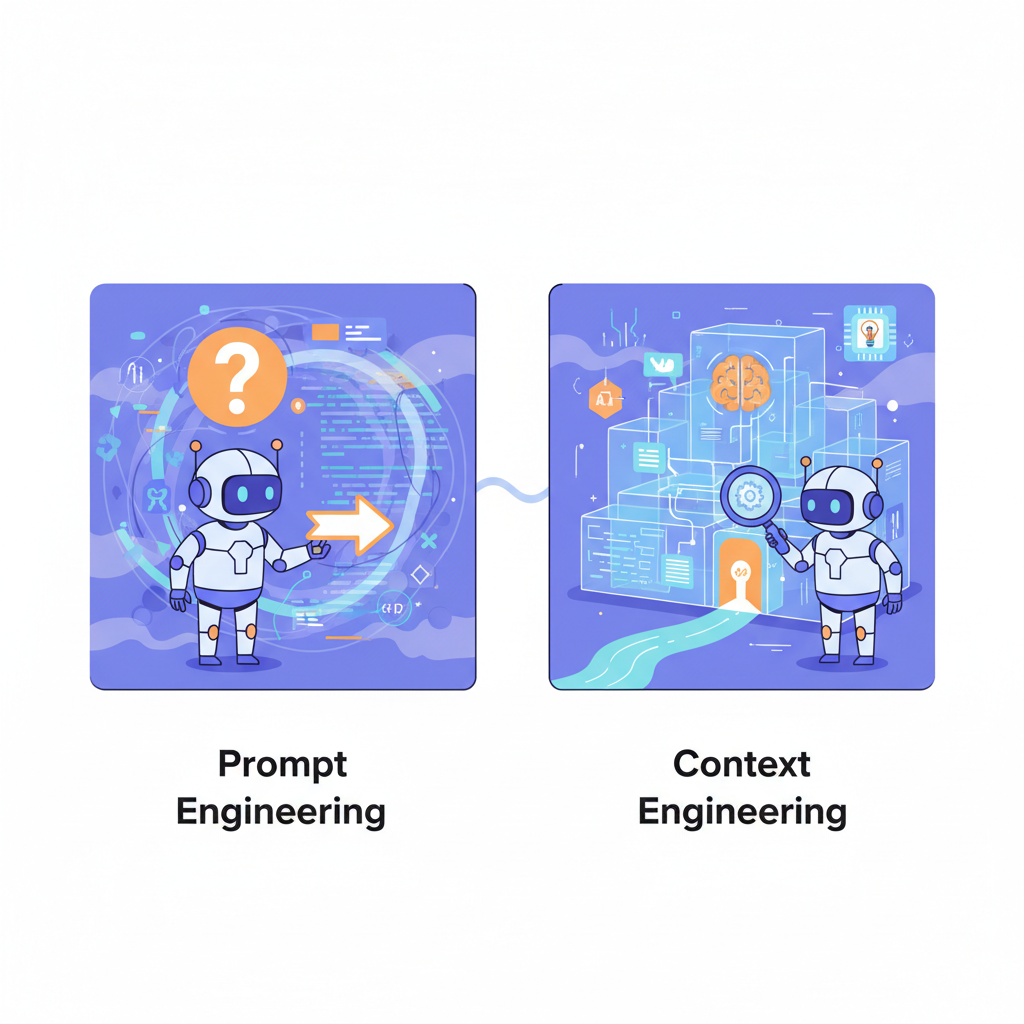
I'll be direct: if you think these are the same thing, you're going to keep getting inconsistent results.
| Aspect | Prompt Engineering | Context Engineering |
|---|---|---|
| Focus | The question you ask | Everything the AI knows before the question |
| Scope | Single interaction | Entire conversation + project context |
| Persistence | One-time | Persistent across sessions |
| Components | Instructions, constraints | Codebase, docs, examples, rules, memory |
| Skill Level | Entry-level AI usage | Advanced AI-assisted development |
Prompt engineering is important. Don't get me wrong. Crafting clear, specific prompts matters. But here's the uncomfortable truth: a mediocre prompt with excellent context will outperform a brilliant prompt with poor context almost every time.
Why? Because AI models are pattern matchers at their core. When you provide rich, relevant context, you're essentially giving the AI a cheat sheet for your specific project. It's not guessing what you want—it's pattern-matching against examples you've already approved.
The 5 Pillars of Effective Context Engineering
After working with AI coding tools for years and watching hundreds of developers struggle (and succeed), I've distilled effective context engineering into five core pillars.
1. Project Structure Awareness
Your AI doesn't know your project exists unless you tell it. That sounds obvious, but most developers just open a file and start prompting.
Better approach: Give the AI a mental model of your codebase. This includes:
- Directory structure: How files are organized
- Naming conventions: Your patterns for components, utilities, hooks
- Architecture patterns: MVC, feature-sliced, domain-driven, whatever you use
- Key dependencies: Major libraries and their versions
Many AI coding tools now support project context files (like .cursorrules or .context files) that persist this information. Use them.
2. Code Style and Conventions
This is where context engineering gets specific. Your AI should write code that looks like your code, not generic Stack Overflow code.
Include examples of:
- How you handle error states
- Your preferred import ordering
- Formatting conventions (even if you have Prettier, the AI should match your style initially)
- Component patterns you use repeatedly
- Naming conventions for variables, functions, and files
Here's a hot take: spending 30 minutes creating a solid style context document will save you 30 hours of fixing AI-generated code that "works but feels wrong."
3. Domain Knowledge
AI models are general-purpose. They don't know that in your app, a "workspace" contains "projects" which contain "documents." They don't know your business logic quirks.
Effective context engineering means translating your domain knowledge into explicit documentation:
- Glossary of domain terms
- Business rules and constraints
- Relationships between entities
- Edge cases that aren't obvious
When you see AI generating code that's technically correct but semantically wrong for your domain, that's a context engineering failure, not a model failure.
4. Relevant Code Snippets
This is the pillar most developers skip, and it costs them.
Before asking AI to write new code, show it related existing code. Not your entire codebase—just the relevant pieces.
If you're adding a new API endpoint, include 2-3 existing endpoints as examples. If you're building a new component, include similar components. The AI will pattern-match against your examples and produce code that fits naturally into your codebase.
5. Negative Examples and Constraints
Here's something most developers never do: tell the AI what NOT to do.
Your context should include:
- Deprecated patterns to avoid
- Security no-nos for your project
- Performance anti-patterns
- Libraries you explicitly don't want used
"Don't use jQuery" or "Never use any as a type" might seem obvious to you. It's not obvious to an AI that's been trained on millions of codebases where those patterns appear constantly.
Practical Techniques That Actually Work
Alright, theory is great, but let's get practical. Here are techniques you can use today.
The Context File Approach
Create a markdown file at your project root—call it CONTEXT.md or AI_CONTEXT.md—and include:
When you start an AI session, reference this file or paste relevant sections.
The "Show Don't Tell" Method
Instead of describing what you want, show examples first:
Poor context:
"Create a React component for a user profile card"
Rich context:
"Here's an example of our card component pattern: [paste existing card component]
Now create a UserProfileCard using the same patterns for structure, error handling, and prop types."
The difference in output quality is dramatic.
Incremental Context Building
Don't dump everything at once. Build context strategically:
- Start with project overview (tech stack, architecture)
- Add relevant existing code when starting a specific task
- Include domain context for business logic tasks
- Add constraint context when you notice pattern violations
This keeps your context focused and prevents the AI from getting confused by irrelevant information.
Common Mistakes That Kill Your AI Output
I've seen these mistakes so many times that I can predict them now. Don't be that developer.
Mistake #1: Context Overload
More context is not always better. If you dump your entire codebase into an AI's context window, you're not helping—you're creating noise. The AI will struggle to identify what's actually relevant.
Fix: Be selective. Include only code that's directly relevant to your current task.
Mistake #2: Outdated Context
That context file you created six months ago? It's probably describing patterns you don't use anymore.
Fix: Review and update your context documentation monthly. Treat it like code—it needs maintenance.
Mistake #3: No Negative Constraints
You keep getting code with patterns you hate. You fix it manually every time. That's a workflow problem.
Fix: Explicitly document anti-patterns. "Never do X" is just as valuable as "always do Y."
Mistake #4: Generic Context
Using the same context for every AI coding tool, every project, every task. That's lazy context engineering.
Fix: Layer your context. Global preferences, project-specific patterns, task-specific requirements.
Mistake #5: Ignoring Context Window Limits
AI models have context limits. If you're hitting those limits, you're either including too much irrelevant information or need to summarize better.
Fix: Learn your tool's context limits. Prioritize recent and relevant information. Summarize older context instead of including full files.
Real-World Example: Before and After
Let me show you what proper context engineering looks like in practice.
Before: Minimal Context
Prompt: "Create a function to validate user email"
Result:
Generic. Works. Doesn't match your codebase.
After: Engineered Context
Context provided:
- TypeScript strict mode project
- Existing validation utilities use zod
- Error messages follow i18n pattern
- All validators return result objects with success and error properties
Prompt: "Create a function to validate user email following our existing patterns"
Result:
Fits your codebase. Uses your patterns. Ready for production.
Tools That Support Better Context Engineering
The ecosystem is evolving fast. Here are tools and features that make context engineering easier:
| Tool/Feature | Context Engineering Support |
|---|---|
| Cursor | .cursorrules files, @codebase command, project indexing |
| Claude Code | Project memory, MCP integrations, context files |
| GitHub Copilot | Repository context, custom instructions |
| Fardino | Project context, pattern learning, style matching |
| Cline/Roo | Context files, project awareness |
The Model Context Protocol (MCP), introduced by Anthropic and now adopted by OpenAI and Google, is becoming the standard for how AI tools access external context. Keep an eye on this—it's going to change how we think about context engineering fundamentally.
Building Your Context Engineering Workflow
Here's a practical workflow you can adopt today:
Step 1: Initial Setup (30-60 minutes, one-time)
- Create a project context file
- Document your tech stack and key conventions
- Include 3-5 code examples of patterns you use
- List explicit anti-patterns and constraints
Step 2: Session Preparation (2-5 minutes per session)
- Review what you're about to work on
- Gather 2-3 relevant existing files
- Refresh your memory on domain-specific terms you might need
Step 3: During Development
- Start with project context
- Add task-specific context as needed
- Include examples before asking for new code
- Correct pattern violations by adding constraints
Step 4: Continuous Improvement
- Note when AI output doesn't match your expectations
- Update context documentation with new patterns
- Remove deprecated patterns from context
- Share context improvements with your team
The Future of Context Engineering
Here's where things get interesting. We're moving toward automated context engineering—AI systems that can understand and maintain their own context about your project.
Already, tools are indexing codebases automatically, learning patterns from your corrections, and maintaining persistent memory across sessions. The Model Context Protocol enables AI to pull context from external sources on-demand.
But here's my prediction: even as these tools improve, the developers who understand context engineering principles will get better results. Because understanding why context matters helps you guide automation effectively.
You're not just learning a current skill. You're learning a framework for thinking about AI collaboration that will remain relevant as tools evolve.
Making It Work for Your Projects
Context engineering isn't about following a rigid system. It's about thinking intentionally about what your AI sees.
Start small. Create a basic context file for your current project. Include your tech stack and three code examples. Use it for a week and notice the difference in output quality.
Then iterate. Add constraints when you see patterns you don't like. Add more examples when you work on new parts of your codebase. Treat your context documentation as a living artifact.
The developers who master context engineering AI coding now are positioning themselves for the next wave of AI-assisted development. While others are still fighting with generic AI output, you'll be shipping production-ready code on the first try.
And honestly? That's the difference between using AI as a toy and using it as a real development accelerator.
Your AI is only as good as the context you give it. Start engineering better context today.
Got an idea? Build it now.
Describe the site or app you want — Fardino turns it into a live website.