The Vibe Coding Security Checklist: 15 Steps to Ship Safe AI-Generated Code
So you've been vibe coding. You've shipped a landing page in 20 minutes, generated a dashboard over lunch, and honestly? It feels like magic. But here's what nobody tells you at the AI assisted development party: 45% of AI generated

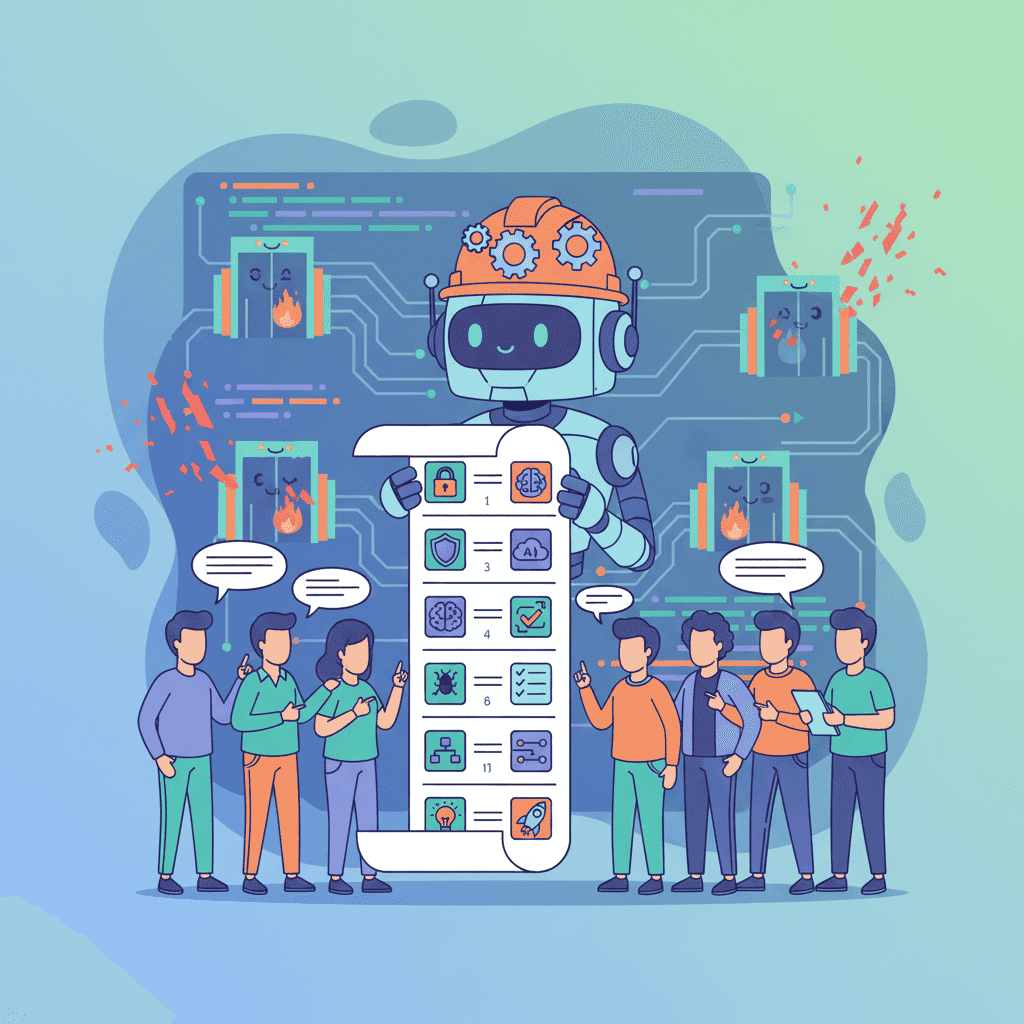
So you've been vibe coding. You've shipped a landing page in 20 minutes, generated a dashboard over lunch, and honestly? It feels like magic. But here's what nobody tells you at the AI-assisted development party: 45% of AI-generated code contains security vulnerabilities. That's not a typo. Nearly half.
I'm going to give you a vibe coding security checklist that you can actually use—15 steps that'll catch the nasty stuff before it bites you. No fluff, no enterprise jargon. Just practical checks you can run before hitting deploy.
Why Most Vibe Coders Get Security Wrong
Let me be blunt: the speed that makes vibe coding amazing is also what makes it dangerous. When you're shipping features in minutes instead of days, security reviews often get... skipped.
And the AI assistants? They're trained on a mix of secure code, outdated tutorials, and yeah—some pretty terrible Stack Overflow answers from 2014. The models don't know the difference. They'll happily generate code that "works" but leaves your app wide open.
Here's what's been happening in 2025:
| Incident | Impact | Root Cause |
|---|---|---|
| Lovable Security Breach | 170+ apps exposed | Hardcoded credentials in generated code |
| SaaStr Database Deletion | Complete data loss | Insufficient auth checks |
| CurXecute CVE | Remote code execution | Unsanitized user input |
| Claude DNS Exfiltration | Data leakage | Malicious dependency injection |
These aren't hypotheticals. These happened to real projects, built by developers just like you.
The 15-Step Vibe Coding Security Checklist
Alright, let's get into it. I've organized these into five categories. Bookmark this page—you'll want to come back to it.

Input Validation (Steps 1-3)
Step 1: Validate All User Inputs
AI loves to trust user input. It'll generate forms that pass values straight to your database without a second thought.
Check every form, search bar, and URL parameter. Ask yourself: What happens if someone enters <script>alert('hacked')</script> here?
Look for patterns like this in your generated code:
That's a SQL injection waiting to happen. Even for frontend-only projects using tools like Fardino, you need to sanitize before sending to any backend.
Step 2: Sanitize Data Before Rendering
This is the XSS prevention step. AI-generated React code often uses dangerouslySetInnerHTML without understanding why it's called "dangerous."
Search your codebase for:
dangerouslySetInnerHTMLinnerHTML- Direct string interpolation in HTML
If you find them, either remove them or ensure you're using a sanitization library like DOMPurify.
Step 3: Check for XSS Vulnerabilities
Beyond the obvious innerHTML issues, look for:
- User content rendered without escaping
- URL parameters displayed on page
- Form values reflected back to users
Quick test: Try entering "><img src=x onerror=alert(1)> into any input field. If you see an alert box, you've got problems.
Authentication & Authorization (Steps 4-6)
Step 4: Review Authentication Logic
AI generates auth code that looks right but often isn't. I've seen generated login forms that:
- Store passwords in plain text
- Use client-side only validation
- Create JWTs with no expiration
- Use
secret123as the signing key (not joking)
If you're building auth flows, this is the one place I'd say: don't vibe code it. Use established libraries like NextAuth, Auth0, or Clerk.
Step 5: Verify Authorization Checks
Authentication is "who are you?" Authorization is "what can you do?"
AI frequently forgets authorization. It'll generate an admin panel that's accessible to anyone who guesses the URL. Check every route and component:
- Is there a user role check?
- Can a regular user access admin functions?
- Are API endpoints protected on the server side, not just hidden in the UI?
This aligns with vibe coding best practices—always verify, never assume.
Step 6: Audit API Key Handling
This one makes me cringe every time. AI assistants will happily put your API keys directly in frontend code:
Search your entire codebase for:
- Any string starting with
sk-,api_,key_ - Hardcoded URLs with query parameters
.envfiles committed to git
If you're using frontend builders, remember: anything in client-side code is visible to anyone who opens DevTools.
Dependency Security (Steps 7-9)
Step 7: Check Dependency Vulnerabilities
Run this before every deploy:
AI generates code with dependencies, and those dependencies have dependencies. Somewhere in that tree, there's probably a vulnerability.
For a quick fix on most issues:
For serious projects, integrate Snyk or Dependabot into your workflow.
Step 8: Remove Hallucinated Packages
This is a weird one, but it happens more than you'd think. AI sometimes invents packages that don't exist—or worse, imports packages that exist but aren't what it thinks they are.
Attackers have actually started creating malicious packages with names that AI commonly hallucinates. Check that every package in your package.json:
- Actually exists on npm
- Has meaningful download counts
- Is the package you think it is
If you see something like react-utils-helper-pro with 12 downloads, that's a red flag.
Step 9: Update Outdated Libraries
AI training data has a cutoff. The code it generates might use library versions from 2023 with known vulnerabilities.
Pay special attention to:
- Any package with a major version bump available
- Security-related packages (auth, crypto, sanitization)
- Packages with published CVEs
Data Exposure Prevention (Steps 10-12)
Step 10: Review Error Messages
AI-generated error handling often exposes too much:
Attackers love detailed error messages. They reveal your stack, database structure, and internal logic. In production, errors should be generic: "Something went wrong. Please try again."
Step 11: Check Console Logs for Sensitive Data
Seriously. Open DevTools and check what's being logged.
AI loves console.log for debugging and often forgets to remove them. I've seen production apps logging:
- User passwords
- API responses with PII
- Full authentication tokens
- Database queries
Search for console.log and review each one before shipping.
Step 12: Validate Environment Variables
Your .env file should contain secrets. Your frontend code should not.
Check that:
.envis in.gitignore- Only
NEXT_PUBLIC_orVITE_prefixed vars are used client-side - No sensitive keys are exposed in browser bundles
Run a build and grep the output for any strings that look like keys.
Testing & Deployment (Steps 13-15)
Step 13: Test Edge Cases
AI generates code for the happy path. It rarely considers:
- What if the user submits an empty form?
- What if the API returns null?
- What if the array is empty?
- What if someone pastes 10MB of text?
Write tests for the weird cases. Or at minimum, manually try to break your own app before someone else does.
Step 14: Run Security Scanning Tools
Automate what you can. Here are tools that actually help:
| Tool | What It Does | Cost |
|---|---|---|
| npm audit | Checks dependency vulnerabilities | Free |
| Snyk | Dependency + code scanning | Free tier |
| ESLint Security Plugin | Catches code patterns | Free |
| OWASP ZAP | Automated penetration testing | Free |
| Semgrep | Pattern-based code analysis | Free tier |
A quick security scan takes 5 minutes. Fixing a breach takes weeks.
Step 15: Review Before Deploying
This is the meta-step. Before you hit deploy:
- Did you run through steps 1-14?
- Did you review the generated code, not just test if it works?
- Would you be comfortable if a security researcher looked at this?
If you're vibe coding seriously, consider adding a context engineering step where you explicitly tell the AI to prioritize security in its generations.
Recommended Security Tools for Vibe Coders
You don't need a security team. But you do need tools. Here's what I'd actually use:
For dependency scanning:
npm audit(built-in, use it)- Snyk (great free tier, integrates with GitHub)
- Socket.dev (specifically catches supply chain attacks)
For code scanning:
- ESLint with security plugins
- Semgrep (write custom rules for your codebase)
- SonarQube (if you want the full enterprise experience)
For runtime protection:
- Helmet.js (Express security headers)
- Content Security Policy headers
- Rate limiting on all endpoints
What Happens When You Skip the Checklist
I'm not trying to scare you. Well, okay, a little. But here's reality:
The Lovable security incident affected 170 apps because developers shipped AI-generated code without reviewing credential handling. The code "worked"—it just also exposed every user's data.
This is one of the key vibe coding mistakes to avoid. The speed of AI generation creates pressure to ship fast. But shipping vulnerable code fast is worse than shipping secure code slow.
Vibe Code Responsibly
Here's my take: vibe coding security isn't about slowing down. It's about building the checklist into your workflow so security happens automatically.
Print this checklist. Tape it next to your monitor. Run through it every time you're about to deploy AI-generated code. It takes 15 minutes and could save you from explaining to users why their data is on a hacker forum.
The vibe coding security checklist isn't optional anymore. With 45% of AI code containing flaws, the question isn't if you'll generate vulnerable code—it's whether you'll catch it before someone else does.
Now go secure your apps. Your future self (and your users) will thank you.
Want to practice secure vibe coding?
Got an idea? Build it now.
Describe the site or app you want — Fardino turns it into a live website.