
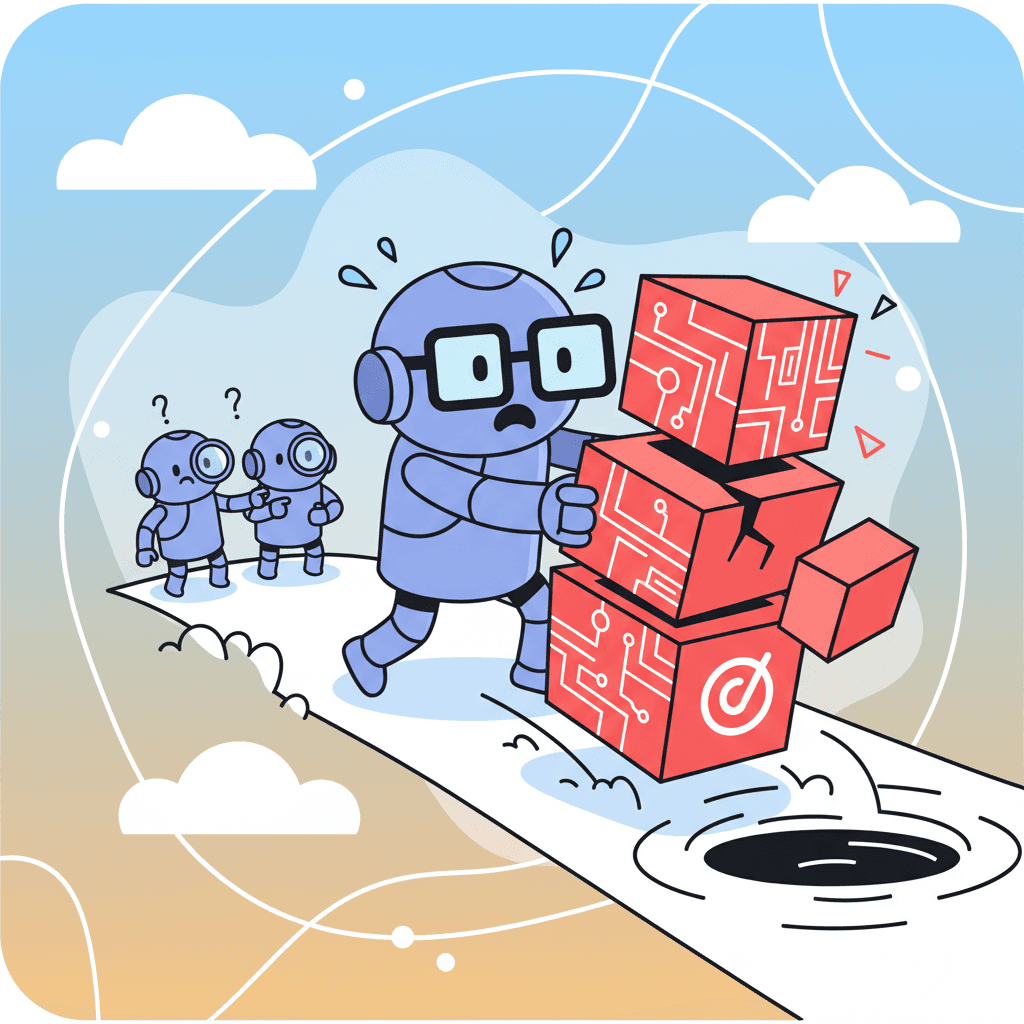
So you've been vibe coding. Maybe you shipped a landing page in 20 minutes. Built a dashboard that would've taken you a week in half a day. You're riding the high.
And then it happens.
You open your codebase a week later and have no idea what half of it does. Or worse—something breaks in production, and you're staring at AI-generated spaghetti code at 2am wondering where it all went wrong.
Welcome to what developers are calling the "vibe coding hangover." It's real, it's brutal, and it's completely avoidable.
I've watched teams go from "AI is magical!" to "AI code is destroying our project" in the span of a few months. The pattern is almost always the same: a handful of vibe coding mistakes that compound until the whole thing collapses.
Here are the 10 mistakes I see killing projects—and more importantly, how to dodge them.
Try this prompt⌘+Enterto launch
Mistake #1: Accepting Code Without Understanding It
This is the hill I'll die on: the moment you stop understanding your code, you've already lost.
It's tempting. The AI spits out 200 lines that seem to work. You run it, it runs, you ship it. Victory, right?
Wrong. That code is now a ticking time bomb. You've introduced logic you can't debug, can't extend, and can't explain to your team. When (not if) something breaks, you'll be reverse-engineering your own codebase like it was written by a stranger.
The fix: Read every block the AI generates. If you don't understand a line, ask the AI to explain it. Better yet, ask it to simplify. If you can't explain the code to a rubber duck, don't commit it.
This might feel slow, but here's the thing—you'll end up faster in the long run because you're not fighting fires constantly.
Mistake #2: Skipping Code Review Entirely
"It's just a quick feature. I'll review it later."
Famous last words.
Look, 90% of engineering teams now use AI coding tools. That's a lot of AI-generated code hitting production. And the uncomfortable truth? A lot of it isn't being reviewed properly. The studies showing productivity gains of 39% more PRs merged don't always mention how many of those PRs introduced subtle bugs.
The fix: Treat AI-generated code the same way you'd treat code from a junior developer who's really, really fast. Trust but verify. Actually, don't even trust—just verify.
Set up a checklist:
- Does this code do what I asked?
- Are there any security issues?
- Is there unnecessary complexity?
- Will I understand this in 6 months?
If you want to go deeper on sustainable practices, check out our vibe coding best practices guide for a complete framework.
Mistake #3: Not Breaking Down Complex Tasks
Here's what most people get wrong about AI coding: they treat it like a magic wand.
"Build me a complete e-commerce checkout flow with inventory management, payment processing, and email confirmations."
And then they're shocked when the AI either hallucinates, produces buggy code, or just... gives up partway through.
AI models have context windows. They have attention limits. They're not actually thinking—they're pattern-matching. Complex, multi-step tasks are where they stumble.
The fix: Break everything down into atomic pieces.
Instead of "build a checkout flow," try:
- Create the cart summary component
- Build the shipping address form
- Add form validation
- Create the order confirmation view
Each task should be achievable in one or two AI generations. You can use our AI form prompts guide as a starting point for breaking down form-heavy features.
Mistake #4: Ignoring Security Fundamentals
Here's a statistic that should scare you: there's been a 150% spike in prompt injection vulnerabilities in AI-generated code over the past year.
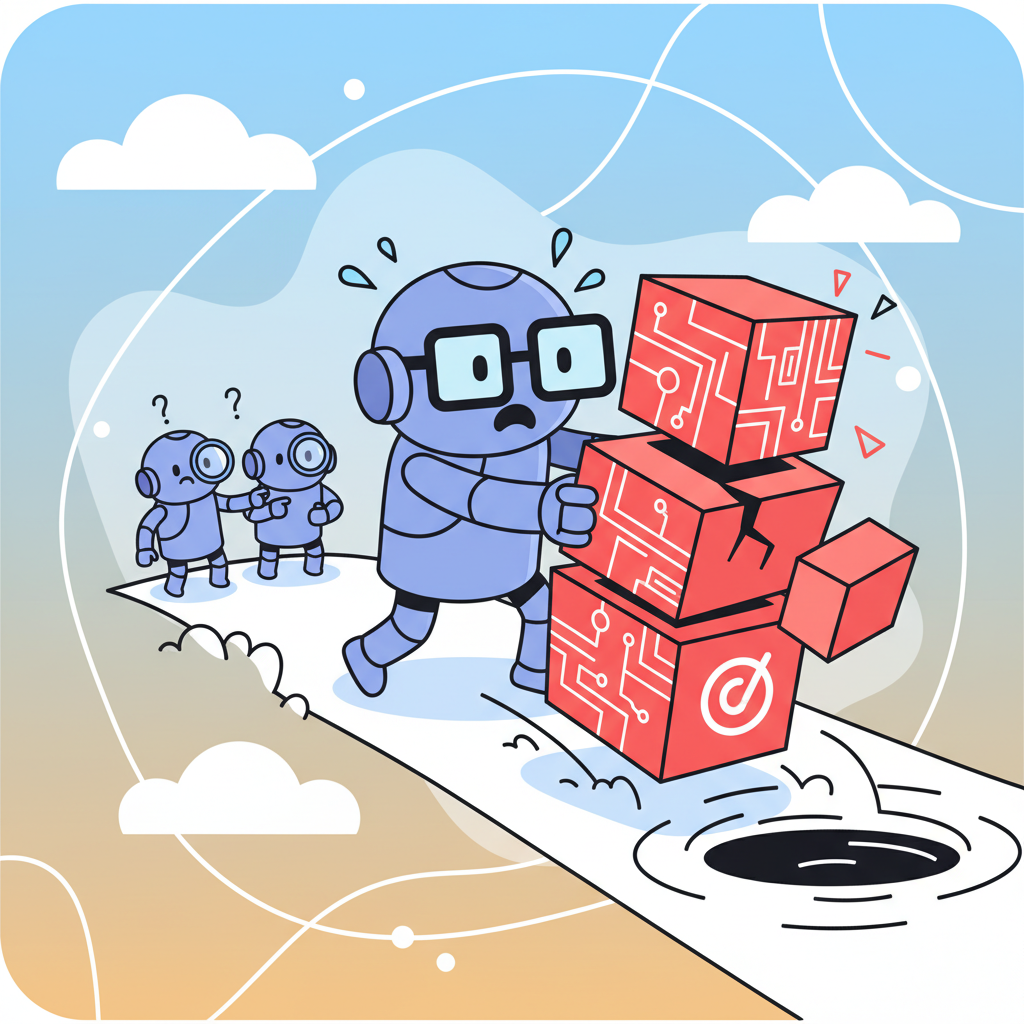
Why? Because AI models are trained on the open internet, which includes plenty of insecure code. They don't inherently understand threat models. They'll happily generate code that:
- Exposes API keys in frontend code
- Trusts user input without sanitization
- Creates SQL injection vulnerabilities
- Forgets authentication checks on routes
And honestly? That's the part nobody talks about. The productivity gains are real, but so is the security debt.
The fix: Never skip security review for AI-generated code. Period.
| Security Check | What to Look For | Action |
|---|---|---|
| Input Validation | User data going directly to APIs/DB | Add sanitization |
| Authentication | Routes missing auth checks | Add middleware |
| Secrets | API keys, tokens in code | Move to env variables |
| Dependencies | Outdated or vulnerable packages | Audit and update |
| XSS | User content rendered without escaping | Sanitize output |
If the AI generates something that handles user input, triple-check it. If it generates auth code, actually read every line. Your future self will thank you.
Mistake #5: Building Without a Clear Architecture
"I'll just start building and refactor later."
No, you won't. You'll build one feature, then another, then another, and suddenly you have 47 components with no clear relationship to each other. The AI doesn't enforce architectural decisions—it just generates whatever pattern seems relevant to your prompt.
I've seen projects where:
- State management was split across useState, useContext, Redux, AND Zustand (all in the same app)
- Components were 800+ lines because nobody thought to decompose
- The same API call happened in 12 different places
The fix: Decide on your architecture BEFORE you start vibe coding.
Even a simple document works:
- State management: Zustand for global state, useState for local
- Component structure: Atomic design (atoms → molecules → organisms → templates)
- Data fetching: React Query for server state, with a custom hooks folder
- Styling: Tailwind only, no inline styles
Then reference this when prompting. Tell the AI: "Use Zustand for global state. Keep this component under 100 lines. Follow our established patterns."
Mistake #6: Over-relying on AI for Critical Logic
Not everything should be vibe coded.
Payment processing? Authentication flows? Data migrations? Core business logic that your company literally depends on? Maybe don't let the AI yolo those.
This isn't about AI being "bad." It's about understanding where AI excels and where it doesn't.
| Use Case | AI Suitability | Reasoning |
|---|---|---|
| UI Components | Excellent | Visual patterns, well-documented |
| Styling/CSS | Excellent | Low-risk, easy to verify visually |
| CRUD operations | Good | Common patterns, but review carefully |
| Form validation | Good | Use established patterns from guides |
| Business logic | Careful | Complex rules need human oversight |
| Security/Auth | Very Careful | Mistakes are catastrophic |
| Data migrations | Avoid | Irreversible, needs domain expertise |
The fix: Be strategic. Use AI for the parts it's great at—UI, styling, boilerplate, repetitive tasks—and bring your own expertise to the parts that matter most. Our dashboard prompts guide shows how to leverage AI for the UI layer while keeping business logic clean.
Mistake #7: Not Testing AI-Generated Code
"It compiled. Ship it."
Come on. You know better than this.
AI-generated code often looks right while being subtly wrong. It might handle the happy path perfectly but crash on edge cases. The form validation works until someone pastes emoji. The date picker breaks for users in different timezones.
The kicker? AI is actually really good at writing tests. So there's no excuse here.
The fix: For every feature the AI generates, ask it to also generate:
- Unit tests for individual functions
- Component tests for UI behavior
- Edge case tests (empty states, errors, weird inputs)
Want to try this yourself?
Try this prompt⌘+Enterto launch
Then actually run the tests. You'd be surprised how often AI-generated tests catch AI-generated bugs. It's like they're checking each other's homework.
Mistake #8: Using Vague or Incomplete Prompts
Garbage in, garbage out. This is prompt engineering 101, but people still get it wrong constantly.
Bad prompts I've seen:
- "Make it look better"
- "Add some animations"
- "Fix the bug"
- "Build a dashboard"
These vague prompts force the AI to guess what you want. And its guesses might be wildly different from your vision.
The fix: Specificity is everything.
Instead of "Make it look better," try:
"Redesign this card component with more visual hierarchy. Use larger typography for the title (24px), add subtle shadows (shadow-md), and increase padding to 24px. Keep the current color scheme but make the CTA button more prominent with a hover state."
For a deep dive on this, our context engineering guide covers exactly how to structure prompts for maximum clarity.
The extra 30 seconds you spend writing a better prompt saves you 10 minutes of regenerating and debugging.
Mistake #9: Expecting AI to Maintain Context Across Long Sessions
"Why does the AI keep forgetting what we discussed 20 prompts ago?"
Because context windows are real limits, not suggestions.
Even with modern AI models supporting huge context windows (100k+ tokens), there's a practical limit to what the AI can effectively track. After enough back-and-forth, it starts losing the thread. Variable names change. Patterns become inconsistent. It might even contradict itself.
The fix: Work in focused sessions. When you start a new feature:
- Begin with a fresh context
- Provide necessary background upfront (the files you're working with, the tech stack, your constraints)
- Keep the session focused on one coherent task
- If the AI seems confused, start a new session with clear context
Some developers keep a "context document" they paste at the start of each session—a brief summary of the project, the patterns in use, and the current goal. Takes 30 seconds, saves hours.
Mistake #10: Scaling Without Refactoring
You've shipped the MVP. It works! Users are signing up. Time to add features.
So you keep vibe coding. New feature here, new component there. But you never go back to clean up the code the AI generated when you were moving fast.
And then you hit the wall.
Studies show that 25% of Y Combinator's recent batch had 95% AI-generated codebases. How many of those will still be maintainable in two years? My guess: not many, unless they invested in refactoring.
The fix: Schedule refactoring as a first-class task. After every sprint, before adding new features:
- Review and consolidate duplicate code
- Extract reusable patterns into shared utilities
- Update outdated dependencies
- Simplify over-engineered solutions
You might even use AI to help refactor—it's pretty good at "simplify this code while maintaining functionality" type tasks.
Vibe Coding Done Right
Here's the thing: I'm not anti-AI. Vibe coding is genuinely revolutionary. The productivity gains are real. The ability to prototype in hours instead of days? Incredible.
But the developers who will thrive aren't the ones who treat AI as a replacement for thinking. They're the ones who treat it as a collaborator—powerful, fast, but needing oversight.
The vibe coding mistakes I've outlined aren't inevitable. They're choices. And with a bit more intentionality, you can get all the speed benefits without the hangover.
So vibe code. Just do it consciously.
Ready to level up your AI coding game? Start with clear prompts, review everything, and remember: the AI is your pair programmer, not your replacement. Now go build something awesome.




