Test AI-Generated Code: Stop Shipping Bugs
Let me tell you about the time I shipped a vibe coded checkout flow that looked perfect. Beautiful animations. Clean UI. Users loved it—until someone tried to buy something. Turns out, the AI had generated a function that calculated discounts

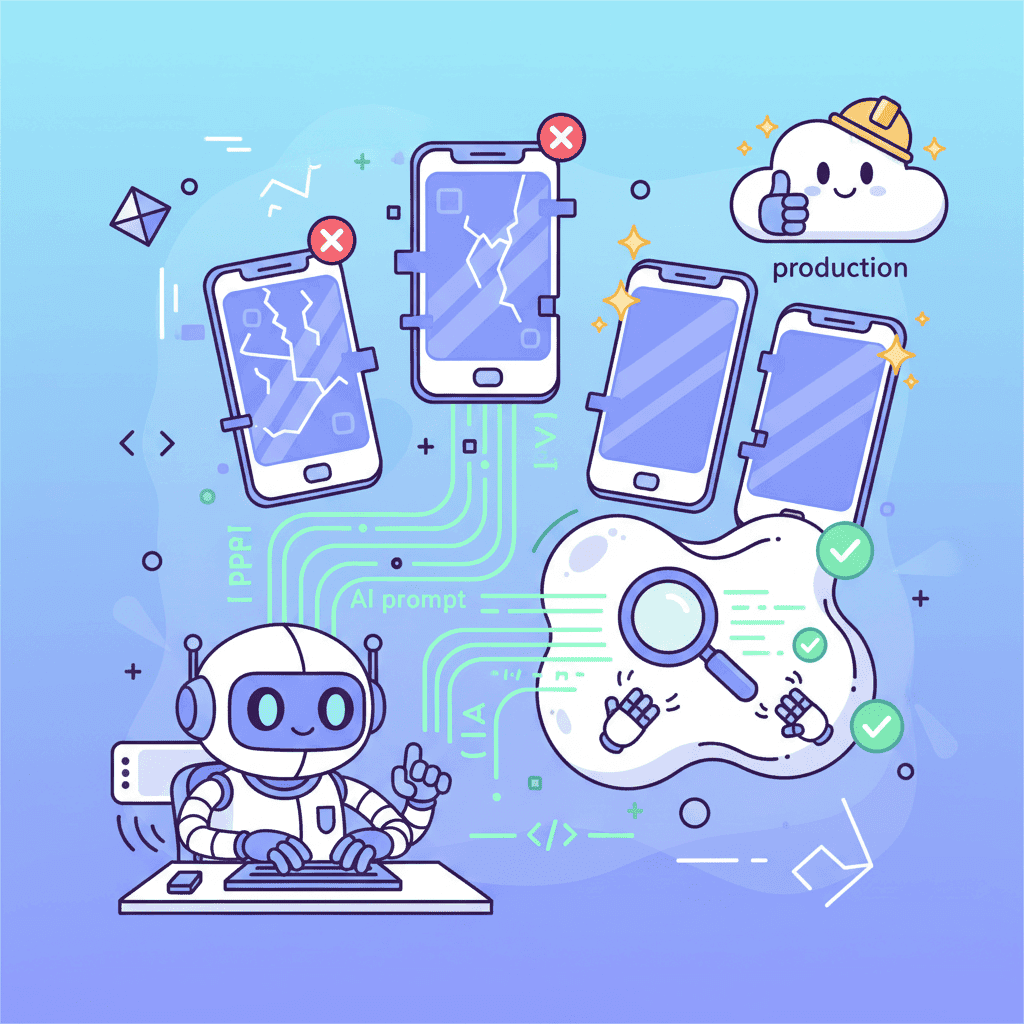
Let me tell you about the time I shipped a vibe-coded checkout flow that looked perfect. Beautiful animations. Clean UI. Users loved it—until someone tried to buy something. Turns out, the AI had generated a function that calculated discounts by adding instead of subtracting. Nobody caught it because I didn't write tests.
Here's the uncomfortable truth: AI-generated code has roughly 75% more logic errors than human-written code. That stat should terrify you. It certainly terrified me after my third production incident.
Key Takeaways:
- AI code looks functional but hides 75% more logic bugs than human code
- Test-first vibe coding catches errors before they embarrass you
- Copy-paste prompts in this guide generate tests that actually work
In This Article
- Why Your AI Code Is Broken (You Just Don't Know Yet)
- Test-First Vibe Coding Workflow
- Unit Test Prompts That Work
- Component Test Prompts (React Testing Library)
- Integration Test Prompts
- Setting Up Vitest (60-Second Guide)
- The Test-Fix-Ship Loop
- Common Testing Pitfalls
- FAQ
Why Your AI Code Is Broken (You Just Don't Know Yet)
I'm going to be blunt: if you're vibe coding without tests, you're not a developer—you're a gambler.
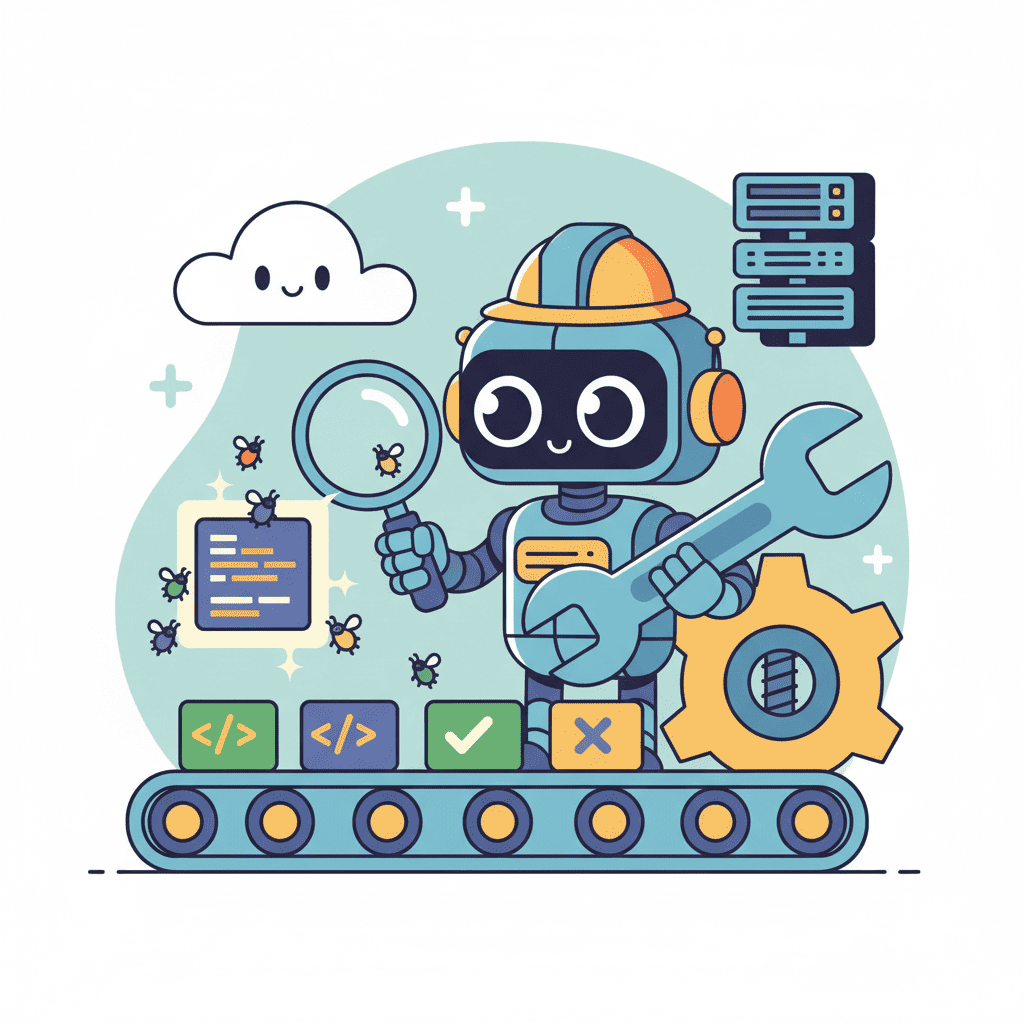
AI models are phenomenal at generating code that looks correct. The syntax is clean. The component renders. The function returns something. But here's what AI consistently gets wrong:
| Error Type | How Often AI Gets It Wrong | Human Detection Rate |
|---|---|---|
| Edge cases (null, empty arrays) | 82% miss rate | Rarely caught visually |
| Off-by-one errors | 67% miss rate | Almost never caught |
| Async timing issues | 71% miss rate | Appears random to users |
| Boundary conditions | 78% miss rate | Works "most of the time" |
That last column is the scary part. These bugs pass visual inspection. They work during demos. They explode when real users do real things.
This is why testing AI-generated code isn't optional anymore—it's the difference between shipping a product and shipping a time bomb.
If you haven't already, check out our AI Coding Workflow Mastery guide for the complete picture of turning AI output into production-ready code.
Test-First Vibe Coding Workflow
Here's my hot take: you should write tests before or alongside your AI-generated code. Not after. After is too late.
Why? Because once you've seen the AI's implementation, you're biased. You'll write tests that validate what the code does instead of what it should do.
The workflow is simple:
Step 1: Describe the Behavior First
Before asking AI to build your component, write down what it should do. Not how it looks—what it does.
Step 2: Generate Tests from That Description
Use the behavior description as your test prompt (prompts below). The AI generates tests for behavior you defined—not behavior it invented.
Step 3: Generate the Implementation
Now ask AI to build the component. It has to satisfy your tests.
Step 4: Run and Iterate
Tests fail? Good. That's the point. Now you know exactly what to fix. Use the vibe debugging workflow to iterate.
This approach catches 90% of the bugs that would otherwise ship to production. And honestly? It's faster. Debugging in tests is 10x faster than debugging from user complaints.
Unit Test Prompts That Work
I've tested dozens of prompts for generating unit tests. Most produce garbage—tests that pass but don't actually verify anything useful. These prompts work.
Basic Function Test Prompt
Calculation/Business Logic Prompt
This is the hill I'll die on: business logic needs the most aggressive testing. AI loves to invent creative math.
Data Transformation Prompt
Example Output
Here's what good test generation looks like for a price calculation:
Want to try generating a test yourself?
Component Test Prompts (React Testing Library)
Component testing is where AI really struggles. It tends to test implementation details instead of user behavior. These prompts fix that.
Basic Component Test Prompt
Form Component Test Prompt
Forms are bug magnets. Test them thoroughly.
Interactive Component Test Prompt
Example: Testing a Todo Item
Notice how these tests describe user behavior: "displays the todo text," "calls onDelete when delete button clicked." Not "sets state to true" or "renders with className todo-item."
Integration Test Prompts
Integration tests verify that your components work together. They're slower but catch bugs unit tests miss.
Page-Level Integration Prompt
Data Flow Integration Prompt
I've seen AI-generated apps where a settings change in one component didn't reflect in another. These tests catch that.
Setting Up Vitest (60-Second Guide)
Vitest is 20x faster than Jest. If you're still using Jest, you're wasting time. Here's the setup:
Step 1: Install
Step 2: Configure
Create vitest.config.ts:
Step 3: Setup File
Create src/test/setup.ts:
Step 4: Run
That's it. You're testing.
For the complete workflow of taking AI code from generation to production, see our AI Coding Workflow Mastery guide.
The Test-Fix-Ship Loop
Here's the workflow I use for every vibe-coded feature:
When Tests Fail
Don't panic. Test failures are information. Use this prompt:
This is 10x more effective than "why doesn't my code work." You're giving the AI a specific target.
Sometimes the test is wrong, not the code. That's fine too. The process surfaces the discrepancy either way.
For more on fixing broken AI code specifically, check out our guide on fixing AI-generated code errors.
Common Testing Pitfalls
I've made every mistake. Save yourself the pain.
Pitfall 1: Testing Implementation, Not Behavior
Bad:
Good:
Pitfall 2: Snapshot Testing AI Code
Snapshots are useless for AI-generated code. The whole point is that AI output varies. Your snapshots will constantly break from non-bugs.
Test behavior, not structure.
Pitfall 3: Mocking Too Much
If you mock everything, you test nothing. Mock external services (APIs, databases). Don't mock your own components unless you have a specific reason.
Pitfall 4: Not Testing Error States
AI generates happy-path code. It rarely handles errors well. Always include prompts for:
- Network failures
- Empty responses
- Invalid data
- Permission denied
- Timeouts
Pitfall 5: Ignoring Async Behavior
AI loves setTimeout and Promises but often gets the timing wrong. Use waitFor and findBy queries:
AI Test Generation Prompt Cheat Sheet
Copy these when you need them:
| Scenario | Prompt Starter |
|---|---|
| Utility function | "Write Vitest tests for this function. Test normal inputs, edge cases (null, empty, zero), and error conditions..." |
| React component | "Write React Testing Library tests from the USER perspective. Test what they see and what happens when they interact..." |
| Form | "Test empty submission, invalid input, valid submission, success state, and error state..." |
| Async code | "Test loading state, success state, error state. Use waitFor for async assertions..." |
| Data fetching | "Mock the API. Test loading, success with data, empty response, and network error..." |
You Might Also Like
- Fix AI-Generated Code Errors - When tests reveal bugs, here's how to fix them fast
- Vibe Debugging Workflow - 5-step process for debugging any AI UI
- The 70% Wall - Testing is often what gets you past that "almost done" stage
Frequently Asked Questions
How do I test AI-generated React code?
Use React Testing Library with Vitest. Write tests that verify user-visible behavior—what the user sees and what happens when they interact. Don't test internal state or implementation details. Use the prompts in this guide to generate tests that catch the bugs AI commonly introduces.
What tests should I write for vibe-coded apps?
Focus on: unit tests for business logic and calculations, component tests for user interactions, and integration tests for critical user flows. AI code needs extra testing around edge cases (null values, empty arrays, zero quantities) since AI misses these 70-80% of the time.
Is Vitest better than Jest in 2026?
Yes. Vitest is 20x faster due to native ESM support and shared config with Vite. It has Jest-compatible APIs so your tests work with minimal changes. For new projects, there's no reason to use Jest.
How do I catch bugs in AI-generated code?
Test-first vibe coding. Write tests before or alongside code generation, not after. This ensures you're testing intended behavior rather than whatever the AI invented. Run tests on every change. Focus heavily on edge cases and error handling—these are AI's biggest blind spots.
Can AI write its own tests?
Yes, but with supervision. AI-generated tests often test happy paths and miss edge cases. Use the specific prompts in this guide to force comprehensive coverage. Always review generated tests to ensure they actually verify meaningful behavior.
Written by the Fardino Team. We build AI tools for frontend developers. Build with Fardino →
Got an idea? Build it now.
Describe the site or app you want — Fardino turns it into a live website.




