Build a Hair Salon Website in One Afternoon
Picture this: it's 10pm on a Thursday. Your salon closed three hours ago. Somewhere across town, a woman just got a last minute invite to a wedding on Saturday. She needs a blowout and highlights — fast. She grabs her

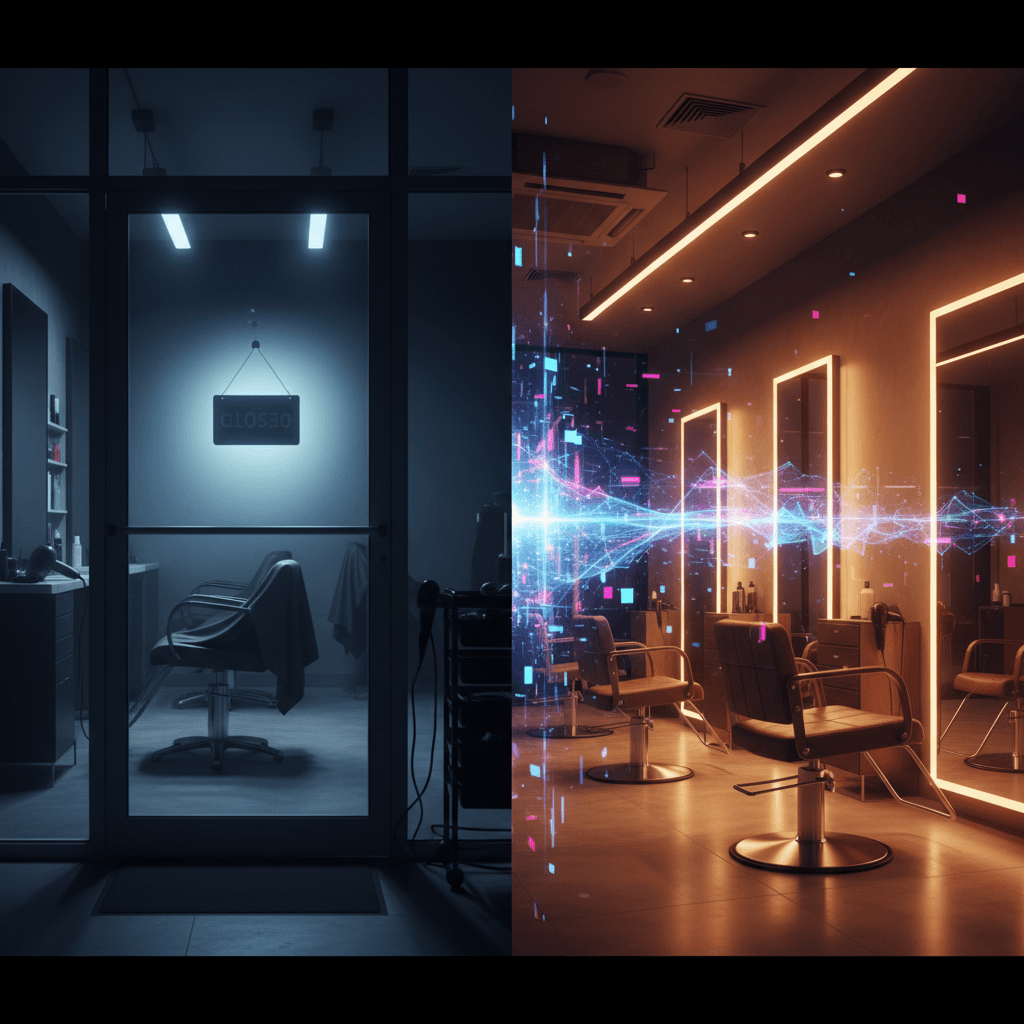
Picture this: it's 10pm on a Thursday. Your salon closed three hours ago. Somewhere across town, a woman just got a last-minute invite to a wedding on Saturday. She needs a blowout and highlights — fast. She grabs her phone and starts searching "hair salon near me" and "hair salon Austin Saturday appointment."
Your Facebook page from 2019 comes up. No booking button. No prices. No hours. She moves on to the next result.
That's the real cost of not having a proper website for your hair salon. Not lost bragging rights — lost bookings, happening while you sleep.
The good news: you can fix this today. No developer needed. No subscription maze. Just you, your phone, and about two or three hours this afternoon.
Key Takeaways:
- 46% of salon appointments are booked outside business hours — a real website with a booking button catches them
- Your site needs five things: hero section, service menu, before/after gallery, booking widget, and your location
- AI builders can scaffold your entire salon site from a single description — no dragging and dropping required
- Fresha and Square Appointments both have free tiers that embed directly into any website
In This Article
- What Your Salon Site Actually Needs
- Step 1: Describe Your Salon to AI
- Step 2: Build Your Before/After Gallery
- Step 3: Add Online Booking
- Step 4: Write Your Service Menu
- Step 5: Go Live
- What Changes After Launch
- FAQ
What Your Salon Site Actually Needs
Here's what most tutorials get wrong: they tell you to build a ten-page website with a blog, an FAQ, a team page, a contact form, a popup, and an email newsletter. That's a website for a marketing agency, not a two-chair salon in Phoenix.

For a website for your hair salon, you need exactly five things:
- A homepage that makes a strong first impression. A great photo, your salon name, and a "Book Now" button visible without scrolling.
- A services page with real prices. People leave without booking when they can't see what things cost. Don't make them guess.
- A before/after photo gallery. This is the single biggest conversion driver for salon sites. More on this in a minute — don't skip it.
- An embedded booking widget. Not a "call us to book" link. An actual calendar they can click and reserve a slot.
- Your location and hours. Sounds obvious. But you'd be amazed how many salon websites make this embarrassingly hard to find.
That's it. Everything else — stylist bios, blog posts, a gallery page for each service — is optional for launch day. Add it later when you have ten free minutes, not as a reason to delay.
If you want the full playbook for getting any small business online with AI, the Small Business Website Playbook covers salons, restaurants, clinics, freelancers — the works.
Step 1: Describe Your Salon to AI
The fastest way to get a website for your hair salon built is to describe what you want in plain English and let an AI builder generate the layout. No templates to wrestle with, no grid columns to resize, no color-picking paralysis.
Here's the prompt that works. Fill in the bracketed parts:
"Build a modern hair salon website for [Salon Name] in [City]. Include: a hero section with a tagline and 'Book Now' button, a services page with prices (haircut, color, highlights, blowout), a before/after photo gallery organized by service type, stylist profiles with bio and specialty, an embedded online booking section, Google Maps location, and contact form. Color palette: warm neutrals with a bold accent color. Mobile-first design."
An AI builder will turn that description into a complete layout — header, sections, placeholder text, colors — in about 30 seconds. Then you go in and swap the placeholder content for your actual salon name, your stylists' real bios, and your actual prices. That part takes maybe 20–30 minutes of editing, not building from scratch.
For the step-by-step workflow of building any website with AI start-to-finish, this guide covers it in under 10 minutes.
Step 2: Build Your Before/After Gallery
This is the section most salon owners skip — and it's the most expensive mistake you can make on your site.

Before/after photos aren't just pretty. They're proof. When someone is deciding whether to spend $180 on highlights, they want to see what you're capable of before they pick up the phone. A gallery full of real transformations does more selling than any amount of text on the page.
Your photo checklist — shoot these on your phone today:
- 1 balayage or highlights transformation (before and after from the same angle)
- 1 haircut transformation — a significant length change works best
- 1 color correction or toning result
- 1 blowout or styling shot (after only is fine here)
- Your salon interior — the chairs, the vibe, any detail shots
- At least one stylist portrait, ideally mid-work
Aim for 6–10 photos minimum. You don't need all of these on day one, but get what you can today.
Shooting tips for non-photographers: Stand your client at a window or under clean overhead light. Natural light beats fluorescent salon lighting almost every time. Most importantly — shoot from the same angle for the before and after. That's what makes the transformation obvious. Portrait mode on your iPhone or Android is more than enough.
In your AI website builder, look for a "Gallery" or "Portfolio" section. Most have a built-in before/after slider — you upload both images and it handles the sliding animation automatically. If not, a clean grid of labeled before/after pairs works just as well.
And honestly? Six decent phone photos will outperform an empty gallery every single time. Don't let "I'll do it properly later" be the reason you launch without any photos at all.
Step 3: Add Online Booking
Here's the thing most people get wrong: don't try to build a booking system into your site. Use one of the tools below, get an embed code or a booking link, and drop it into your "Book Now" button. They handle the calendar, reminders, confirmations, and even payment collection. You just show up for the appointment.
| Booking Tool | Cost | Best For |
|---|---|---|
| Fresha | Free (% cut on retail product sales only) | Solo stylists and small teams |
| Square Appointments | Free for 1 stylist, $29/mo for teams | Salons already on Square POS |
| Vagaro | From $30/mo | Multi-stylist salons needing full management |
| Calendly | Free basic, $10/mo pro | Budget-first option, simple scheduling |
For most single-chair or two-chair salons getting their first website up, Fresha is the right call. It's genuinely free — they make money when you sell retail products through their platform, not on your bookings. The setup is straightforward, clients can book from their phone in under a minute, and it automatically sends booking confirmations and reminders.
Square Appointments is the better fit if you're already running payments through Square — it keeps everything in one system and the free tier covers a solo stylist.
Vagaro is powerful but overkill until you're managing four-plus stylists and need payroll tracking, inventory management, and integrated marketing tools. Starting out? Save the $30/month.
The number that matters: About 46% of salon appointments get booked outside business hours. That's not a rounding error — that's nearly half your potential clients booking at 10pm, at 7am before work, during someone's lunch break. If you're still relying on people calling the shop during the day, you're literally missing close to half your bookings. A widget runs 24/7 without you having to do anything.
Once you have your Fresha account set up and your services added, grab the booking link and paste it into your site's "Book Now" buttons. No code needed — it's just a link swap.
Step 4: Write Your Service Menu
Keep this simple. Don't overthink it.
Group your services: Cuts, Color, Treatments, Styling. Under each, list the service name and the price (or a range for services that vary). One-line descriptions are optional but help if a service name isn't self-explanatory.
Here's a clean template to start from:
Cuts
- Women's Cut — from $55
- Men's Cut — $35
- Kids' Cut (under 12) — $25
Color
- Full Color — from $85
- Balayage / Highlights — from $120
- Color Correction — starting from $150 (consultation required)
Treatments
- Keratin Treatment — from $150
- Deep Conditioning — $40
Styling
- Blowout — $45–$65
- Updo / Special Occasion — starting from $75
If you're not comfortable posting exact prices, at minimum use "starting from" ranges. People who can't see any pricing will often just leave rather than call to ask — that's a booking you lost for free.
Step 5: Go Live
Three things to do before you share your link anywhere:
1. Connect a real domain. Don't launch on a subdomain like mysalon.aibuilder.com. A real domain — mysalonaustin.com, stylebysarah.com, whatever fits — costs $12–$15 per year and looks ten times more professional. Your builder will walk you through connecting it with no technical knowledge required.
2. Test the full experience on your phone. Open your site on your actual phone. Click every button. Try booking a fake appointment from start to finish. If any step feels broken or hard to use on mobile, fix it before you share the link — 70% of your visitors will be on a phone.
3. Get on Google Maps. Go to Google Maps, search your salon's address, and click "Claim this business." Add your website URL, your hours, and a few photos. When someone searches "hair salon near me," Google shows a map with pins. You want yours on that map. This is free and takes about 10–15 minutes — but you have to do it manually after launch.
Once those three are done: post the link on your Instagram bio, update your Google Business Profile, and text it to your regulars. That's your launch.
What Changes After Launch
Here's what a real scenario looks like: A salon owner in Phoenix launched her site on a Wednesday. The first booking from someone she'd never met came in at 11:43pm that same night. Someone found her through Google, looked at the before/after gallery, checked the prices, saw availability, and booked a full-color appointment — all without any back-and-forth, any phone call, or any effort on her part.
That's the shift. You stop being a shop that takes calls during business hours and become a business that captures bookings around the clock.
Most salons see online bookings reach 30–40% of their total appointments within the first 60 days of having a live booking widget. The single biggest driver of that conversion is the before/after gallery — which is why Step 2 isn't optional.
If you haven't started building yet and want to see the full workflow from idea to live site without touching code, this no-code website guide walks through the complete process.
You Might Also Like
- The Small Business Website Playbook — Build, launch, and get found with AI — the full guide covering salons, restaurants, clinics, and freelancers.
- Build a Website With AI in 10 Minutes — The fastest possible path from zero to a live site using AI website builders.
- No Code AI Website Builder Guide — A complete walkthrough for building any business website without writing a line of code.
Frequently Asked Questions
How do I make a website for my hair salon?
The fastest way is an AI website builder. Describe your salon in plain English — the services you offer, your city, the vibe you want — and the AI generates a full layout in seconds. You replace placeholder content with your real information, add your booking link (Fresha or Square Appointments are both free to start), and connect a domain. Most salon owners finish this in a single afternoon.
What should a hair salon website include?
The non-negotiable five: a homepage with a clear "Book Now" button, a services page with prices, a before/after photo gallery (aim for 6+ photos), an embedded booking widget, and your location with hours. Everything else — blog, detailed stylist bios, FAQ section — can wait until after launch.
How much does a hair salon website cost?
With an AI builder on a free plan and Fresha handling bookings, your only actual cost is a domain name — around $12–$15 per year. Paid builder plans with more features typically run $10–$25/month. The "hire a web developer" route costs $2,000–$5,000+, which is hard to justify for a small salon when the free AI builder gets you 90% of the way there.
Can I add online booking to my salon website for free?
Yes. Fresha is completely free for booking (they take a percentage on retail product sales, not your service appointments). Square Appointments is also free for solo stylists. Both give you an embed code or link you can drop directly into your site's buttons — no developer and no technical knowledge required.
Is Fresha or Vagaro better for a small hair salon?
Fresha is the clear winner for 1–3 stylist salons: it's free, clients love the mobile experience, and it handles reminders and confirmations automatically. Vagaro makes more sense when you have 4+ stylists and need payroll tracking, inventory management, and built-in marketing tools. If you're just getting your first website live, Fresha gets you everything you need without any monthly fee.
How long does it take to build a hair salon website?
Realistically: 2–3 hours for a complete site with booking and a gallery. The AI builder handles the layout in under a minute. You'll spend 20–30 minutes replacing placeholder content with your actual information, 30–45 minutes uploading photos and setting up your booking tool, and another 15–20 minutes connecting your domain and running mobile tests.
Written by the 0xMinds Team — we test AI tools so you don't have to. Build a website with AI →
Got an idea? Build it now.
Describe the site or app you want — Fardino turns it into a live website.