AI Onboarding Flow Prompts That Convert
Here's a stat that should terrify you: 40 60% of users who sign up for your product never come back after their first session. Not because your app sucks. Because your onboarding does. I've built 15 onboarding flows with AI

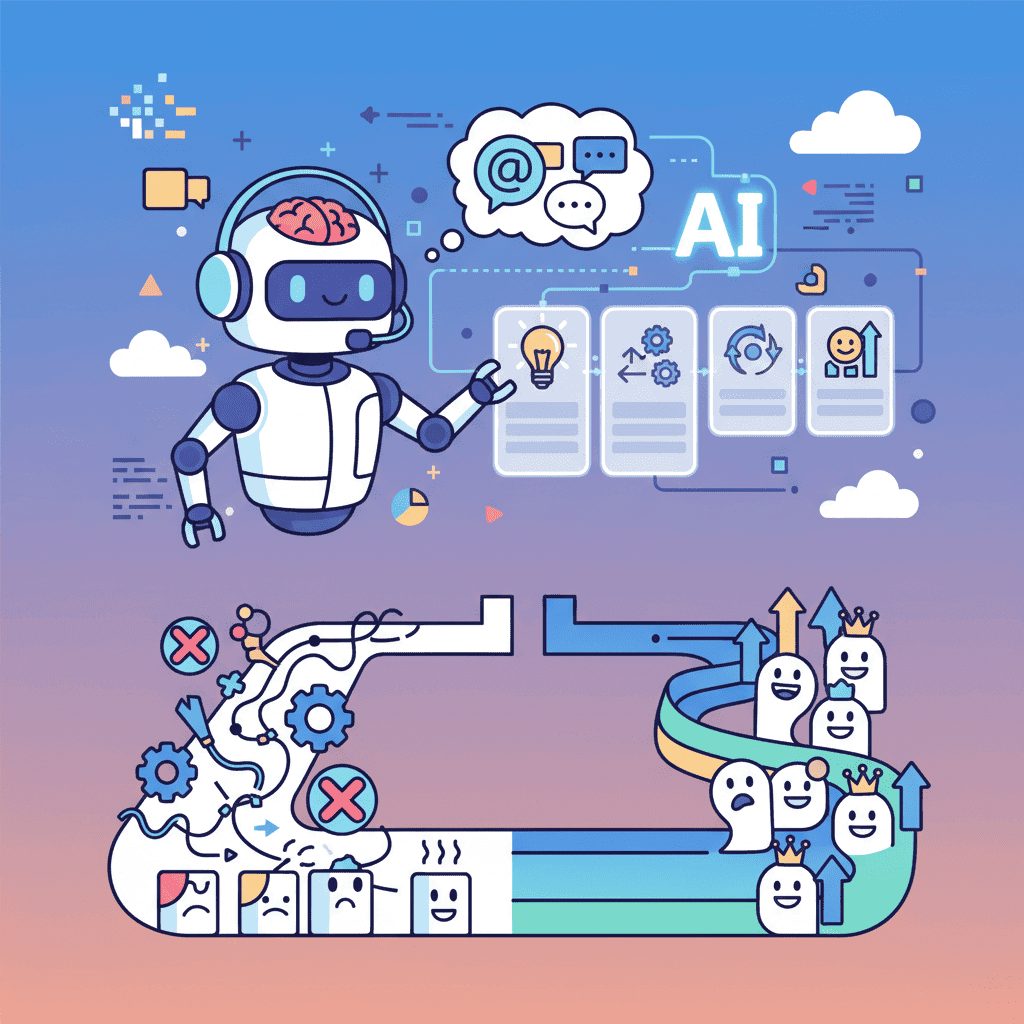
Here's a stat that should terrify you: 40-60% of users who sign up for your product never come back after their first session. Not because your app sucks. Because your onboarding does.
I've built 15 onboarding flows with AI in the past month. Most generated clunky, form-heavy screens that felt like filling out a DMV application. But some prompts? They produced flows that actually felt like a product tour from a $10M startup.
Key Takeaways:
- Good AI onboarding flow prompts require explicit structure—step count, progress indicators, and clear CTAs
- The best flows feel conversational, not like paperwork—personalization beats data collection
- Most prompts fail because they skip empty states and first-use experiences
In This Article
- Why Onboarding UX Makes or Breaks Products
- Anatomy of a Great Onboarding Flow
- Welcome Screen Prompts That Hook
- Step Wizard Prompts (3-5 Steps)
- Progress Indicators and Steppers
- Role Selection and Personalization
- Empty State and First-Use Prompts
- Checklist and Task Completion UI
- Tooltip and Guided Tour Prompts
- Common Mistakes (And Fixes)
- Complete Onboarding Template
- FAQ
Why Onboarding UX Makes or Breaks Products
Let's be blunt: your onboarding flow is the single biggest lever you have for retention. Research shows good onboarding can boost retention by up to 50%. That's not a typo.
The problem? Most developers treat onboarding as an afterthought. "Users will figure it out." Spoiler: they won't. They'll bounce to a competitor who actually guides them to their first win.
This is where AI onboarding flow prompts change the game. You can prototype and test different flows in minutes instead of days. But only if you know what to ask for.
Anatomy of a Great Onboarding Flow
Before we dive into prompts, let's establish what makes onboarding actually work. This is the hill I'll die on: great onboarding has exactly five components.
| Component | Purpose | AI Prompt Focus |
|---|---|---|
| Welcome screen | Build excitement, set expectations | Headline, value prop, single CTA |
| Progressive steps | Collect info without overwhelming | Step indicators, minimal fields per step |
| Personalization | Make users feel seen | Role/goal selection that affects their experience |
| First win moment | Deliver value fast | Empty states that guide to action |
| Reinforcement | Encourage continued engagement | Checklists, progress tracking |
Miss any of these, and you're leaving retention on the table.
Welcome Screen Prompts That Hook
The welcome screen is your one shot to make users feel like they made the right choice. Most AI prompts generate boring, corporate-feeling welcomes. Here's how to fix that.
The Basic Welcome (That Actually Works)
Want to try this yourself?
The Personality-Driven Welcome
When you want to stand out:
The key insight? Telling the AI about the feeling you want produces better results than just describing UI elements. This is something that trips up a lot of developers when getting started with vibe coding.
Step Wizard Prompts (3-5 Steps)
Multi-step onboarding is where most AI prompts completely fall apart. You ask for "a 4-step wizard" and get either a giant form split randomly, or four disconnected screens with no cohesion.
Here's my battle-tested approach:
The Foolproof Step Wizard Prompt
Notice how explicit this is? That's intentional. AI tools excel when you give them clear structure, not vague descriptions.
The Progressive Disclosure Wizard
For apps that need more info without overwhelming:
Want to try this yourself?
Progress Indicators and Steppers
Progress indicators seem simple, but they're psychologically powerful. They give users confidence they won't be stuck forever filling out forms.
The Vertical Timeline Stepper
For more complex onboarding (like multi-step forms):
Role Selection and Personalization
Here's what nobody tells you: personalization isn't about collecting data. It's about making users feel understood. The questions you ask should obviously connect to what they'll experience next.
The Role Selection Grid
Goal-Based Personalization
Empty State and First-Use Prompts
This is the most overlooked part of onboarding. Users finish your wizard, land on the dashboard, and... it's empty. They have no idea what to do next.
Empty states should guide, not just inform.
The Actionable Empty State
First-Use Callouts
Checklist and Task Completion UI
Checklists are addictive. There's something deeply satisfying about checking items off a list. Use that psychology for onboarding retention.
The Sticky Onboarding Checklist
Want to try this yourself?
The Gamified Progress Tracker
For products where engagement is key:
Tooltip and Guided Tour Prompts
Product tours can feel annoying—or incredibly helpful. The difference is timing and relevance.
The Contextual Tooltip System
The Inline Hint System
For ongoing guidance instead of one-time tours:
This pairs well with micro-interactions and animations for a polished feel.
Common Mistakes (And Fixes)
Let's talk about what goes wrong. I've seen these same mistakes dozens of times.
| Mistake | Why It Happens | The Fix |
|---|---|---|
| Too many steps | Collecting every possible data point | Only ask what affects initial experience |
| No progress indicator | Assuming users trust you | Always show where they are and how long it takes |
| Generic welcome | Rushing through mockups | Tell AI the specific emotion you want to evoke |
| Empty dashboard after onboarding | Treating onboarding as isolated | Plan the "first 5 minutes after signup" holistically |
| Skipping mobile | Testing only on desktop | Always specify mobile behavior in prompts |
| No escape hatch | Forcing completion | Include skip options for optional steps |
And honestly? The biggest mistake is overthinking it. Start simple. A 3-step wizard beats a 10-step monster that nobody completes.
Complete Onboarding Template
Here's a full-featured prompt you can customize:
For related patterns, check out our SaaS dashboard and modal and overlay prompts guides.
You Might Also Like
- AI Form Prompts: 35+ Templates for React Forms - Multi-step forms share patterns with onboarding wizards
- Build a SaaS Dashboard with AI - Where your users land after onboarding
- AI Modal Prompts: 30+ Templates That Convert - Welcome screens and popups that work
Frequently Asked Questions
How many steps should an onboarding flow have?
Aim for 3-5 steps maximum. Research shows completion rates drop dramatically after 5 steps. Every step you add should demonstrably improve the user's first experience—if it doesn't, cut it.
What's the difference between onboarding and a product tour?
Onboarding typically happens once, collects initial preferences, and guides users to their first success moment. Product tours explain features and can be re-triggered. Many apps combine both—an initial wizard followed by contextual tooltips.
Should I require users to complete onboarding?
Generally, no. Always provide skip options for non-essential steps. Forcing users through lengthy onboarding increases abandonment. Make the benefits of completing each step clear instead of mandating it.
How do I test if my onboarding is working?
Track completion rates per step, time to first value action (like creating their first project), and 7-day retention comparing users who completed onboarding vs. those who skipped. A/B test different flows to find what works for your audience.
Can I build personalized onboarding based on signup source?
Absolutely. If someone comes from a specific campaign or referral, customize the welcome message and suggested actions. You can pass context through URL parameters and conditionally render different flows.
Written by the Fardino Team. We build AI tools for frontend developers. Build with Fardino →
Got an idea? Build it now.
Describe the site or app you want — Fardino turns it into a live website.




