AGENTS.md: Make AI Actually Get Your Code
Here's the thing nobody tells you about vibe coding: the AI doesn't know your project. At all. You've got a design system. Specific component patterns. That weird naming convention your team agreed on three sprints ago. The AI knows none

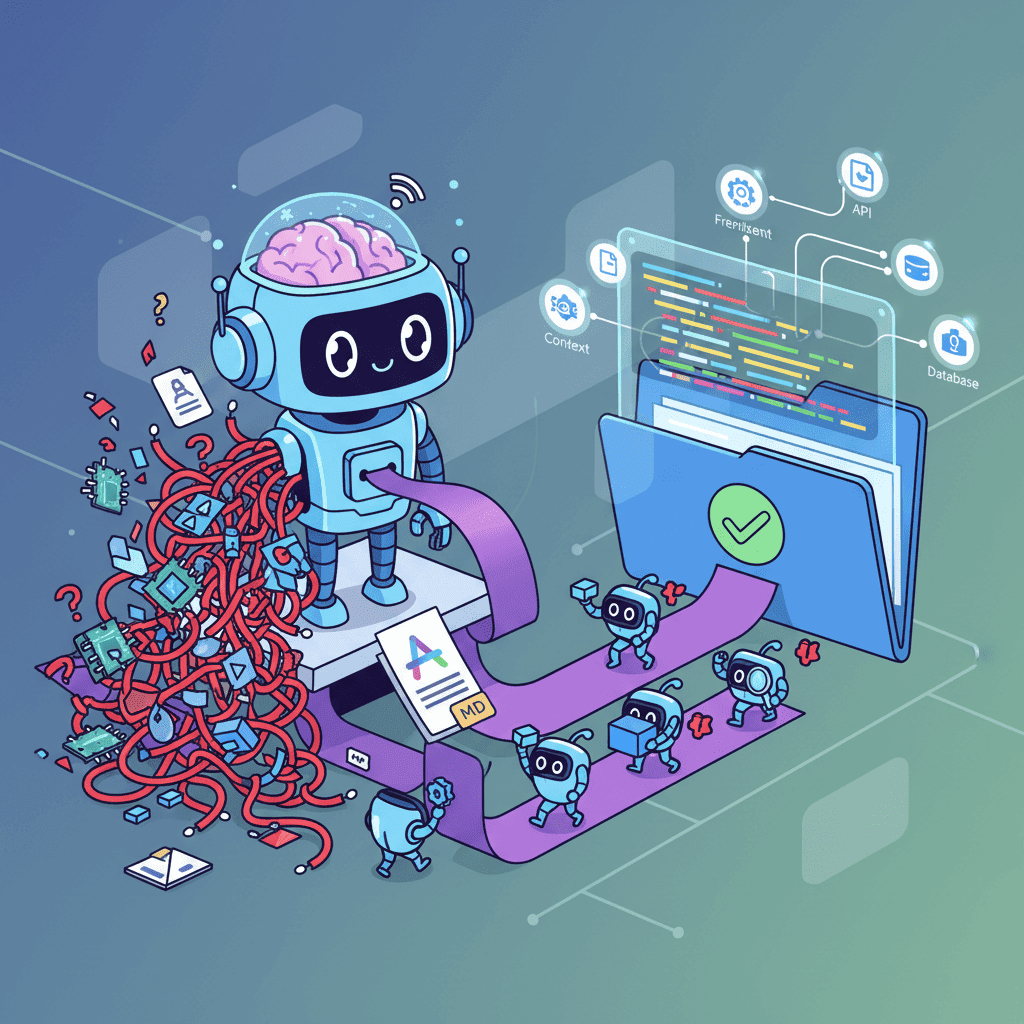
Here's the thing nobody tells you about vibe coding: the AI doesn't know your project. At all.
You've got a design system. Specific component patterns. That weird naming convention your team agreed on three sprints ago. The AI knows none of it. So it generates React components with inline styles when you use Tailwind. It creates buttons that look nothing like your existing ones. It ignores your folder structure entirely.
And then you spend 30 minutes fixing what should've taken 30 seconds.
I kept running into this until I discovered AGENTS.md—a simple markdown file that tells AI tools exactly how your project works. The difference was immediate. Same prompts, dramatically better output.
Key Takeaways:
- AGENTS.md is a context file that tells AI coding tools your project's rules, patterns, and preferences
- Proper context engineering can improve AI output quality by 70-90% on first generation
- Different tools use different files (.cursorrules, CLAUDE.md, .copilot-instructions) but the concept is identical
- Frontend-specific context—design systems, component patterns, styling rules—makes the biggest difference
In This Article
- What is AGENTS.md?
- Setting Up Your First AGENTS.md
- What to Include
- Before and After Examples
- Tool-Specific Files
- Hierarchical Context
- Template
- Common Mistakes
- FAQ
What is AGENTS.md? The Standard AI Tools Actually Read
AGENTS.md is a markdown file in your project root that provides context to AI coding agents. Think of it as onboarding documentation—but for AI tools instead of new developers.
The format has become an industry standard shockingly fast. OpenAI Codex reads it. Google's Jules reads it. The Linux Foundation endorsed it in early 2025. Most AI IDEs now look for context files automatically.
Here's why this matters: AI models are generic. They've been trained on millions of codebases with wildly different patterns. Without project-specific context, they default to "average" solutions—which rarely match YOUR setup.
An AGENTS.md file tells the AI:
- What frameworks and libraries you use
- Your coding style and conventions
- Component patterns and file structure
- What to do (and what to avoid)
It's not magic. It's just... context. And context is everything in context engineering for AI coding.
Setting Up Your First AGENTS.md for Frontend Projects
Let's get practical. Create a file called AGENTS.md in your project root:
The file is just markdown. Nothing special to install. Here's a minimal starting point:
That's it. That's a working AGENTS.md file.
When you prompt an AI tool that reads this file, it automatically knows to:
- Use TypeScript with interfaces
- Generate Tailwind classes instead of CSS
- Follow your export patterns
- Put files in the right places
No more explaining the basics in every single prompt.
What to Include: The Frontend Essentials
Here's my opinionated take on what actually matters for frontend projects. I've tested this across dozens of React and Next.js apps, and these sections make the biggest difference.
1. Design System Rules
This is where most people fail. You've got a color palette, spacing system, and typography scale—tell the AI about it:
Without this section, AI will generate components using random colors that clash with everything else in your app.
2. Component Patterns
Tell the AI how YOU build components:
Never create new button components. Use variants: default, secondary, outline, ghost, destructive.
Card Pattern
Use @/components/ui/card for all card-like containers:
Form Inputs
Always use react-hook-form with zod validation. Import from @/components/ui/form.
I call this the "guardrails section." It prevents the AI from doing things you'll just have to fix later.
Before and After: The Difference Context Makes
Let me show you what this looks like in practice.
Prompt: "Create a pricing card component with three tiers"
Without AGENTS.md:
Inline styles everywhere. No TypeScript. Default export. Generic colors. This is useless in a Tailwind project.
With AGENTS.md:
Same prompt. Night and day difference. The AI used your component library, followed your TypeScript patterns, applied your color system.
This is why people who set up proper context files ship 3x faster than those who don't. They're not fighting the AI's defaults anymore.
If you want to dive deeper into this, check out our guide on vibe coding best practices—context management is one of the core principles.
Tool-Specific Files: .cursorrules, CLAUDE.md, and Friends
Different AI tools read different files. The good news: the FORMAT is basically identical. You write it once, then copy to multiple files if needed.
| Tool | Context File | Location |
|---|---|---|
| OpenAI Codex | AGENTS.md | Project root |
| Cursor | .cursorrules | Project root |
| Claude (Anthropic) | CLAUDE.md | Project root |
| GitHub Copilot | .copilot-instructions | .github/ folder |
| Google Jules | AGENTS.md | Project root |
| Windsurf | .windsurfrules | Project root |
Here's my approach: I maintain one master AGENTS.md and create symlinks or copies for other tools:
Some tools have slightly different features—Cursor supports @file references, Claude has certain formatting preferences—but 90% of your content will be identical.
The point is: don't overthink it. Write good context once, distribute it everywhere.
Hierarchical Context: Folder-Level AGENTS.md Files
Here's a pro tip that levels up your context game: you can have MULTIPLE context files at different folder levels.
The AI reads these hierarchically—global rules apply everywhere, then folder-specific rules add or override.
Example: Your global file says "use TypeScript strict mode." Your /components/AGENTS.md adds specific component patterns. Your /api/AGENTS.md specifies error handling conventions for routes.
This is especially powerful for larger projects where different parts of the codebase have different conventions.
src/ ├── components/ # Reusable UI components │ └── ui/ # shadcn/ui primitives ├── pages/ # Page components / routes ├── hooks/ # Custom React hooks ├── lib/ # Utilities and helpers ├── types/ # TypeScript type definitions └── styles/ # Global styles (minimal, mostly Tailwind)
Customize this for YOUR stack. Add your specific libraries, conventions, and patterns. The more specific you are, the better results you'll get.
Want to test this immediately?
Common Mistakes That Kill Your Context
After reviewing dozens of AGENTS.md files, I see the same problems repeatedly. Don't make these mistakes:
1. Being Too Vague
❌ "Use good TypeScript practices" ✅ "Use interfaces for object shapes. No any types. Export prop interfaces."
Vague instructions get vague results. Be specific.
2. Information Overload
Your context file shouldn't be a novel. AI models have context limits. A 500-line AGENTS.md will get truncated, and the AI might miss the important parts.
Keep it focused: 150-300 lines is the sweet spot for most projects.
3. Outdated Information
You added a new component library last month. Updated the design system. Switched from CSS Modules to Tailwind. But your AGENTS.md still references the old setup.
Stale context is worse than no context—it actively misleads the AI.
Fix: Review your context files monthly. Add it to your sprint checklist.
4. No Examples
Rules without examples are hard to follow—for humans AND AI. When you specify a pattern, show a code example:
❌ "Use the Button component correctly"
✅ "Use the Button component like this: <Button variant="outline" size="sm">Text</Button>"
5. Ignoring Negative Constraints
Telling the AI what TO do is only half the battle. Tell it what NOT to do. This prevents the most common issues before they happen.
If you're still seeing common vibe coding mistakes in your output, your constraints section probably needs work.
You Might Also Like
- Context Engineering for AI Coding: The Complete Guide - Deep dive into context management strategies
- Vibe Debugging: 5-Step Workflow That Fixes Any AI UI - When AI output still needs fixing
- Fix AI-Generated Code Errors (Actually Works) - Quick fixes for common issues
Frequently Asked Questions
What is AGENTS.md?
AGENTS.md is a markdown file that provides project context to AI coding agents. It tells AI tools about your tech stack, coding conventions, design system, and patterns so they generate code that matches your project's existing style. The format is supported by OpenAI Codex, Google Jules, and many AI IDEs.
How do I create an AGENTS.md file?
Create a file named AGENTS.md in your project root. Write markdown sections covering your tech stack, code conventions, component patterns, and constraints. There's no special syntax—it's just markdown. Start with a minimal file and expand it as you notice common issues in AI output.
Does AGENTS.md work with Cursor?
Cursor uses a similar file called .cursorrules in the project root. The format is nearly identical to AGENTS.md. You can copy your AGENTS.md content to .cursorrules or create a symlink. Cursor also reads CLAUDE.md files for Claude model context.
How long should my AGENTS.md file be?
Aim for 150-300 lines. Too short and you're missing important context. Too long and you risk hitting context limits or burying important information. Focus on patterns that affect EVERY component, not edge cases. You can use folder-level context files for specific subsections of your codebase.
What's the difference between AGENTS.md and .cursorrules?
They serve the same purpose—providing project context to AI tools. AGENTS.md is the emerging cross-tool standard (supported by OpenAI, Google, Linux Foundation). .cursorrules is Cursor-specific. For maximum compatibility, maintain both. The content can be identical; just copy to both files.
Written by the Fardino Team. We build AI tools for frontend developers. Build with Fardino →
Got an idea? Build it now.
Describe the site or app you want — Fardino turns it into a live website.