Context Window Mastery: Stop AI From Forgetting
You're deep into a coding session. The AI nailed your navbar, understood your component structure, and even remembered that weird edge case you mentioned twenty prompts ago. Then suddenly—blank stare. It suggests code that contradicts everything you just built together.


You're deep into a coding session. The AI nailed your navbar, understood your component structure, and even remembered that weird edge case you mentioned twenty prompts ago. Then suddenly—blank stare. It suggests code that contradicts everything you just built together.
What happened? Your context window filled up and the AI basically got amnesia.
Here's the thing: in 2026, we have models advertising 1 million+ token context windows. Sounds massive. But research shows reliability drops sharply around 130K tokens in practice. That's the gap between marketing and reality—and it's where most developers get burned.
Key Takeaways:
- Your AI isn't dumb—it's drowning in irrelevant context
- Code maps beat full file dumps every single time
- Real-world context limits are 5-10x lower than advertised
- Strategic session management = 3x longer productive conversations
In This Article
- Why AI Forgets Your Code
- Create Code Maps
- Reference, Don't Repeat
- Adaptive Context Windows
- Split Complex Requests
- Cache Static Context
- Monitor Token Usage
- Know Real Limits
- Distributed Context
- Archive Conversations
- Multi-Model Validation
- Quick Reference Cheat Sheet
- FAQ
Why AI Forgets Your Code (And What to Do)
Context windows work like short-term memory. Every token you send—your prompts, the AI's responses, code snippets—fills that memory. When it overflows, older information gets pushed out. The AI doesn't "forget" maliciously; it literally can't see what came before anymore.
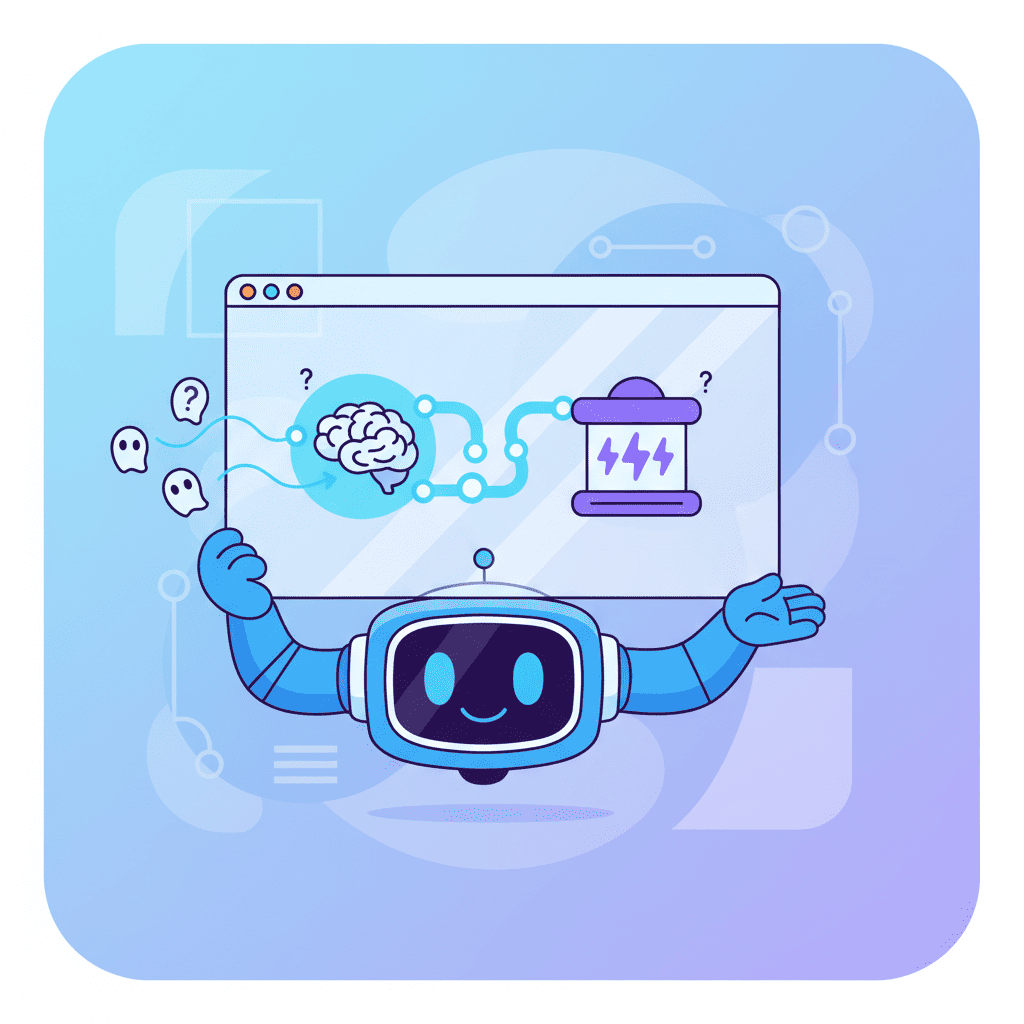
The killer? Most developers unknowingly waste 60-80% of their context window on redundant information. They paste entire files when a three-line summary would do. They repeat instructions the AI already acknowledged. They dump their whole project structure every prompt.
This is death by a thousand tokens.
If you've been following vibe coding best practices, you know that prompting matters. But context management is where the real productivity gains hide—especially now that 85% of developers use AI tools daily.
Let's fix this.
Tip 1: Create Code Maps Instead of Dumping Full Files
This is the hill I'll die on: never paste full files into your context unless absolutely necessary.
Instead, create a "code map"—a structured summary of what exists without the implementation noise. Here's what this looks like:
This gives the AI spatial awareness of your codebase without burning 10K tokens on actual code. When you need specific implementation details, reference them: "Look at the useAuth hook pattern—I need something similar for usePermissions."
The AI can infer a lot from structure alone. It doesn't need to see every line of your navbar to understand "build a similar component."
Tip 2: Structure Prompts to Reference, Not Repeat
Here's a mistake I see constantly: developers re-explaining context that's already in the conversation.
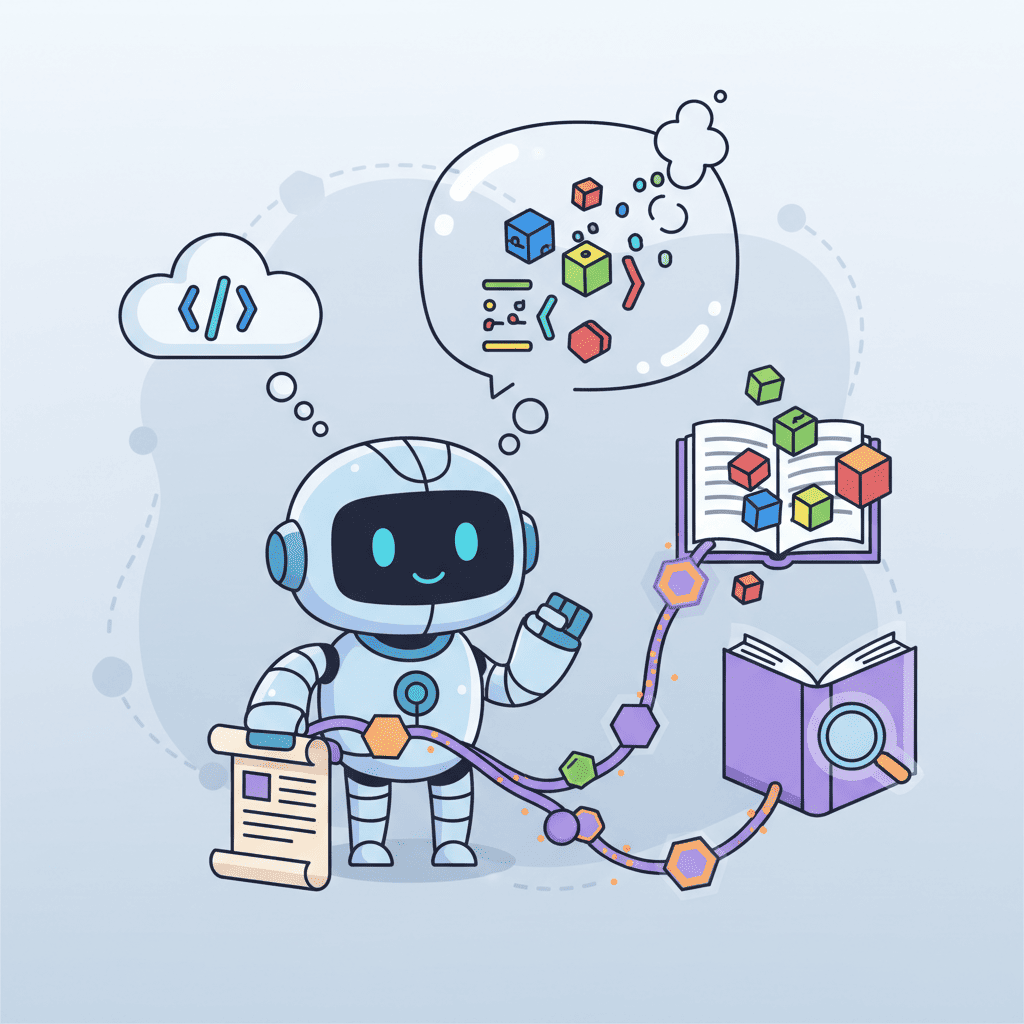
Bad approach:
"Remember the DataTable component I showed you earlier? The one with sortable columns and pagination? The one that uses TanStack Table? I need you to add a filter feature to it..."
Better approach:
"Add a column filter to DataTable. Match the existing sort UI pattern."
If you've already established context, trust that it's there. Reference it briefly and move on. The AI can scroll up—you don't need to re-teach it.
That said, when sessions get long, a targeted reference helps: "The DataTable from prompt #15" or "the auth pattern we established in the useAuth discussion." This anchors the AI without wasting tokens on repetition.
Tip 3: Use Adaptive Context Windows
Here's something nobody talks about: you don't always need a massive context window.
| Task Type | Ideal Context | Why |
|---|---|---|
| Single component | Small (4K-8K) | Focused, fast responses |
| Feature across files | Medium (32K-64K) | Needs cross-file awareness |
| Architecture decisions | Large (100K+) | Needs full system context |
| Quick bug fix | Minimal (2K-4K) | Just the broken code + error |
Throwing your entire codebase at a simple button fix is like using a flamethrower to light a candle. It works, but you've wasted resources and might start a fire.
For most UI component work, 8-16K tokens is plenty. Save the big guns for when you're refactoring across multiple files or making architectural decisions.
Tip 4: Split Complex Requests Into Logical Steps
I've watched developers try to build entire dashboards in a single prompt. Here's what happens: the AI generates a massive blob of code, loses track halfway through, and the end result is inconsistent garbage.
Complex requests need decomposition:
Instead of "build me a complete admin dashboard," try:
- "Create the dashboard layout with sidebar and main content area"
- "Add navigation links to the sidebar"
- "Build the stats cards for the main area"
- "Add the data table below the stats"
Each step gets full context attention. The AI can nail one thing at a time instead of juggling everything poorly.
This connects directly to the prompt iteration workflow—building in stages lets you catch problems early.
Tip 5: Cache Static Context Separately
Your design system, coding conventions, and project rules don't change mid-session. So why re-send them every time?
If your AI tool supports context files (like AGENTS.md or .cursorrules), use them. These live outside your conversation window and provide persistent context without burning tokens.
No context file support? Create a "project primer" document you paste once at session start, then reference later:
The AI remembers the primer exists. You don't need to paste your entire style guide for every component request.
Tip 6: Monitor Token Usage in Real-Time
Would you drive cross-country without a fuel gauge? Then why burn through context windows blindly?
Most AI coding tools now show token usage. Watch it. When you're approaching 50% capacity, consider:
- Summarizing the conversation so far
- Starting a fresh session with key decisions carried over
- Pruning unnecessary context
Some developers set mental checkpoints: "At 60K tokens, I'll consolidate." This prevents the sudden amnesia that hits when you unknowingly overflow.
If you're doing serious context engineering, token monitoring becomes second nature. You start to feel when a session is getting bloated.
Tip 7: Know Your Model's Real Limits
Here's a truth bomb: advertised context windows lie.
| Model | Advertised | Reliable For Coding |
|---|---|---|
| GPT-4 Turbo | 128K | ~60-80K |
| Claude 3 | 200K | ~100-130K |
| Gemini 1.5 | 1M+ | ~100-150K |
"Reliable" means the model maintains coherent reasoning across your full context. Beyond these limits, you get degradation—missed references, contradictory suggestions, forgotten constraints.
The models can technically accept more tokens. But "can accept" isn't "can effectively use." Plan for the reliable limit, not the marketing limit.
Tip 8: Use Distributed Context for Large Codebases
Working on a codebase with 50+ files? You literally cannot fit it in context—nor should you try.
Distributed context means giving the AI only what's relevant to the current task. This requires some upfront work:
- Map dependencies: Know which files talk to each other
- Create module summaries: Document what each folder/module does
- Pull on demand: Include implementation details only when the task requires them
This is exactly where multi-agent workflows shine. Different agents handle different concerns, each with focused context. The orchestrator (you) maintains the big picture.
Tip 9: Summarize and Archive Conversation History
Long sessions accumulate cruft. Every abandoned approach, every "actually, let's try something else"—it all sits in context, confusing the model.
Periodically summarize:
"Progress so far: We've built the auth flow (useAuth hook, LoginForm, ProtectedRoute wrapper). Current focus: adding role-based permissions. Ignore earlier discussion about JWT vs session tokens—we're going with JWT."
This explicitly tells the AI what matters now and what to forget. You're curating its memory.
For multi-day projects, end each session with a summary. Start the next session by pasting that summary. Clean slate, preserved progress.
Tip 10: Multi-Model Validation for Critical Code
Here's an advanced tip that's becoming standard practice in 2026: use multiple models to validate critical code.
Different models have different blind spots. Code that Claude generates might have edge cases that GPT catches (and vice versa). For important components, get a second opinion:
- Generate with your primary model
- Ask a second model to review for issues
- Reconcile any disagreements
This isn't about context windows directly, but it prevents the mistakes that accumulate when you blindly trust one model's limited perspective.
Just don't make the rookie mistake of trying to do this in the same conversation—each model needs clean context to evaluate fairly.
Quick Reference Cheat Sheet
| Problem | Solution |
|---|---|
| AI forgets early context | Summarize and reference key decisions |
| Slow responses | Reduce context size, focus on task-relevant code |
| Contradictory suggestions | Check for context overflow, start fresh session |
| Repeated explanations needed | Use context files for persistent rules |
| Long sessions degrading | Set token checkpoints, summarize at 50-60% capacity |
| Large codebase struggles | Use code maps, distribute context across sessions |
Your Context Window Game Plan
Let me be direct: mastering AI coding context window tips isn't about memorizing techniques. It's about developing intuition for what the AI actually needs to see.
Start simple:
- Create a code map for your next project
- Monitor token usage for a week
- Notice when responses start degrading
Then build up:
- Establish context files for your recurring rules
- Practice splitting complex requests
- Experiment with session summaries
The developers seeing 55% productivity gains from AI tools? They're not using better prompts than you. They're managing context better. Every token spent on redundant information is a token not available for actual problem-solving.
The context window isn't your enemy—it's a constraint that forces clarity. Work with it, and your AI sessions will feel like conversations with a brilliant colleague who actually remembers what you're building together.
Now go build something. And this time, don't let the AI forget.
You Might Also Like
- Context Engineering for AI Coding - The comprehensive guide to providing better context to AI tools
- AGENTS.md: Make AI Actually Get Your Code - Set up persistent context files that work across sessions
- 10 Vibe Coding Mistakes That Kill Your Projects - Avoid the pitfalls that sabotage AI coding sessions
Frequently Asked Questions
How do I know when my context window is full?
Most AI coding tools display token usage—watch for a counter or percentage. If you're not seeing one, pay attention to response quality. When the AI starts forgetting things you mentioned 10+ prompts ago, contradicting earlier code, or giving generic responses, you're likely at or past effective capacity.
What's the best context window size for vibe coding?
For single component work, 8-16K tokens is usually enough. Feature-level development across multiple files benefits from 32-64K. Reserve 100K+ context for architecture decisions or complex refactoring. Bigger isn't always better—focused context produces better results.
Why does AI lose context even with a large window?
Attention mechanisms in LLMs don't weight all tokens equally. Information in the middle of long contexts often gets less attention than the beginning and end. Additionally, advertised limits exceed reliable limits—models technically accept tokens but don't reason over them effectively beyond certain thresholds.
Should I start fresh sessions or continue long ones?
Both have tradeoffs. Long sessions maintain continuity but accumulate noise. Fresh sessions start clean but lose context. The sweet spot: use long sessions for related work, summarize at checkpoints, and start fresh when switching to unrelated tasks. Carry key decisions forward via explicit summaries.
How do context files like AGENTS.md help with context windows?
Context files live outside your conversation window—they're loaded automatically without counting against your session limit. This means your coding conventions, design system rules, and project structure can persist without re-sending them every prompt. It's like giving the AI permanent memories that don't consume working memory.
Written by the Fardino Team. We build AI tools for frontend developers. Build with Fardino →
Got an idea? Build it now.
Describe the site or app you want — Fardino turns it into a live website.




