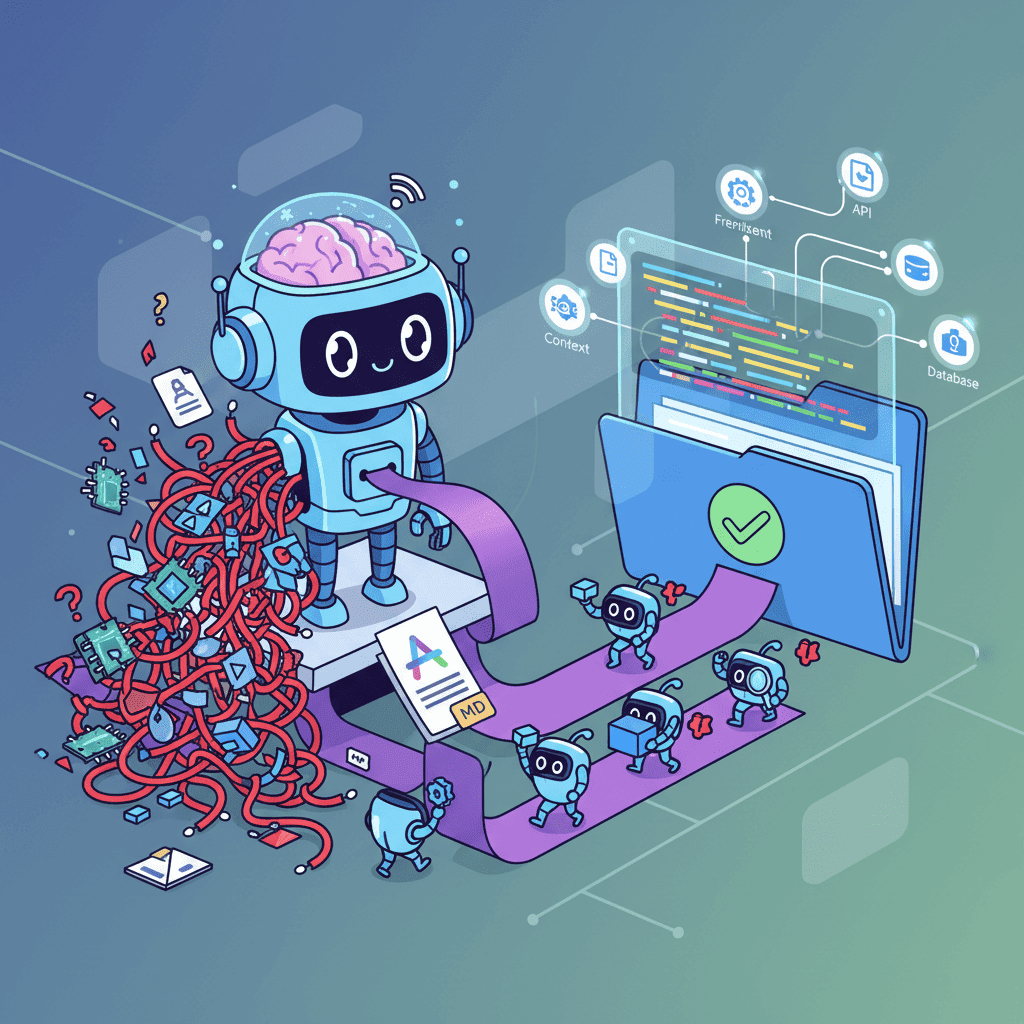
Mistral Devstral 2 Review: Can This Open-Source Model Beat Claude for Vibe Coding?
So Mistral just dropped Devstral 2 yesterday, and the AI coding world is losing its mind. A 72.2% score on SWE bench Verified? Open source? Free API access? This Mistral Devstral 2 review had to happen, because if these claims

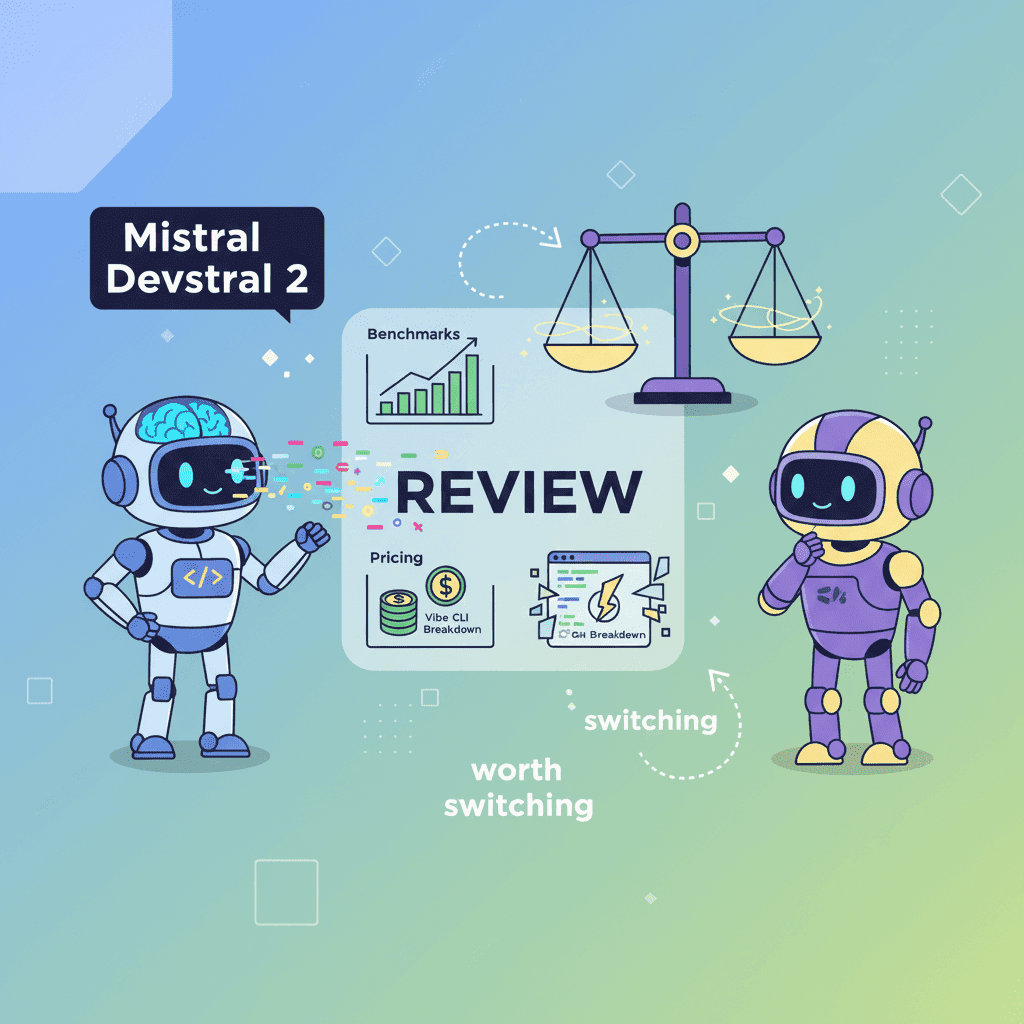
So Mistral just dropped Devstral 2 yesterday, and the AI coding world is losing its mind. A 72.2% score on SWE-bench Verified? Open source? Free API access? This Mistral Devstral 2 review had to happen, because if these claims hold up, we might be looking at the first real open-source challenger to Claude and GPT for serious vibe coding work.
But here's the thing—benchmarks lie. Well, they don't lie exactly, but they tell a very specific story that doesn't always match your 2 AM debugging session reality. So let's dig into what Devstral 2 actually offers and whether it deserves a spot in your workflow.
What Makes Devstral 2 Different (And Why You Should Care)
Mistral isn't just releasing another coding model. They're making a statement: open-source AI can compete with the closed-source giants.
Devstral 2 comes in two flavors:
| Spec | Devstral 2 | Devstral Small 2 |
|---|---|---|
| Parameters | 123B | 24B |
| Context Window | 256K tokens | 256K tokens |
| SWE-bench Score | 72.2% | 68.0% |
| License | Modified MIT | Apache 2.0 |
| Hardware Needs | 4x H100 GPUs | Single consumer GPU |
| Image Input | No | Yes |
That 256K context window is massive. For perspective, that's roughly the equivalent of a medium-sized codebase fitting entirely in context. No more "sorry, I lost track of that file you mentioned 10 messages ago."
The real kicker? Mistral claims Devstral 2 is up to 7x more cost-efficient than Claude Sonnet for real-world tasks. That's not a typo. Seven times.
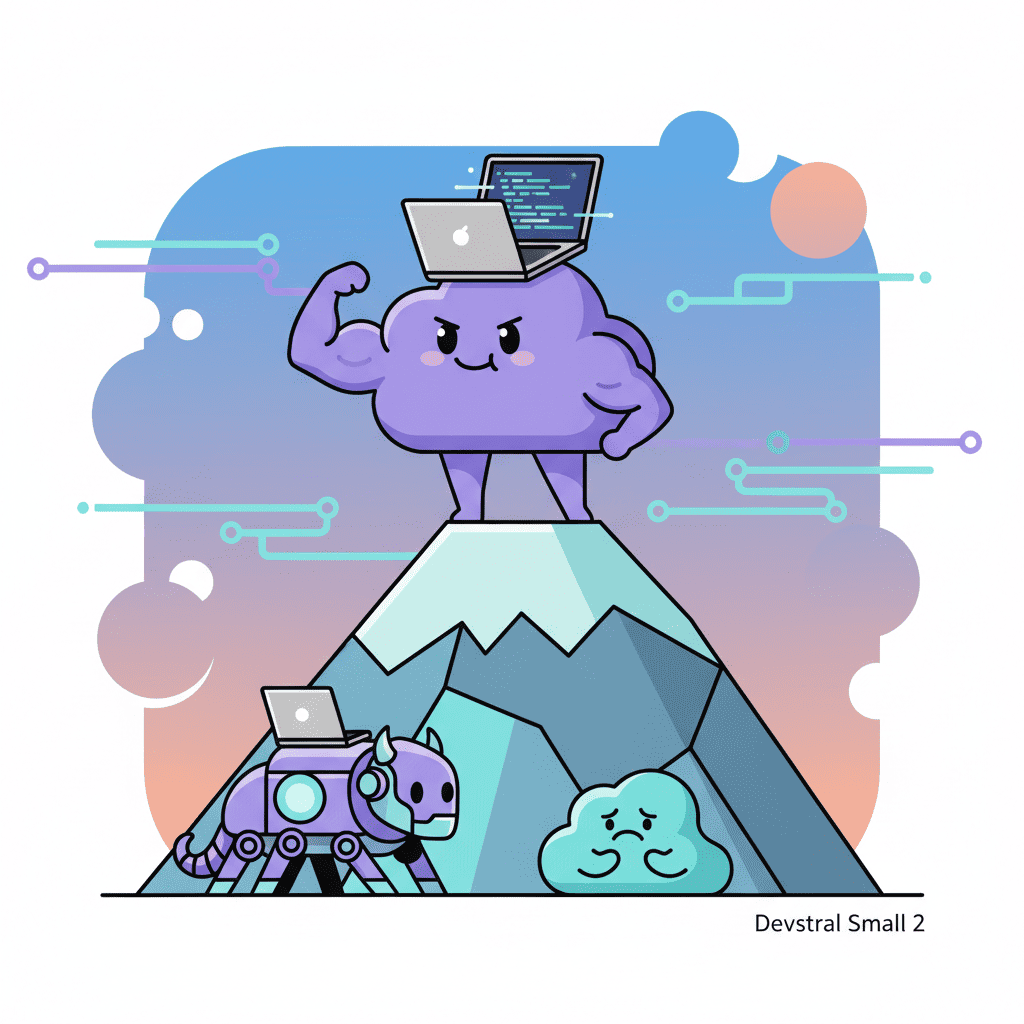
Devstral Small 2: The Laptop-Friendly Beast
Okay, I'll be honest—this is where things get interesting for most developers.

Devstral Small 2 runs on consumer hardware. Your gaming rig with an RTX 4080? It can run this. Your M2 MacBook Pro? Yep. Even CPU-only setups work, though you'll be waiting a bit longer for responses.
At 24B parameters, it's punching way above its weight class. That 68% on SWE-bench puts it in the same ballpark as models 5x its size. And because it's Apache 2.0 licensed, you can actually do things with it—fine-tune it, deploy it, build products on it—without lawyers breathing down your neck.
For frontend developers who want to keep their AI coding secure, running models locally is a huge deal. Your code never leaves your machine. No API calls logging your proprietary business logic. Just you, your terminal, and a surprisingly capable AI.
Mistral Vibe CLI: Terminal-Native AI Coding
Here's where Mistral really showed they understand how developers actually work.
Vibe CLI isn't some clunky GUI slapped together as an afterthought. It's a proper command-line tool that feels like it was built by people who live in their terminals.
The workflow is dead simple:
What can it actually do?
- Project-aware context: Automatically scans your file structure and Git status. It knows what you're working on.
- Multi-file orchestration: Need to refactor something that touches 15 files? It tracks dependencies and handles them.
- Smart references: Type
@for file autocomplete,!to run shell commands. It's intuitive once you try it. - Failure recovery: When something breaks (and something always breaks), it detects failures and attempts corrections.
The best part? It's open source under Apache 2.0. Fork it. Customize it. Make it yours.
Devstral 2 vs Claude Sonnet: The Honest Comparison
Look, I'm not going to pretend Devstral 2 has dethroned Claude. That's not what the data shows, and I'm not here to hype you into making bad decisions.
Here's what the benchmarks actually say:
| Model | SWE-bench Verified | Context Window | Cost (per 1M tokens) |
|---|---|---|---|
| Devstral 2 | 72.2% | 256K | $0.40/$2.00 |
| Devstral Small 2 | 68.0% | 256K | $0.10/$0.30 |
| Claude Sonnet 4.5 | ~78%* | 200K | ~$3/$15 |
| Claude Sonnet 4 | ~72%* | 200K | ~$3/$15 |
*Approximate figures from independent testing
Mistral's own testing showed Devstral 2 has a 42.8% win rate against DeepSeek V3.2 in human evaluation. But here's the part they're honest about: "Claude Sonnet 4.5 remains significantly preferred."
So no, Devstral 2 isn't better than Claude for everything. But here's my hot take: for most frontend vibe coding tasks, the difference won't matter.
If you're building React components, landing pages, or dashboard UIs—the kind of stuff we talk about in our vibe coding best practices guide—both models will get you there. The question becomes: do you want to pay Claude prices, or do you want something that's 7x cheaper and completely open?
Pricing That Actually Makes Sense
During the launch period, Devstral 2 is completely free via the API. Yes, free. Mistral is clearly trying to get developers hooked before the meter starts running.
Once the free period ends:
| Model | Input (per 1M tokens) | Output (per 1M tokens) |
|---|---|---|
| Devstral 2 | $0.40 | $2.00 |
| Devstral Small 2 | $0.10 | $0.30 |
Compare that to Claude's pricing, and you'll understand why this matters. For a startup iterating quickly on UI prototypes, those cost savings add up fast. We're talking hundreds of dollars a month for heavy users.
Key Features for Frontend Developers
Alright, let's get specific about why Devstral might work for your frontend workflow.
1. Architecture-Level Reasoning
Devstral 2 can reason across entire codebases. Need to refactor a component library that spans 50 files? It tracks the dependencies, understands the patterns, and orchestrates changes across everything.
This is particularly useful when you're following context engineering principles—giving the AI enough information to make smart decisions rather than guessing.
2. Framework Awareness
Whether you're using React, Vue, Svelte, or whatever framework you've decided is superior this week, Devstral understands the patterns. It knows that a React component needs hooks called in a specific order. It understands Tailwind utility classes. It gets responsive breakpoints.
3. Legacy Code Whispering
Got a codebase written by someone who thought nested ternary operators were a personality trait? Devstral is built for bug fixes and legacy system modernization. It can parse through questionable code and actually make sense of it.
4. IDE Integration
If you're a Zed user, Vibe CLI is already available as an extension. For Cursor and other editor users, Mistral has partnered with Kilo Code and Cline to bring Devstral 2 integration. If you're comparing options, check out our Cursor vs Windsurf comparison to see how Devstral fits into the broader tooling landscape.
When to Choose Devstral Over Claude or GPT
Here's my framework for deciding:
Choose Devstral 2 when:
- Cost efficiency matters (startups, side projects, heavy usage)
- You want open-source flexibility to customize or fine-tune
- Privacy is paramount and you want self-hosted options
- You're doing multi-file refactoring or codebase exploration
- You're already comfortable in the terminal
Stick with Claude when:
- You need the absolute best reasoning capability
- You're working on complex backend logic (Claude still edges ahead here)
- You're heavily invested in Anthropic's ecosystem already
- Cost isn't a primary concern
Consider Devstral Small 2 specifically when:
- You want local, private inference
- You have consumer hardware (RTX cards, Apple Silicon)
- You need multimodal capabilities (it supports image input)
- You're building products that need an embedded AI model
The Verdict: Is Devstral 2 Worth It?
Here's the bottom line: Devstral 2 is the most compelling open-source coding AI we've seen.
Is it better than Claude? For some tasks, maybe. For others, not quite. But that's kind of missing the point.
The real story is that open-source AI coding has reached a level where the gap with closed-source models is closing fast. A year ago, the difference was obvious. Now? For most practical frontend work, you'd struggle to tell them apart.
If you're the kind of developer who values:
- Running things locally
- Not being locked into a vendor
- Saving money without sacrificing much capability
- Having the freedom to customize your tools
Then Devstral 2 deserves serious consideration. The combination of the full-power 123B model for cloud workloads and the scrappy 24B local version gives you flexibility that Claude simply can't match.
My recommendation? Try it during the free period. Seriously. It costs you nothing except time, and you might discover it fits your workflow better than you expected.
For those already deep into vibe coding and dealing with common mistakes that kill projects, adding Devstral to your toolkit gives you options. Sometimes Claude hallucinates something weird. Sometimes you want a second opinion. Sometimes you just want to run things locally at 2 AM without worrying about API rate limits.
The vibe coding landscape just got more interesting. And honestly? Competition like this is exactly what pushes the whole field forward.
Want to try vibe coding with a frontend-focused tool?
Sources: Mistral AI Official Announcement, TechCrunch, VentureBeat
Got an idea? Build it now.
Describe the site or app you want — Fardino turns it into a live website.