Parallel Vibe Coding: Run Multiple AI Agents Like a Pro
Here's a dirty little secret about vibe coding in 2026: the developers shipping 3x faster than everyone else aren't using better prompts. They're not using better models. They're running multiple AI agents in parallel while everyone else waits for one

Here's a dirty little secret about vibe coding in 2026: the developers shipping 3x faster than everyone else aren't using better prompts. They're not using better models. They're running multiple AI agents in parallel while everyone else waits for one agent to finish.
I spent the last month setting up parallel vibe coding workflows, and honestly? I'm a little annoyed I didn't figure this out sooner. The productivity gains are absurd.
Key Takeaways:
- Running AI agents in parallel can cut your dev time by 60-70%
- The "orchestrator mindset" is a skill—you need to think in dependency graphs
- Not everything should run in parallel; sequential workflows still have their place
- You don't need fancy tools—just discipline and good task decomposition
In This Article
- What is Parallel Vibe Coding?
- The Orchestrator Mindset
- Setting Up Your Multi-Agent Workflow
- Practical Prompts for Parallel Tasks
- Managing Dependencies
- When NOT to Go Parallel
- Common Mistakes
- FAQ
What is Parallel Vibe Coding?
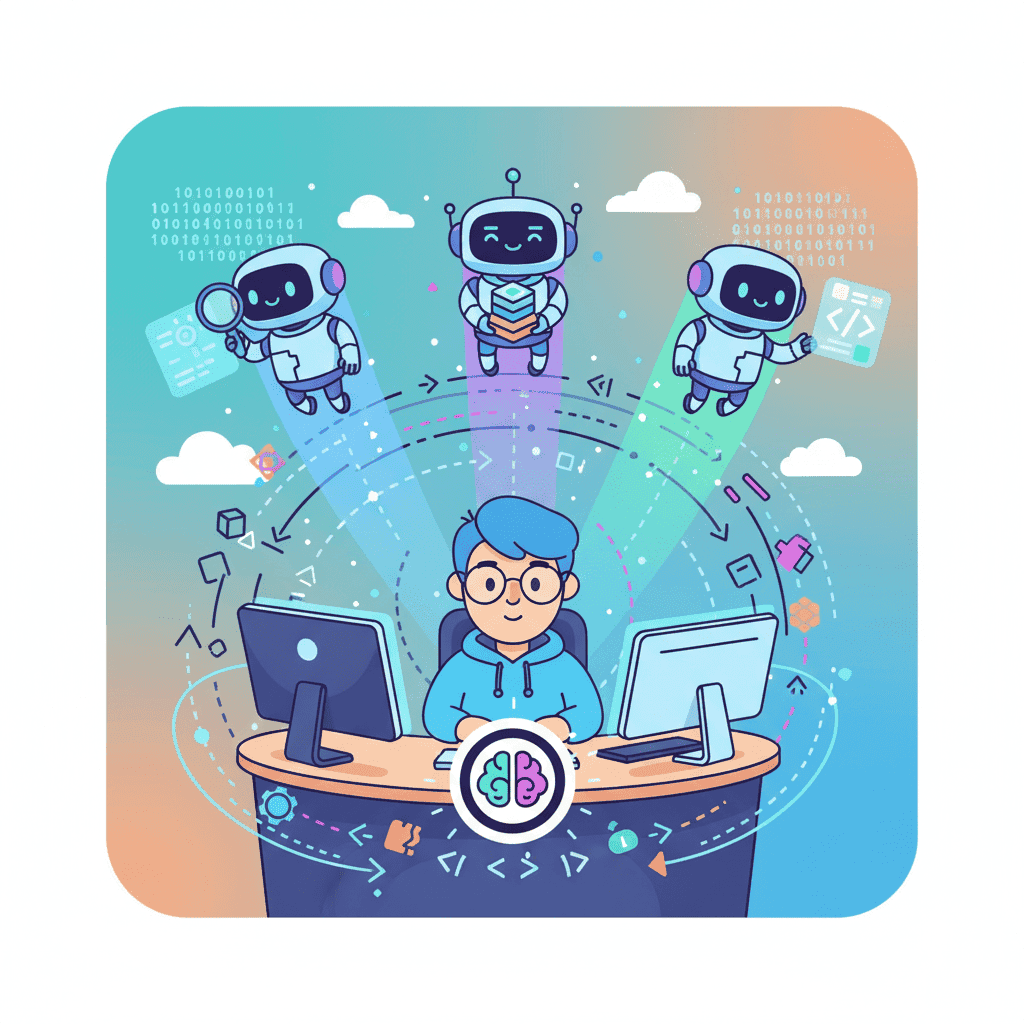
Parallel vibe coding means running multiple AI coding agents simultaneously, each working on a different part of your project. Instead of this:
Agent: Build navbar → Wait → Agent: Build hero → Wait → Agent: Build features
You do this:
Simple concept. Game-changing execution.
The rise of parallel vibe coding tracks with the "Day 2 problem" that's dominated developer discourse this year. Day 1 is easy—you prompt an AI, you get code, you ship something. Day 2? That's when you need to maintain it, iterate on it, scale it. And suddenly, your single-agent workflow becomes a bottleneck.
| Workflow | Time for 5 Components | Developer Experience |
|---|---|---|
| Single Agent | ~25-30 min | Wait, prompt, wait, prompt... |
| Parallel Agents (3x) | ~10-12 min | Orchestrate, review, merge |
| Parallel + Background | ~8-10 min | Ship while still generating |
That table isn't theoretical. Those are actual times from building a dashboard last week.
The Orchestrator Mindset: Think Like a Project Manager, Not a Coder
Here's where most people fail with parallel vibe coding: they try to run everything in parallel and end up with a mess of conflicting code.
The orchestrator mindset means thinking in dependency graphs. Before you spin up multiple agents, you need to ask:
-
What depends on what? A sidebar component doesn't depend on your hero section. Run them in parallel. But a "Products List" component probably depends on your data model. Don't start both simultaneously.
-
What's your merge strategy? Three agents building three components is great. Three agents editing the same file is a disaster.
-
Where are the integration points? At some point, these parallel streams need to converge. Plan for it.
This is genuinely a new skill. If you've read our guide on context engineering, you know that giving AI the right context is half the battle. With multi-agent workflows, you're managing context across multiple simultaneous sessions. It's a different mental model.
Setting Up Your Multi-Agent Workflow
Let me walk you through a practical setup. We'll build a SaaS dashboard with parallel agents.
Step 1: Decompose Your Project into Independent Units
Here's a typical dashboard breakdown:
| Component | Dependencies | Can Parallelize? |
|---|---|---|
| Sidebar Navigation | None | ✅ Yes |
| Top Header/Navbar | None | ✅ Yes |
| Dashboard Overview | Sidebar (layout) | ⚠️ After sidebar done |
| Data Table | Data model | ✅ Yes (with mock data) |
| Chart Components | Data model | ✅ Yes (with mock data) |
| Settings Page | User context | ✅ Yes |
Notice how I split things by their dependencies, not by their visual appearance. This is critical.
Step 2: Set Up Your Agents
You can run parallel agents in a few ways:
Option A: Multiple Browser Tabs with Fardino
Open three tabs. Each gets a different component. Dead simple.
Option B: Multiple Terminal Sessions (for CLI tools)
If you're using Claude Code or similar, just open multiple terminal windows. Each runs independently.
Option C: Background Agents
Some tools now support background execution—you can kick off a task and it runs while you work on something else. Claude Code 2.1.0 added this with the /teleport command.
Step 3: Give Each Agent Clear Context
This is the hill I'll die on: each agent needs complete, isolated context.
Don't just say "build a sidebar." Say:
If you've set up AGENTS.md or context files for your project, this becomes much easier—every agent inherits the same project constraints automatically.
Practical Prompts for Parallel Task Assignment
Here are some prompts I actually use for parallel workflows. Feel free to steal them.
The "Isolated Component" Prompt
Want to try this yourself?
The "Parallel Chart" Prompt
When you're building a dashboard with multiple charts, this is gold:
I run this prompt 4 times simultaneously with different chart types (line, bar, area, pie), and I have a full chart suite in 10 minutes.
Managing Dependencies Between Agents
Okay, here's where it gets tricky. At some point, your parallel work streams need to merge. How do you handle it?
The Shared Types Approach
Before spinning up agents, create a shared types file:
Tell each agent: "Import types from @/types/dashboard." They'll all generate code against the same interfaces. Merge conflicts? Almost zero.
The Mock Data Boundary
When agents need data, have them use mock data with a clear structure:
Every agent generates with mocks. You do one integration pass at the end to wire up real data. This approach lets you parallelize aggressively without coupling.
The Integration Agent
This is a trick I stole from actual project management: dedicate one agent session to integration only.
After your parallel agents finish, use a final agent with this prompt:
This keeps component code stable while handling the glue logic separately.
When NOT to Go Parallel
Look, I'm a parallel workflow evangelist, but I'm not going to pretend it's always the right call. Here's when sequential is better:
Heavy Refactoring
If you're doing vibe refactoring across your codebase, parallel agents will create chaos. One agent changes a function signature, another agent uses the old signature. Nightmare.
Tightly Coupled Features
Auth flows, checkout processes, multi-step wizards—these have so many internal dependencies that parallelizing just creates integration debt.
Exploratory Work
When you don't know what you're building yet, running three agents in parallel is just expensive confusion. Figure out the architecture first, then parallelize the execution.
| Use Parallel When... | Use Sequential When... |
|---|---|
| Building independent components | Refactoring existing code |
| Clear separation of concerns | Exploring architecture |
| You have a merge strategy | Features are tightly coupled |
| Mock data is acceptable | Real integration is required upfront |
Common Mistakes Everyone Makes
I've made all of these. Learn from my pain.
Mistake 1: Parallel Without Boundaries
You spin up three agents, they all start building, and somehow all three decide to create a utils.ts file with conflicting helper functions.
Fix: Be explicit about what each agent can and cannot create. "Do NOT create utility files. Use inline functions if needed."
Mistake 2: No Integration Plan
You finish your parallel sprint with beautiful isolated components. Now what? You spend 2 hours manually integrating them because you didn't think about the merge.
Fix: Plan your integration step before you start parallel work.
Mistake 3: Over-Parallelizing
Running 10 agents sounds cool. It's actually chaos. You can't context-switch fast enough to review all the outputs, and quality tanks.
Fix: 2-4 parallel agents is the sweet spot for most developers. More than that and you're just generating technical debt faster.
Mistake 4: Inconsistent Styling
One agent uses px-4, another uses px-6, a third goes rogue with p-4 pl-6. Your dashboard looks like a ransom note.
Fix: Include explicit design tokens in every prompt, or set up a shared context file that all agents reference.
If you're new to vibe coding, definitely check out our beginner's guide before trying to orchestrate multiple agents. You need to be comfortable with single-agent workflows first.
Ship 3x Faster with Multi-Agent Workflows
The developers winning in 2026 aren't the ones writing better code—they're the ones shipping faster. Parallel vibe coding is the closest thing to a productivity cheat code I've found.
But here's the thing nobody tells you: the skill isn't running multiple agents. That's just opening more tabs. The skill is orchestration—knowing what to parallelize, how to manage dependencies, and when to integrate.
Start small. Try running two agents in parallel on your next project. Get comfortable with the merge step. Then scale up.
The orchestrator mindset takes practice. But once it clicks? You'll never go back to waiting for one agent to finish before starting the next.
You Might Also Like
- Context Engineering for AI Coding - Master the art of giving AI the right context
- AGENTS.md: Make AI Actually Get Your Code - Set up context files that work across all your agents
- Vibe Coding Best Practices - The fundamentals before you go parallel
Frequently Asked Questions
What is parallel vibe coding?
Parallel vibe coding means running multiple AI coding agents simultaneously, each working on different components or features of your project. Instead of waiting for one AI to finish before starting the next task, you orchestrate multiple agents working concurrently—similar to managing a team of developers.
How many AI agents should I run in parallel?
For most developers, 2-4 parallel agents is the sweet spot. More than that becomes difficult to manage effectively. You need enough mental bandwidth to review each agent's output and handle integration. Start with 2 agents and scale up as you get comfortable with the workflow.
Do I need special tools for multi-agent vibe coding?
Not necessarily. You can run parallel agents with multiple browser tabs (using tools like Fardino), multiple terminal sessions (for CLI-based tools like Claude Code), or tools with native background agent support. The key is having clear boundaries and context for each agent, not the tooling itself.
What's the biggest mistake in parallel vibe coding?
Running agents in parallel without a clear integration plan. It's easy to generate beautiful isolated components that become a nightmare to merge. Always plan your integration step before starting parallel work, and be explicit about what each agent can and cannot create.
When should I NOT use parallel vibe coding?
Avoid parallel workflows when refactoring existing code (agents will create conflicts), when features are tightly coupled (like checkout flows or auth systems), or when you're still exploring the architecture. Parallel vibe coding works best when you have clear, independent tasks with well-defined boundaries.
Written by the Fardino Team. We build AI tools for frontend developers. Build with Fardino →
Got an idea? Build it now.
Describe the site or app you want — Fardino turns it into a live website.