Vibe Refactoring: 20+ Prompts to Clean Up AI Code
Here's a truth nobody wants to hear: vibe refactoring should be 50% of your vibe coding work. Not 10%. Not "whenever you feel like it." Half. I know, I know. You didn't sign up for this. You came for the

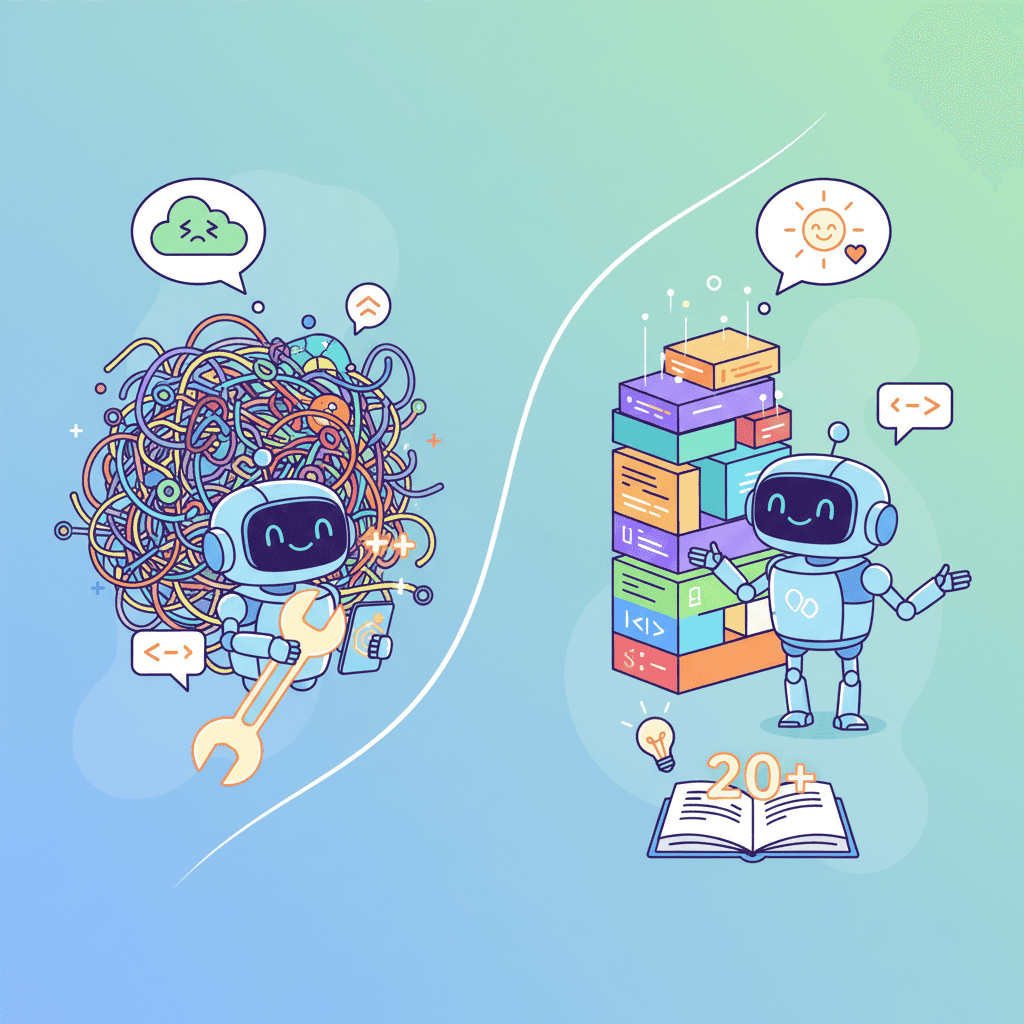
Here's a truth nobody wants to hear: vibe refactoring should be 50% of your vibe coding work.
Not 10%. Not "whenever you feel like it." Half.
I know, I know. You didn't sign up for this. You came for the magic—describe what you want, watch code materialize, ship it. And that part? Genuinely amazing. But Cursor's CEO Michael Truell dropped a warning in December 2025 that should terrify anyone building real projects with AI: vibe-coded foundations are "shaky" and will "crumble" as your project grows.
He's right. I've watched it happen. Built something beautiful in an afternoon, then spent a week untangling the mess once it grew beyond three components.
The good news? There's a fix. And it's not "be more careful" or "plan better." It's having the right vibe refactoring prompts in your toolkit.
Key Takeaways:
- Vibe refactoring should be 50% of your workflow—not an afterthought
- Watch for 5 warning signs that your AI code needs cleanup
- Use targeted prompts for components, file structure, and duplication
- Follow a systematic refactoring workflow to prevent technical debt
In This Article
- 5 Signs Your AI Code Is Rotting
- The 5 AI Code Smells Nobody Talks About
- Component Cleanup Prompts
- File Structure Organization Prompts
- DRY Prompts - Kill the Duplicates
- Readability & Naming Prompts
- TypeScript Enhancement Prompts
- The Refactoring Workflow That Actually Works
- FAQ
5 Signs Your AI Code Is Rotting
Before we get to the prompts, let's talk diagnosis. Here's when to stop building and start cleaning:
1. You're afraid to touch certain files. You know the ones. That 400-line component where everything somehow works and you have no idea why. If you're navigating around code like it's a minefield, that's technical debt screaming at you.
2. "It works" is your best explanation. When someone asks how a feature works and your answer is basically a shrug? Bad sign. AI generates working code, but it doesn't generate understanding. That gap will bite you.
3. Copy-paste is your testing strategy. Found yourself copying a component and tweaking it instead of extending the original? That's duplication creeping in. And it compounds fast.
4. You can't find anything. If searching your codebase feels like archaeological excavation, your file structure needs help. AI doesn't naturally organize—it just puts things... somewhere.
5. Every change breaks something unrelated. This is the death spiral. Tightly coupled code where components depend on each other in mysterious ways. Classic AI code smell.
Any of these sound familiar? Don't panic. These vibe coding mistakes are recoverable with the right approach.
The 5 AI Code Smells Nobody Talks About
Let me be blunt: AI-generated code has specific patterns that cause problems. Not because the AI is bad—it's optimizing for "working code that answers your prompt." Not "maintainable code for a growing project."
| Code Smell | What It Looks Like | Why AI Does This |
|---|---|---|
| Monolithic Components | 300+ line files doing everything | AI answers the whole prompt at once |
| Inline Everything | Styles, logic, constants all mixed | Fewer files = simpler response |
| Prop Drilling Hell | Props passed through 4+ layers | No natural state management awareness |
| Magic Numbers | setTimeout(() => {}, 1500) | Works without explanation |
| Duplicate Logic | Same validation in 5 places | Each prompt answered in isolation |
The frustrating part? Each piece of AI-generated code works perfectly in isolation. It's when you combine them that things get messy.
Component Cleanup Prompts (React/Tailwind)
Alright, here's where we fix things. These vibe refactoring prompts target the most common component issues.

Split Monolithic Components
Your 400-line monster needs to become manageable pieces. Try this:
This two-step approach matters. You want a plan before AI starts rewriting. Otherwise you'll get one messy file turned into three messy files.
Extract Business Logic
Clean Up Inline Styles
Want to try this yourself?
File Structure Organization Prompts
AI will dump everything in whatever folder seems vaguely correct. Here's how to fix it.
Audit and Reorganize
Create Index Files
Once your structure is clean, index files make imports manageable:
This turns import { Button } from '../components/Button/Button' into import { Button } from '@/components'. Small thing, huge quality-of-life improvement.
DRY Prompts - Kill the Duplicates
This is the hill I'll die on: duplicate code is the #1 killer of vibe-coded projects.
You build a card component. Then another page needs a similar card. AI generates a new one. Now you have two cards. Then three. Then you need to change the border radius on all of them and suddenly you're in hell.
Find Duplicates
Create Shared Components
Utility Extraction
If you haven't read about context engineering, do it. It's the key to getting AI to understand your existing patterns instead of creating new duplicates.
Readability & Naming Prompts
Naming is famously the hardest problem in programming. AI is... not great at it. You'll get handleClick, data, and temp a lot.
Improve Variable Names
Add Comments Where Needed
Honestly? Most vibe-coded projects need fewer comments and better names. If you need a comment to explain what code does, rename the code.
TypeScript Enhancement Prompts
If you're vibe coding with TypeScript (and you should be), AI often creates loose types or skips them entirely. Here's how to tighten things up.
Add Proper Types
Create Type Guards
Fix API Response Types
Need to fix AI generated code errors beyond typing issues? That guide covers the debugging basics.
The Refactoring Workflow That Actually Works
Prompts are tools. But tools without a system are just chaos. Here's the workflow:
Build → Review → Refactor → Test → Repeat
That's it. Four steps in a loop.
Step 1: Build (but Stop Sooner)
Build features in smaller chunks. Instead of "build me a complete dashboard," try "build me the sidebar navigation" then stop. Review. Then continue.
Step 2: Review (Actually Look at the Code)
After each generation session, spend 5 minutes reading what AI produced. Not debugging—reading. Look for:
- Obvious duplication
- Files that are too long
- Names that don't make sense
Step 3: Refactor (Use These Prompts)
Pick the most pressing issue and use the appropriate prompt from above. One refactor at a time. Don't try to fix everything at once.
Step 4: Test (Manually or Automated)
Verify the refactored code works. Click through the UI. If you've got tests, run them. This catches when refactoring breaks something.
For a deeper dive into debugging AI output, check out the vibe debugging workflow.
The Refactoring Schedule
Here's my controversial opinion: schedule your refactoring.
| Frequency | What to Do |
|---|---|
| Every session | 5-min code review before stopping |
| Weekly | Run through DRY prompts on new code |
| Monthly | File structure audit and reorganization |
| Before launch | Full TypeScript + naming pass |
Sounds excessive? Maybe. But you know what's more excessive? Rewriting your project from scratch because it became unmaintainable. I've seen it happen. Multiple times.
The projects that survive long-term follow vibe coding best practices from day one. Refactoring is a practice, not an event.
You Might Also Like
- Fix AI-Generated Code Errors (Actually Works) - Quick fixes for the most common AI code breaks
- Vibe Debugging: 5-Step Workflow That Fixes Any AI UI - Systematic debugging when things go wrong
- Vibe Coding Best Practices: The Complete Guide for 2025 - Foundation-level practices for better AI coding
Frequently Asked Questions
What is vibe refactoring?
Vibe refactoring is the practice of cleaning up, reorganizing, and improving AI-generated code. It addresses the unique problems that come from vibe coding—like duplicate logic, monolithic components, and poor file organization. Think of it as maintenance for your AI-built projects.
How often should I refactor vibe code?
Quick reviews should happen every coding session (5 minutes minimum). Deeper refactoring for duplication and structure should happen weekly if you're actively building. Before any significant release, do a comprehensive pass on types and naming.
What's the biggest vibe coding mistake that needs refactoring?
Duplicate code, hands down. AI generates fresh code for each prompt, so similar components often contain nearly-identical logic. This becomes maintenance nightmare fast. Use the DRY prompts above to find and eliminate duplicates early.
Can I prevent the need for refactoring?
Partially. Better prompts and context engineering reduce cleanup needs. But you can't eliminate refactoring entirely—it's built into how AI coding works. The goal is controlled, scheduled maintenance rather than emergency cleanups.
Is refactoring worth it for small projects?
For throwaway prototypes, skip it. For anything you'll maintain beyond a week? Absolutely. Small projects grow. What starts as "just a quick tool" becomes the thing you're still using months later. Future you will thank present you.
Written by the Fardino Team. We build AI tools for frontend developers. Build with Fardino →
Got an idea? Build it now.
Describe the site or app you want — Fardino turns it into a live website.




