Agentic Coding Frontend: Stop Babysitting AI
Here's a confession: last week I started building a dashboard, grabbed coffee, and came back to find a fully functional analytics panel with charts, filters, and responsive sidebar. No babysitting. No "try again" prompts. Just... done. That's agentic coding for


Here's a confession: last week I started building a dashboard, grabbed coffee, and came back to find a fully functional analytics panel with charts, filters, and responsive sidebar. No babysitting. No "try again" prompts. Just... done.
That's agentic coding for frontend, and it's completely different from how most developers use AI today.
Key Takeaways:
- Agentic coding lets AI autonomously complete multi-step frontend tasks without constant guidance
- The key difference: you define goals, not individual tasks—the AI plans its own execution path
- Works best for complex UIs like dashboards, multi-page apps, and component systems
- Requires proper setup (context files, clear constraints) but saves hours on large projects
In This Article
- What Makes Agentic Coding Different
- Agentic vs Vibe Coding: When to Use Each
- Setting Up Your Agentic Frontend Workflow
- Writing Goal-Based Prompts
- Real Example: Dashboard Build
- Common Mistakes
- FAQ
What Makes Agentic Coding Different
Most tutorials explain agentic coding as "AI that plans and executes." True, but that misses the point.
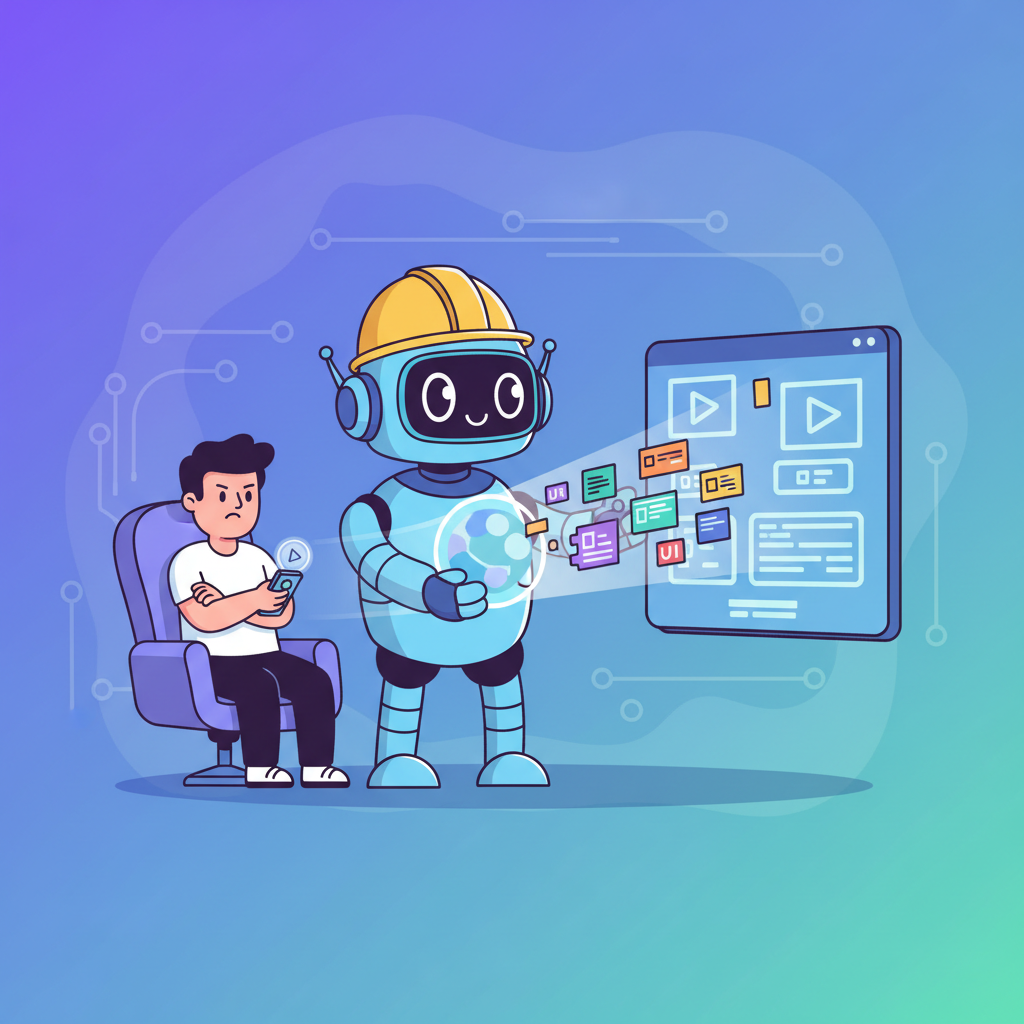
Here's what actually changed my workflow: with traditional vibe coding, you're the driver. You tell the AI "create a button," then "add a form," then "connect them." Each step requires your input. You're managing the work.
With agentic coding frontend development, you become the architect. You say "build a user settings page with profile editing, notification preferences, and account deletion—follow our design system." Then you walk away.
The AI:
- Breaks down the goal into subtasks
- Decides the order of operations
- Creates the components it needs
- Handles interconnections
- Runs its own validation loops
That's the shift. You're not prompting task-by-task. You're setting destinations and letting the AI figure out the route.
And honestly? This scared me at first. Giving AI that much autonomy felt like handing my car keys to a teenager. But with the right guardrails—which I'll cover—it works shockingly well.
Agentic vs Vibe Coding: When to Use Each
This is the hill I'll die on: agentic coding isn't better than vibe coding. They're different tools.
| Aspect | Vibe Coding | Agentic Coding |
|---|---|---|
| Control | High—you guide each step | Low—AI decides the path |
| Speed (simple tasks) | Faster | Overkill |
| Speed (complex tasks) | Slower | Much faster |
| Setup required | Minimal | Context files, constraints |
| Best for | Quick components, prototypes | Multi-file features, systems |
| Risk of errors | Lower per step | Higher, but caught faster |
Use vibe coding when:
- Building a single component quickly
- You're exploring and don't have clear requirements
- The task has obvious steps (navbar, form, button)
- You want fine-grained control over output
Use agentic coding when:
- Building features that span multiple files
- You have clear acceptance criteria
- The work would take 10+ prompts in vibe coding
- You're building systematic components (design system, page layouts)
I still vibe code for quick components. But for anything that would take me an hour of back-and-forth prompting? Agentic coding every time.
Setting Up Your Agentic Frontend Workflow
Here's what nobody tells you: agentic coding without proper setup produces garbage.
The AI needs context to work autonomously. Without it, your "autonomous" agent will happily build React components for your Svelte project. Ask me how I know.
Step 1: Create Your Context File
If you haven't set up AGENTS.md or similar context files, stop here and do that first. Seriously. This single step determines whether agentic coding works or becomes a frustrating exercise in cleanup.
Your context file should include:
- Tech stack (React, Tailwind, etc.)
- File structure conventions
- Component naming patterns
- Design system constraints
- What NOT to do
Step 2: Define Clear Boundaries
Agentic AI is powerful but easily distracted. Give it boundaries:
Without boundaries, I've watched agents "helpfully" refactor my entire auth system while building a chart component. Boundaries aren't limitations—they're focus.
Step 3: Set Up Verification Loops
The best agentic workflows include self-checking. In your context file:
This transforms your AI from "code generator" to "code generator with QA built in."
Writing Goal-Based Prompts That Actually Work
Here's where most developers mess up agentic coding for frontend projects. They write vibe-style prompts and expect agentic results.
Bad (task-based):
"Create a header component with a logo on the left and navigation links on the right."
This works for vibe coding. For agentic coding, it's too specific. You're micromanaging.
Good (goal-based):
"Build a responsive navigation system for a SaaS dashboard. Users should easily navigate between Dashboard, Analytics, Settings, and Billing. Include mobile support. The nav should indicate the active page and collapse appropriately on small screens."
See the difference? The second prompt:
- Defines the outcome (navigation system)
- Explains who it's for (SaaS users)
- Lists requirements (4 pages, mobile, active states)
- Leaves implementation to the AI
Here's my template for goal-based prompts:
Example:
Real Example: Building a Dashboard Autonomously
Let me walk you through a real agentic coding frontend session.
The goal: Build an analytics dashboard with overview metrics, traffic chart, and recent activity feed.
My prompt:
What happened:
The AI started by reading my existing dashboard pages. Good—it's learning patterns. Then it outlined its plan:
- Create analytics page structure
- Build KPICard component
- Create TrafficChart component
- Build ActivityFeed component
- Compose everything with responsive grid
- Add mock data utilities
Ten minutes later, I had a working analytics page. Not perfect—the chart colors clashed with my design system—but 90% there. A quick iteration cycle fixed the colors in under a minute.
Compare this to vibe coding the same feature. That would have been:
- Prompt for KPI cards
- Prompt for chart
- Prompt for activity feed
- Prompt to combine them
- Prompt to fix responsive
- Prompt to align styles
- Prompt to...
You get it. What took 10 minutes agentic would have been 40+ minutes of guided prompting.
The Orchestrator Mindset
Here's what shifts when you embrace agentic coding for frontend: you stop thinking like a coder and start thinking like a product manager.
Instead of "how do I build this component?", you ask:
- What's the user trying to accomplish?
- What are the acceptance criteria?
- What existing patterns should we follow?
- What could go wrong?
This is actually the same mindset that makes context engineering so powerful. You're not writing code—you're defining success and letting intelligence (artificial or otherwise) figure out the path.
The best agentic coders I know barely touch their keyboards. They:
- Write a goal-based prompt
- Review the plan before execution
- Let the AI work
- Review and iterate on output
That's it. And if you're working on larger projects, you can even run multiple agents in parallel—one building components while another writes tests.
Common Agentic Coding Mistakes to Avoid
I've made all of these so you don't have to.
Mistake 1: Vague Goals
"Make the dashboard better" isn't a goal. The AI will either ask clarifying questions (wasting time) or make random changes (wasting more time).
Fix: Define measurable outcomes. "Add loading skeletons to all dashboard cards" is specific. "Improve the dashboard UX" is not.
Mistake 2: No Context Files
Running agentic sessions without context is like giving directions without mentioning which city you're in.
Fix: Always have your AGENTS.md or context file ready. Five minutes of setup saves hours of correction.
Mistake 3: Too Much Autonomy Too Fast
Starting with "build me a complete SaaS app" is setting up for failure. The AI will hallucinate features, invent architectures, and create unmaintainable code.
Fix: Start with bounded features. "Build the settings page" before "build the entire user management system."
Mistake 4: Ignoring the Plan Phase
Most agentic tools show you their plan before executing. Don't skip this! I've caught countless mistakes by reviewing the plan:
- "Wait, don't create a new auth system, use the existing one"
- "No, put that in /components, not /pages"
- "Actually, we need to support dark mode"
Fix: Always review and adjust the plan before execution starts.
Mistake 5: Not Setting Up Validation
Agentic AI can produce broken code confidently. Without validation loops, you won't know until much later.
Fix: Include type checking, linting, and basic render tests in your completion criteria.
Your First Agentic Project
Ready to try agentic coding for frontend? Here's your starter challenge:
Build a contact page with:
- Contact form (name, email, message)
- Office location with static map placeholder
- FAQ accordion (3-5 questions)
- Responsive layout
Write a goal-based prompt using the template above. Include constraints for your tech stack. Define what "done" looks like.
If you're following vibe coding best practices, you already have the foundations. Agentic coding is the next level—less hand-holding, more shipping.
The future of frontend development isn't writing more code. It's writing better goals and letting AI handle the typing. Welcome to the orchestrator era.
You Might Also Like
- AGENTS.md: Make AI Actually Get Your Code - Essential setup for agentic workflows
- Parallel Vibe Coding: Run Multiple AI Agents Like a Pro - Scale up with multiple agents
- Context Engineering for AI Coding: The Complete Guide - Master the skill that makes agentic coding work
Frequently Asked Questions
What is agentic coding?
Agentic coding is an AI development paradigm where you define goals rather than individual tasks. The AI autonomously plans, executes, and validates multi-step work—like building an entire feature instead of one component at a time.
How is agentic coding different from vibe coding?
Vibe coding requires you to guide each step ("make a button," "add a form," "connect them"). Agentic coding lets you define the end goal ("build a user settings page") and the AI handles the entire process autonomously.
Do I need special tools for agentic coding frontend development?
Most modern AI coding tools (Claude Code, Cursor, Windsurf) support agentic workflows. The key requirement is proper context setup—your AGENTS.md or context files that tell the AI about your project.
When should I use agentic coding vs regular vibe coding?
Use agentic coding for complex, multi-file features that would take 10+ prompts to build manually. Stick with vibe coding for quick components, explorations, or when you want fine-grained control over output.
Is agentic coding safe for production code?
With proper constraints (file boundaries, validation loops, code review), yes. The key is setting up guardrails before giving the AI autonomy—don't let it modify files outside your defined scope.
Written by the 0xMinds Team. We build AI tools for frontend developers. Build with Fardino →
<!-- SCHEMA_DATA { "article": { "@type": "Article", "headline": "Agentic Coding Frontend: Stop Babysitting AI", "description": "I let AI build a dashboard while I made coffee. Agentic coding for frontend works—but only if you know this.", "author": { "@type": "Organization", "name": "0xMinds", "url": "https://0xminds.com" }, "datePublished": "2026-01-24", "dateModified": "2026-01-24" }, "faq": [ { "question": "What is agentic coding?", "answer": "Agentic coding is an AI development paradigm where you define goals rather than individual tasks. The AI autonomously plans, executes, and validates multi-step work—like building an entire feature instead of one component at a time." }, { "question": "How is agentic coding different from vibe coding?", "answer": "Vibe coding requires you to guide each step ('make a button,' 'add a form,' 'connect them'). Agentic coding lets you define the end goal ('build a user settings page') and the AI handles the entire process autonomously." }, { "question": "Do I need special tools for agentic coding frontend development?", "answer": "Most modern AI coding tools (Claude Code, Cursor, Windsurf) support agentic workflows. The key requirement is proper context setup—your AGENTS.md or context files that tell the AI about your project." }, { "question": "When should I use agentic coding vs regular vibe coding?", "answer": "Use agentic coding for complex, multi-file features that would take 10+ prompts to build manually. Stick with vibe coding for quick components, explorations, or when you want fine-grained control over output." }, { "question": "Is agentic coding safe for production code?", "answer": "With proper constraints (file boundaries, validation loops, code review), yes. The key is setting up guardrails before giving the AI autonomy—don't let it modify files outside your defined scope." } ], "howto": { "name": "How to Set Up Agentic Coding for Frontend Development", "steps": [ {"name": "Create Your Context File", "text": "Set up AGENTS.md or similar context files with your tech stack, file structure conventions, component naming patterns, and design system constraints."}, {"name": "Define Clear Boundaries", "text": "Specify which files the AI can modify, which existing components to use, and what not to do—preventing scope creep and unwanted changes."}, {"name": "Set Up Verification Loops", "text": "Include type checking, linting, and render tests in your completion criteria so the AI validates its own work."}, {"name": "Write Goal-Based Prompts", "text": "Define outcomes rather than tasks using the BUILD/FOR/MUST/SHOULD/CONTEXT template for effective agentic prompts."} ] }, "breadcrumb": ["Home", "Blog", "Tutorials", "Agentic Coding Frontend: Stop Babysitting AI"] } SCHEMA_DATA -->Got an idea? Build it now.
Describe the site or app you want — Fardino turns it into a live website.