Prompt Engineering for UI: 7 Parts Every Good Prompt Needs
So you want to generate better UIs with AI. You've probably tried a dozen prompts already. Some worked. Most didn't. And you're wondering what separates the winners from the garbage. Here's the truth nobody tells you: prompt engineering for UI

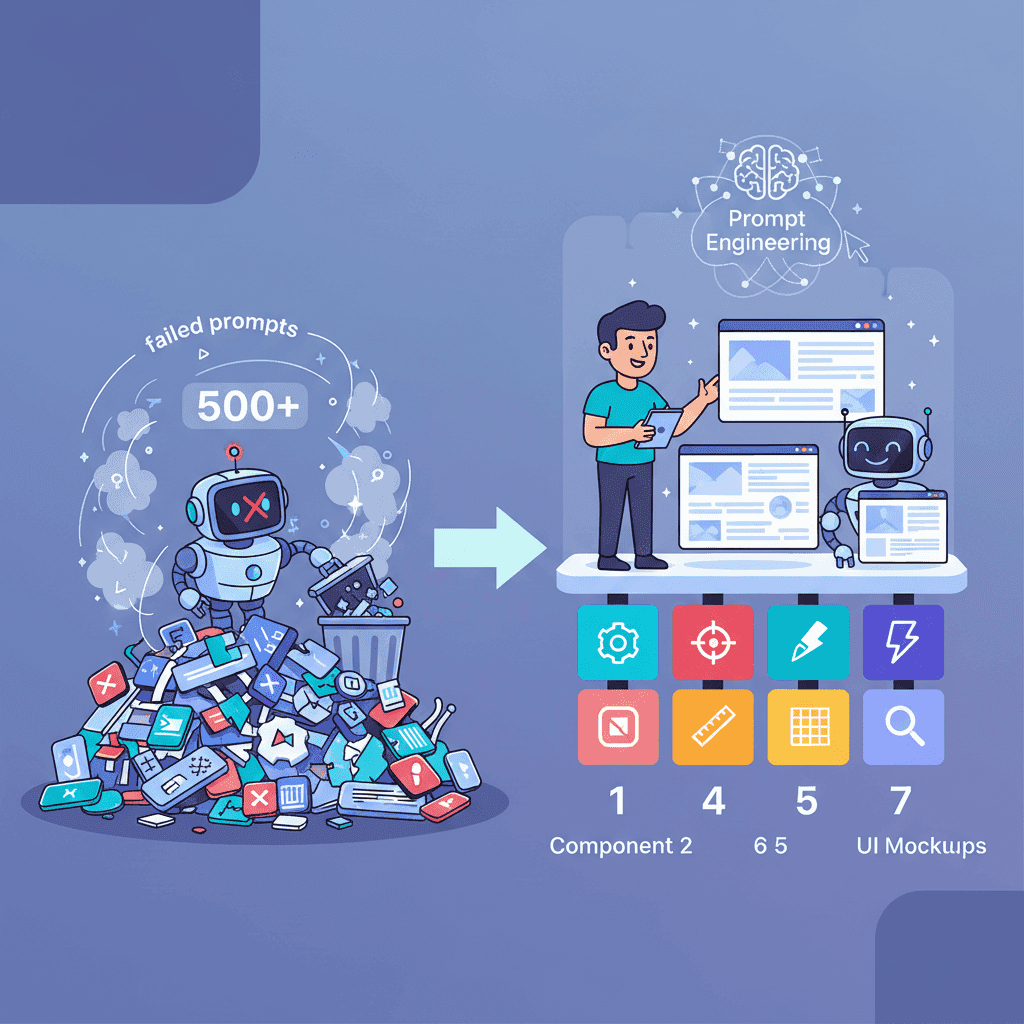
So you want to generate better UIs with AI. You've probably tried a dozen prompts already. Some worked. Most didn't. And you're wondering what separates the winners from the garbage.
Here's the truth nobody tells you: prompt engineering for UI isn't about writing longer prompts. It's about writing structured ones. I've tested this obsessively over the past year, and the pattern is clear—a 50-word prompt with the right structure beats a 500-word ramble every single time.
Key Takeaways:
- Structure beats length—7 components make or break your UI prompts
- The R-C-T-F framework (Role, Context, Task, Format) works for 90% of UI generation
- Most prompt failures come from 5 fixable mistakes
- Iteration is where the magic happens—your first prompt is just a starting point
In This Article
- Why Prompt Engineering for UI Matters in 2026
- The Anatomy of a Perfect UI Prompt
- The R-C-T-F Framework
- 5 Common Mistakes
- The Iteration Workflow
- Advanced Techniques
- React + Tailwind Tips
- FAQ
Why Prompt Engineering for UI Matters in 2026
Let me be direct: if you're building UIs with AI and not thinking about prompt structure, you're leaving quality on the table.

Here's what changed. A year ago, you could throw a vague description at an AI and get something passable. Not anymore. As these tools got more powerful, they also got more... opinionated. Without clear guidance, they'll make assumptions. Sometimes those assumptions are brilliant. Usually, they're not what you wanted.
The data backs this up. 65% of organizations now use generative AI, up from 32% last year. That means the bar for "good enough" keeps rising. Your competitors are getting better at this. You should too.
But here's the thing that changed my approach completely: prompt engineering for UI is becoming as essential as knowing your design tools. Except instead of learning Figma's interface, you're learning how to communicate intent clearly.
And honestly? Clear communication is a skill that transfers everywhere.
The Anatomy of a Perfect UI Prompt (7 Components)
After testing hundreds of prompts, I've identified 7 components that consistently produce better results. You don't need all seven every time—but knowing them gives you a toolkit to reach for when things aren't working.
| Component | What It Does | Example |
|---|---|---|
| Success Criteria | Defines what "done" looks like | "The user can filter products by category and price" |
| Output Contract | Specifies format, tech stack, tone | "React + Tailwind, no external dependencies" |
| Constraints | Sets boundaries | "Mobile-first, under 200 lines, no JavaScript frameworks" |
| Context/Inputs | Provides background | "This is for a B2B SaaS dashboard" |
| Examples | Shows what you want | "Similar to Linear's sidebar, but with nested items" |
| Verification Checklist | Quality gates | "Must pass accessibility audit, responsive at 3 breakpoints" |
| Iteration Instructions | Guides refinement | "If spacing looks off, tighten the gap between cards" |
Let me show you this in action. Here's a weak prompt versus a structured one:
Weak prompt:
Make me a pricing table with three tiers
Structured prompt:
Create a SaaS pricing table with 3 tiers (Starter, Pro, Enterprise).
Success criteria: Users can clearly compare features and click to select a plan.
Output: React component with Tailwind CSS. No external libraries.
Constraints: Mobile-responsive (stack vertically on small screens). Highlight the "Pro" tier as recommended.
Style reference: Clean, minimal, similar to Stripe's pricing page—lots of whitespace, subtle shadows.
Verification: Each tier must show price, 5 features, and a CTA button.
The second prompt takes 30 seconds longer to write. But it saves you 3 rounds of "no, not like that" iteration.
Want to try this yourself?
The R-C-T-F Framework for UI Prompts
If memorizing 7 components feels like overkill, here's a simpler framework that works for 90% of UI generation: R-C-T-F.

Role: Who should the AI be? "You are a senior frontend developer specializing in accessible React components."
Context: What's the background? "I'm building a fintech dashboard for non-technical users. Clarity matters more than density."
Task: What exactly should it do? "Create a transaction history table with search, filters for date/amount/status, and pagination."
Format: How should the output look? "Single React component, Tailwind styling, TypeScript interfaces for props, no comments needed."
Here's the R-C-T-F framework in action:
Role: You are a frontend developer who writes clean, semantic React code.
Context: This is a project management app for creative teams. The vibe is modern, playful, but still professional—think Linear meets Notion.
Task: Build a task card component that shows task title, assignee avatar, due date, and priority tag. Cards should be draggable.
Format: React + Tailwind CSS. Use react-beautiful-dnd for drag functionality. Keep it under 100 lines.
This framework has become my default starting point. When a prompt fails, I go back and check: Did I skip one of these? Usually, yes.
5 Common Prompt Engineering Mistakes (And How to Fix Them)
I've made every mistake on this list. Multiple times. Here's what I learned so you don't have to repeat my suffering.
Mistake #1: Being Too Vague
The problem: "Make a nice dashboard"
Nice according to whom? What goes on this dashboard? What's the vibe?
The fix: Replace adjectives with specifics.
Instead of "nice," say "minimal with lots of whitespace, muted colors, clear hierarchy." Instead of "dashboard," specify "analytics dashboard showing user growth, revenue, and active sessions."
Mistake #2: Skipping Context
The problem: You ask for a navbar without mentioning it's for a mobile-first e-commerce app.
The AI gives you a desktop-heavy navigation with dropdown menus. Now you're iterating for 20 minutes.
The fix: One sentence of context saves multiple rounds. "This is for a mobile-first e-commerce app targeting Gen Z shoppers" changes everything.
Mistake #3: Not Iterating
The problem: Your first prompt doesn't nail it, so you give up or start over.
The fix: Treat your first prompt as a draft. The prompt iteration workflow I use goes: generate → identify one specific issue → write a targeted follow-up → repeat.
Most great UIs come from prompt #3 or #4, not prompt #1.
Mistake #4: Ignoring Structure
The problem: Writing prompts as stream-of-consciousness paragraphs.
The fix: Use bullet points, headers, or numbered lists. AI models parse structured input better than prose. Compare:
❌ "I want a form that has fields for name and email and also a message field and it should validate and show errors and have a submit button that's disabled until valid"
✅
Mistake #5: Zero Examples
The problem: You're asking for something specific but not showing what "specific" looks like.
The fix: References work wonders. "Similar to Vercel's dashboard sidebar" or "Card style like Tailwind UI's application shells" gives the AI a target.
You don't need to link anything—just naming well-known examples helps the model understand your taste.
The Prompt Iteration Workflow
This is the part most tutorials skip, but it's where the real skill lives.
Your first prompt is research. You're testing the AI's interpretation of your request. Here's my actual workflow:
Step 1: Start with R-C-T-F Write a prompt using the framework. Don't overthink it—get something generated.
Step 2: Identify ONE Issue Don't try to fix everything at once. Pick the most important problem.
Step 3: Write a Targeted Follow-up Be specific. Instead of "make it better," say "increase the padding between cards to 24px and make the header text larger."
Step 4: Screenshot Technique If visual feedback helps, describe what you see: "The cards are too cramped. The title text is too small relative to the description. The hover state is barely visible."
Step 5: Know When to Reset Sometimes iterating can't fix a fundamentally wrong direction. If you're past prompt #5 and still unhappy, start fresh with a restructured initial prompt.
For a deeper dive on fixing AI UI output, check out our 5-step guide to fixing any AI UI.
Advanced Prompting Techniques
Once you've nailed the basics, these techniques can level up your results.
Chain-of-Thought Prompting
Ask the AI to think through the problem first:
"Before generating the code, describe your approach: what components you'll create, how they'll interact, and why you're making those choices. Then generate the React code."
This forces the model to plan, which often catches issues before they appear in code.
Few-Shot Prompting
Show examples of what you want:
"Here's a button component I like:
Now create a card component in the same style—clean props, sensible defaults, Tailwind classes."
Reflection Prompting
After generation, ask the AI to critique its own work:
"Review the component you just created. Are there any accessibility issues? Performance concerns? Ways to simplify the code? Then provide an improved version."
This catches obvious mistakes that slip through on the first pass.
Constraint Layering
Start broad, then add constraints:
- "Create a hero section for a SaaS landing page"
- "Good. Now make it mobile-responsive"
- "Add an animated gradient background"
- "Ensure the text is readable against the gradient—use a semi-transparent overlay if needed"
Each prompt builds on the previous, giving you more control.
React + Tailwind Prompt Tips
Since most readers here are building with React and Tailwind, here are specific tips that work.
Always specify the component pattern:
- "Functional component with TypeScript props interface"
- "Use the children pattern for the card body"
- "Implement as a controlled component with value and onChange props"
Give Tailwind direction:
- "Use Tailwind's spacing scale (p-4, gap-6, etc.)—no arbitrary values"
- "Stick to Tailwind's default color palette"
- "Use @apply sparingly—prefer utility classes directly"
State management hints:
- "Local state only—no context or global state"
- "Use useState for toggle, useEffect for fetching"
- "Implement loading, error, and success states"
Example prompt for a React + Tailwind component:
Create a notification toast component in React + Tailwind.
Props: type (success/error/warning/info), message (string), onClose (function), duration (optional, default 5000ms)
Features: auto-dismiss after duration, close button, icon based on type, slide-in animation from top-right.
Use Tailwind animate classes. No external libraries. TypeScript.
For more React-specific prompts, see our complete collection of AI UI prompts.
Building Your Prompt Library
Here's what changed my productivity: I stopped rewriting prompts from scratch.
Every time a prompt works well, I save it. Over time, this builds into a library of templates I can modify for new projects.
My prompt library structure:
Each file contains 2-3 proven prompts with notes on what worked. When starting a new project, I grab a template, tweak the context, and go.
We wrote a full tutorial on building a vibe coding prompt library if you want to set this up.
From Good Prompts to Great UIs
Let's recap what actually matters for prompt engineering for UI:
Structure beats length. The 7 components (success criteria, output contract, constraints, context, examples, verification, iteration instructions) give you a toolkit. You don't need all seven every time—but knowing them helps when things go wrong.
R-C-T-F is your default. Role, Context, Task, Format. This framework handles 90% of UI generation needs.
Iteration is the skill. Your first prompt is a starting point. The ability to identify issues and write targeted follow-ups is what separates beginners from experts.
Build a library. Stop rewriting prompts from scratch. Save what works, organize it, reuse it.
And here's my honest take: prompt engineering for UI isn't magic. It's just clear communication with a system that's remarkably good at following instructions—when you give it good ones.
If you want to dive deeper, check out our 50 vibe coding prompts that actually work or the complete vibe coding guide for a broader view of AI-assisted development.
You Might Also Like
- AI Landing Page Prompts: 50+ Templates That Actually Work - Ready-to-use prompts for hero sections, features, pricing, and more
- 5 Steps to Fix Any AI UI (Works Every Time) - The iteration workflow that saves hours of frustration
- Build a Vibe Coding Prompt Library - Set up a reusable prompt system for faster development
Frequently Asked Questions
What is prompt engineering for UI?
Prompt engineering for UI is the practice of writing structured prompts that generate high-quality user interface code from AI tools. It involves specifying clear success criteria, constraints, and formatting requirements so the AI produces usable components rather than generic output.
How do I write better prompts for UI generation?
Use the R-C-T-F framework: specify a Role (who the AI should be), Context (background about your project), Task (exactly what to build), and Format (how the output should look). Add examples of similar UIs when possible, and iterate based on specific issues rather than vague feedback.
Why do my AI UI prompts keep failing?
Most prompt failures come from five mistakes: being too vague, skipping project context, not iterating, using unstructured prose instead of bullet points, and not providing reference examples. Check your prompts against these common issues when output doesn't match expectations.
Is prompt engineering hard to learn?
Not really—it's mostly about clear communication and recognizing patterns. Start with the R-C-T-F framework, practice iterating on prompts rather than starting over, and save prompts that work so you can reuse them. Most developers see significant improvement within a few projects.
What's the difference between prompt engineering and context engineering?
Prompt engineering focuses on crafting individual prompts effectively. Context engineering is broader—it includes managing what information the AI has access to across an entire session, using context files, and structuring projects so AI tools understand your codebase. Both skills complement each other.
Written by the Fardino Team. We build AI tools for frontend developers. Build with Fardino →
Got an idea? Build it now.
Describe the site or app you want — Fardino turns it into a live website.