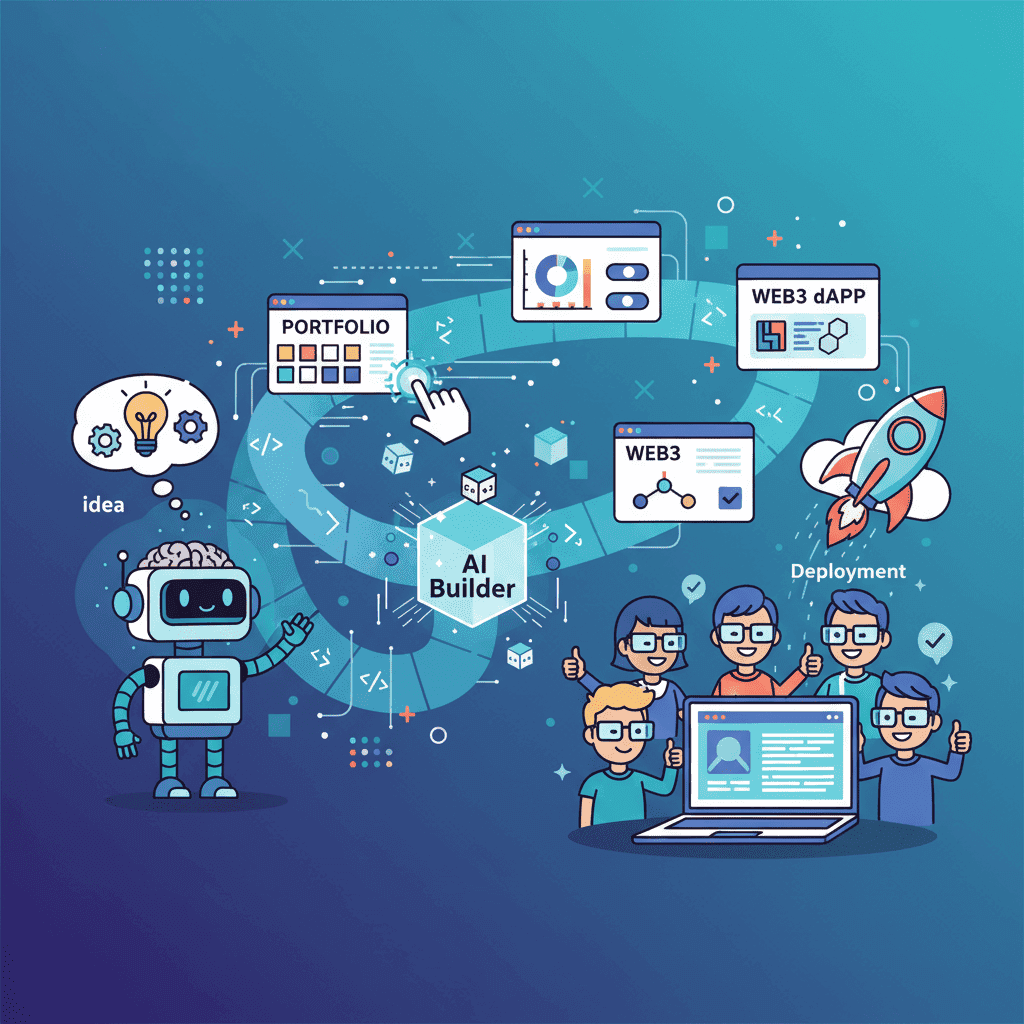
Vibe Coding: The Complete Guide to AI-Powered Development (2026)
In 2024, Andrej Karpathy typed a phrase that would reshape how millions of developers work: "vibe coding." Two years later, it's not just a meme or a Twitter moment. It's become the dominant paradigm for building software. According to recent

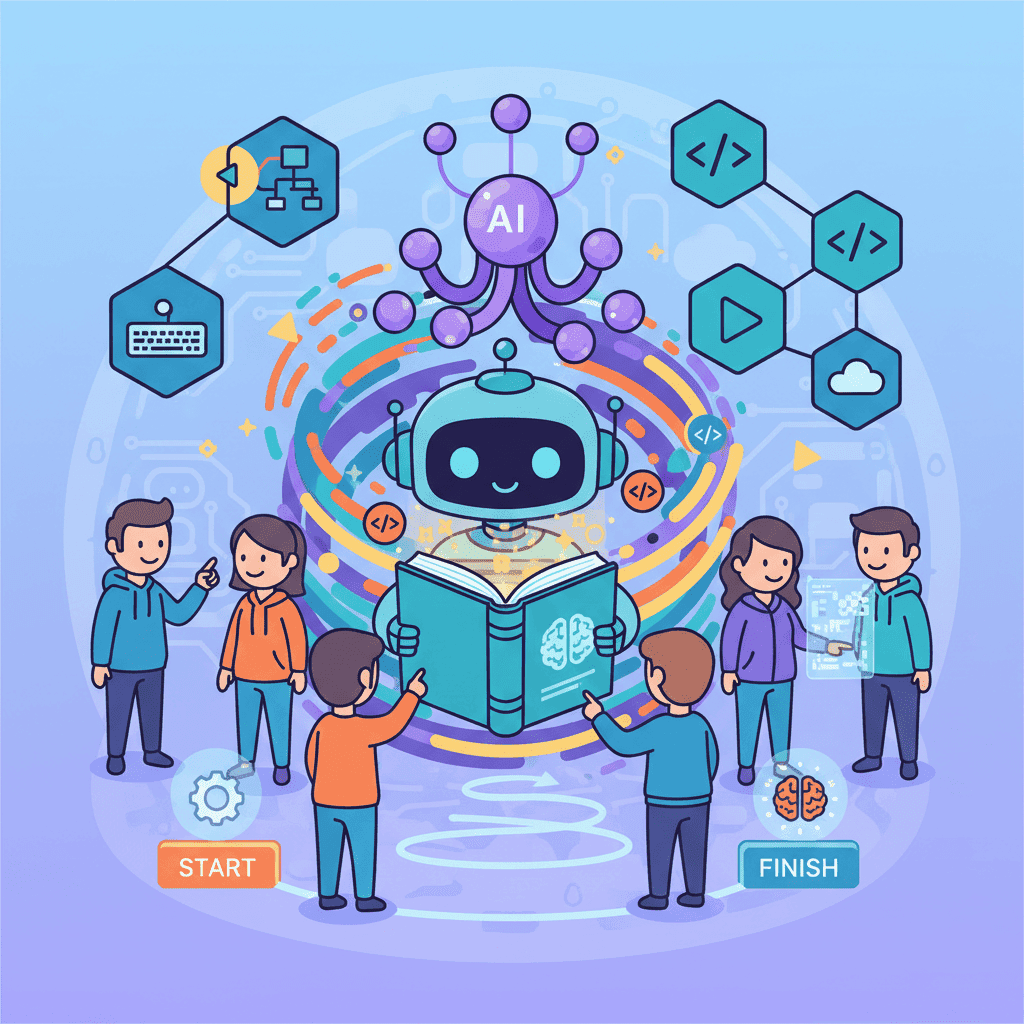
In 2024, Andrej Karpathy typed a phrase that would reshape how millions of developers work: "vibe coding." Two years later, it's not just a meme or a Twitter moment. It's become the dominant paradigm for building software. According to recent surveys, 92% of developers now use AI coding tools daily, and over 41% of all new code is AI-generated.
But here's the uncomfortable truth that nobody's talking about: most developers are still doing it wrong.
They're either treating AI like a magic wand that somehow reads minds, or they're so afraid of "cheating" that they're leaving massive productivity gains on the table. The gap between vibe coding done right and vibe coding done wrong is the difference between shipping in days versus weeks—or shipping at all.
This guide is the resource I wish I had when I started. Whether you're writing your first AI-assisted line of code or orchestrating multiple agents across complex projects, everything you need is here.
Key Takeaways
- Vibe coding is describing what you want in natural language and letting AI handle implementation—but conscious guidance beats blind acceptance
- Context engineering is the meta-skill that separates 10x vibe coders from everyone else
- Start small, iterate fast: Your first prompt should never be "build me an app"
- Security vulnerabilities exist in 45% of AI-generated code—always review before shipping
- Multi-agent and agentic workflows are the 2026 frontier, enabling 3x+ productivity gains
- The tools you choose matter less than how you use them—master the principles, not just the platforms
📥 Download this guide as a PDF: The Vibe Coding Report 2026 — an 8-page report with the full workflow, context engineering pillars, security checklist, and 2026 tool comparison tables. Free, no email required.
Table of Contents
- What is Vibe Coding?
- Getting Started: Your First 15 Minutes
- The Vibe Coding Workflow
- Context Engineering Fundamentals
- Best Practices & Common Mistakes
- Advanced: Multi-Agent & Agentic Coding
- Security Considerations
- Tools & Setup
- Frequently Asked Questions
- Related Articles
What is Vibe Coding?
Vibe coding is exactly what it sounds like—you describe the vibe of what you want, and AI generates the code. Instead of manually writing every function, wrestling with CSS flexbox, or memorizing API signatures, you communicate your intent in natural language.
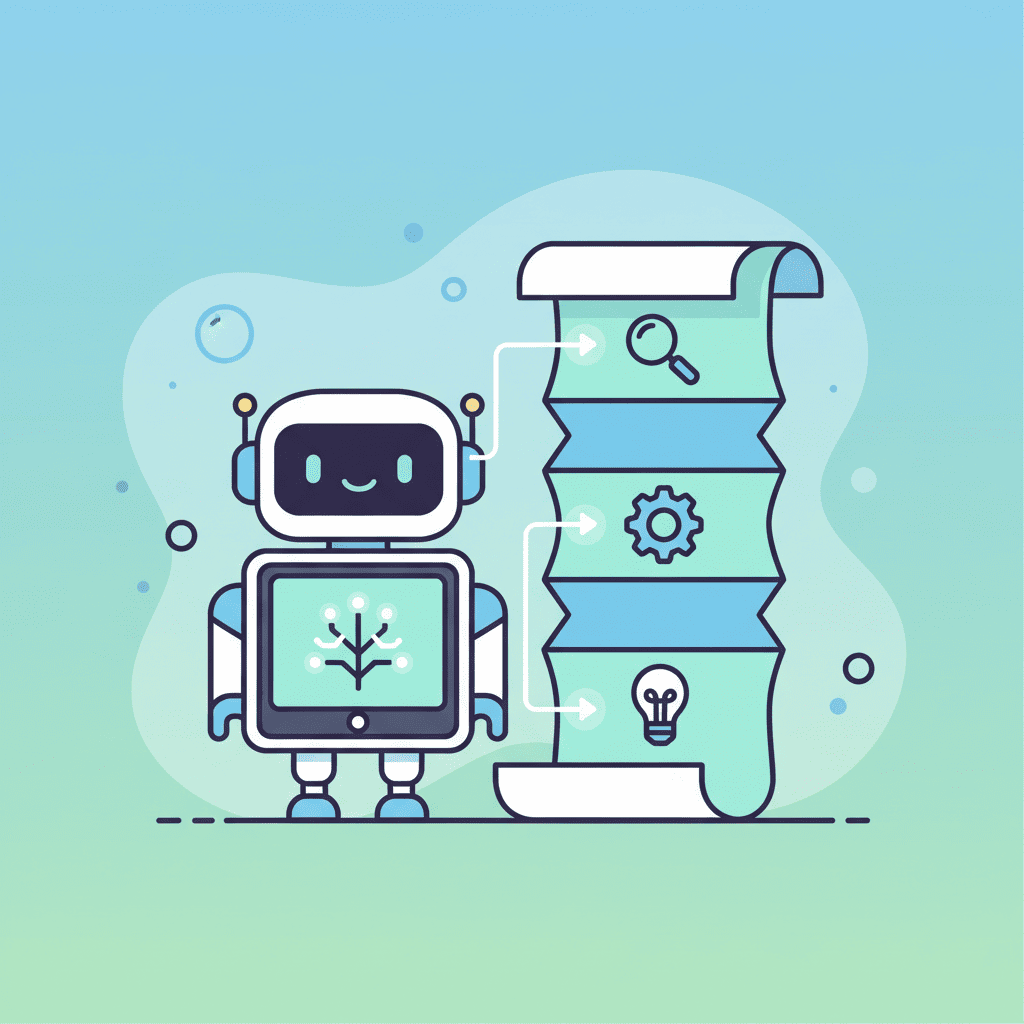
The term was coined by Andrej Karpathy in early 2024:
"There's a new kind of coding I call 'vibe coding', where you fully give in to the vibes, embrace exponentials, and forget that the code even exists."
Y Combinator reported that 25% of their Winter 2025 cohort had codebases that were 95% AI-generated. Entire startups are being built this way. Collins Dictionary named it their Word of the Year.
But here's my hot take: pure vibe coding is a terrible idea for anything you actually care about.
The original definition involves "forgetting that the code even exists." That sounds dreamy until you realize that 45% of AI-generated code contains security vulnerabilities, and you've just deployed something that stores passwords in plain text.
What we need instead is conscious vibe coding—leveraging AI's speed and pattern-matching abilities while maintaining enough understanding to catch problems, guide the AI effectively, and ship code that won't embarrass you (or get you hacked).
The Spectrum of Vibe Coding Approaches
| Approach | Philosophy | Best For | Risk Level |
|---|---|---|---|
| Pure Vibe Coding | Accept all AI output, don't look at code | Throwaway prototypes, experiments | High |
| Casual Vibe Coding | Light review, fix obvious issues | Personal projects, MVPs | Medium |
| Conscious Vibe Coding | Guide and verify AI output, understand structure | Production code, client work | Low |
| Hybrid Development | AI for scaffolding, manual for critical code | Enterprise, security-sensitive | Very Low |
Most professionals land somewhere between conscious and hybrid. If you're completely new, start with conscious vibe coding and adjust from there.
Why Vibe Coding Works
Vibe coding works because modern LLMs are incredibly good at pattern matching. They've been trained on billions of lines of code and can recognize what you're trying to build from relatively sparse descriptions. When you say "create a responsive navbar with a hamburger menu that reveals a drawer on mobile," the AI draws on thousands of similar implementations it's seen.
The key insight: you're not replacing programming knowledge—you're augmenting it with a tool that can handle implementation details at unprecedented speed.
Developers who understand what good code looks like get dramatically better results. If you can't recognize when AI makes a mistake, you can't fix it. If you can't write code yourself, you can't guide the AI effectively.
Getting Started: Your First 15 Minutes
Ready to try vibe coding for the first time? Let's get you building something real in the next 15 minutes. No setup headaches, no npm install nightmares.
If you want the complete beginner walkthrough with detailed explanations of every step, our vibe coding for beginners tutorial will get you from zero to shipping in under an hour.
What You Need
| Requirement | Options | Cost |
|---|---|---|
| AI UI Builder | Fardino, v0, Bolt.new, Lovable | Free tiers available |
| Web Browser | Chrome, Firefox, Safari, Edge | Free |
That's it. Browser, AI tool, motivation. You don't need VS Code, Node.js, or any local development environment—at least not yet.
Choosing Your First Project
Here's where most beginners go wrong: they aim too big.
"Build me an Airbnb clone with booking functionality, payments, and user authentication."
Cool idea. Terrible first project.
Your first vibe coding project should be:
- One screen only — No routing, no page navigation
- Visual-focused — Something you can see and appreciate immediately
- Self-contained — No API calls, no database connections
- Personally useful — You'll care more if it solves your problem
Perfect first projects:
- A link-in-bio page (like Linktree)
- A personal portfolio hero section
- A pricing comparison table
- A testimonial carousel
- A countdown timer
Your First Prompt (The Right Way)
This is where 90% of beginners mess up. They write prompts like:
"Make me a link in bio page"
That's too vague. The AI doesn't know what style you want, what information to include, or how it should look. You'll get something generic.
Here's what you should write instead:
Create a link-in-bio page for a photographer named Alex Chen. Include a circular profile photo placeholder at the top, their name and a short tagline "Capturing moments in NYC". Below that, add 5 link buttons stacked vertically with icons: Portfolio, Instagram, Book a Session, Prints Shop, and Contact. Use a dark background with a gradient from deep purple to black, and make the buttons have a glass-morphism effect with slight blur. Mobile-first design, centered on screen.
See the difference? You're providing:
- Context (photographer, name, location)
- Structure (specific elements in specific order)
- Style (dark, gradient, glass-morphism)
- Behavior (mobile-first, centered)
The Iteration Loop
Here's a truth bomb: your first output will never be perfect. And that's completely fine.
Vibe coding is iterative. You prompt, you see what you get, you refine. The pros aren't writing perfect prompts on the first try—they're just faster at iterating.
After your initial result, ask yourself:
- Is the layout what you expected?
- Do the colors match your vision?
- Is anything missing?
- Does it look good on mobile?
Then follow up with targeted refinement prompts:
- "Make the buttons slightly larger and add hover animations where they scale up 5%"
- "Change the gradient to go from dark blue to black instead"
- "Add subtle fade-in animations for each link on page load"
This back-and-forth is the actual skill of vibe coding.
The Vibe Coding Workflow
Once you've got your bearings, it's time to develop a systematic workflow. The difference between amateurs and professionals isn't talent—it's process.
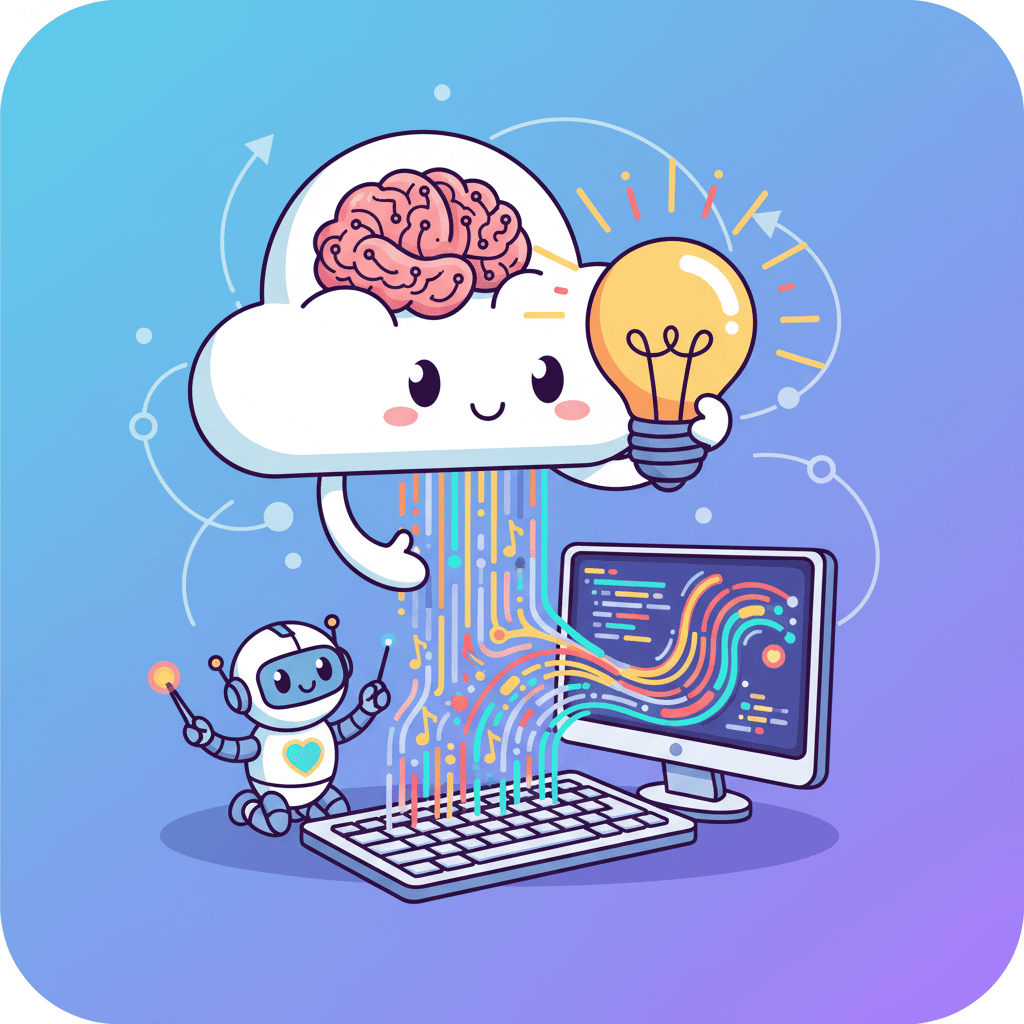
The 6-Stage Vibe Coding Workflow
Stage 1: Planning (Don't Skip This)
Your first prompt should never be code instructions. Before you ask the AI to write anything, spend 10-15 minutes writing a spec:
The developers who complain that "AI keeps building the wrong thing" almost always skipped this step.
Stage 2: Context Setup
This is where most developers leave 80% of AI potential on the table. Our comprehensive context engineering guide covers this in depth, but here's the quick version:
Context engineering is providing your AI with the right information, in the right structure, at the right time. It's about curating everything the AI "sees" before generating a response.
Key context elements:
- Project structure — How files are organized, architecture patterns
- Code conventions — Naming, formatting, error handling patterns
- Domain knowledge — Business terms, entity relationships
- Example code — Similar components in your codebase
- Constraints — What NOT to do, anti-patterns to avoid
Modern AI tools support context files (.cursorrules, CLAUDE.md, AGENTS.md) that persist this information across sessions. If you're not using them, start today—our tutorial on AGENTS.md and context files shows exactly how to set this up for frontend projects.
Stage 3: Generation
Work in small, testable chunks. Breaking down a project:
| Instead of This | Do This |
|---|---|
| "Build me a complete e-commerce platform" | "Create a product card component with image, title, price, and add-to-cart button" |
| "Make a dashboard with all the analytics" | "Create a single metric card showing revenue with a sparkline chart" |
| "Build user authentication" | "Create a login form with email and password fields, validation, and error states" |
Large, complex prompts lead to large, complex problems. Build each piece, test it, understand it, then move on.
Stage 4: Review (Yes, Actually Look at the Code)
The 44% of engineering leaders reporting declining skills in junior developers who over-rely on AI? It's because they're not reviewing what the AI produces.
You don't need to understand every line, but you should grasp:
- The overall structure and data flow
- How components interact
- What dependencies are being used
- Where data is stored
- What security measures exist (or don't)
Stage 5: Polish
AI-generated code often needs refinement:
- Refactor to match your project's patterns
- Add tests for critical paths
- Document the why, not just the what
Stage 6: Ship
Deploy to staging first. Monitor closely. Use feature flags if available. Then iterate based on real user feedback.
Context Engineering Fundamentals
If there's one skill that separates 10x vibe coders from everyone else, it's context engineering. This isn't just about writing better prompts—it's about controlling what the AI knows about your project.
The full deep-dive lives in our context engineering guide, but here are the fundamentals every vibe coder must master.
The 5 Pillars of Context Engineering
1. Project Structure Awareness
Your AI doesn't know your project exists unless you tell it. Provide:
- Directory structure and file organization
- Naming conventions for components, utilities, hooks
- Architecture patterns (feature-based, domain-driven, etc.)
- Key dependencies and their versions
2. Code Style and Conventions
Your AI should write code that looks like YOUR code, not generic Stack Overflow code:
- Error handling patterns
- Import ordering preferences
- Component structure templates
- Variable and function naming conventions
Hot take: Spending 30 minutes creating a solid style context document will save you 30 hours of fixing AI-generated code that "works but feels wrong."
3. Domain Knowledge
AI models are general-purpose. They don't know that in YOUR app, a "workspace" contains "projects" which contain "documents." Document:
- Glossary of domain terms
- Business rules and constraints
- Entity relationships
- Edge cases that aren't obvious
4. Relevant Code Examples
Before asking AI to write new code, show it related existing code. Not your entire codebase—just relevant pieces:
The AI will pattern-match against your examples and produce code that fits naturally.
5. Negative Examples and Constraints
Tell the AI what NOT to do:
- Deprecated patterns to avoid
- Security no-nos for your project
- Performance anti-patterns
- Libraries you explicitly don't want used
"Don't use jQuery" or "Never use any as a TypeScript type" might seem obvious to you. It's not obvious to an AI trained on codebases where those patterns appear constantly.
Managing Your Context Window
Every AI has context limits. Our guide on context window mastery covers 10 techniques for maximizing what you can fit, but the key principles are:
- Prioritize recent and relevant — Most important information first
- Summarize when possible — AI doesn't need the full 500-line file if 50 lines capture the pattern
- Layer your context — Project > Session > Task specific
- Prune aggressively — Remove context that's no longer relevant to the current task
Best Practices & Common Mistakes
After watching hundreds of developers succeed and fail at vibe coding, patterns emerge. Let's cover both sides—what to do and what absolutely not to do.
For the complete list of best practices with examples, see our vibe coding best practices guide. For the mistakes that kill projects, check out 10 vibe coding mistakes to avoid.
The Essential Best Practices
1. Start With a Spec, Not a Prompt
Your first interaction shouldn't be code generation. Write a spec first—what you're building, who it's for, what's in scope, what's explicitly out of scope.
2. Work in Small, Testable Chunks
Break complex features into components. Build each piece, test it, understand it. Thousand-line AI outputs are debugging nightmares waiting to happen.
3. Commit Before Every Major Prompt
Version control is your safety net. AI can be inconsistent—it might nail something perfectly, then randomly break it on the next iteration. Granular commits let you always roll back.
4. Review Everything
Copy-pasting without comprehension is how bugs and vulnerabilities slip into production. Understand the structure, the flow, the dependencies.
5. Iterate Intentionally
Don't regenerate randomly hoping for luck. Analyze what's wrong with the output, then write a targeted refinement prompt addressing that specific issue.
6. Know When to Write Code Manually
When you've spent 15+ minutes trying to get the AI to do something it keeps fumbling, stop. Write it yourself. Sometimes that's genuinely faster.
The Mistakes That Kill Projects
Mistake #1: Building Everything at Once
"Create a full e-commerce site with products, cart, checkout, user accounts, and admin dashboard."
That's not a prompt. That's a product spec. Start with ONE thing.
Mistake #2: Vague Prompts
"Make it look nice" means nothing. Nice like Apple? Nice like Brutalist web design? Be specific about colors, typography, spacing, components.
Mistake #3: Ignoring the Output
Some developers keep regenerating until they get lucky. Stop. Look at what the AI gave you, understand what's wrong, write a targeted refinement.
Mistake #4: Accepting AI as Infallible
AI lies. It hallucinates. It confidently produces wrong code. Trust but verify—always.
Mistake #5: No Version Control
Working without git when vibe coding is like doing trapeze without a net. One bad AI iteration can undo hours of work.
Mistake #6: Not Understanding Your Own Code
If you can't explain what a piece of code does, you can't debug it when it breaks. And it will break.
The Best Practices Table
| Practice | Why It Matters | Time Investment |
|---|---|---|
| Write a spec first | Prevents scope creep and miscommunication | 10-15 min per project |
| Set up context files | 40-60% fewer iterations to working code | 30-60 min one-time |
| Commit frequently | Safety net for experimentation | 30 sec per commit |
| Review all output | Catches bugs, security issues, bad patterns | 5-10 min per generation |
| Test as you build | Prevents compound bugs from accumulating | Varies |
| Document your prompts | Future reference and team knowledge sharing | 2-5 min per session |
Advanced: Multi-Agent & Agentic Coding
If standard vibe coding is driving a car, multi-agent workflows are conducting an orchestra. This is the frontier of AI-assisted development in 2026, and it's where the biggest productivity gains live.
What is Agentic Coding?
Agentic coding goes beyond simple prompt → response interactions. You give the AI a goal, and it autonomously:
- Plans the implementation steps
- Executes multiple operations
- Handles errors and edge cases
- Completes the task with minimal intervention
Think of it as the difference between asking "write this function" versus "build this feature and let me know when it's done."
Our complete tutorial on agentic coding for frontend covers how to set this up, but the key insight is: agentic coding requires even better context than standard vibe coding. The more autonomous the AI, the more it needs to understand your project's constraints.
Multi-Agent Workflows
Running one AI agent at a time? You're leaving 3x productivity on the table.
Multi-agent workflows involve orchestrating multiple AI agents working in parallel on different parts of a project. Our guide on parallel vibe coding with multi-agent workflows covers the technical setup, but here's the mental model:
When to Use Multi-Agent Approaches
| Scenario | Standard Vibe Coding | Multi-Agent |
|---|---|---|
| Single component | Best fit | Overkill |
| Multi-component page | Good | Better |
| Full application | Slow | 3x+ faster |
| Parallel concerns (UI + tests) | Sequential | Parallel |
| Large refactors | Tedious | Efficient |
The Multi-Agent Mental Model
Think of yourself as a technical project manager:
- Decompose the work into parallelizable tasks
- Brief each agent with specific context and constraints
- Monitor progress and intervene when needed
- Integrate outputs from different agents
- Review the combined result
The skill shifts from "writing prompts" to "orchestrating work."
Tools Supporting Multi-Agent Workflows
- Cursor with background agents
- Claude Code with task parallelization
- Custom setups with multiple terminals/windows
- CI/CD pipelines with AI-generated code review
This is still an emerging area, but developers who master it now are positioning themselves for the next wave of AI-assisted development.
Security Considerations
Here's the stat that should keep you up at night: 45% of AI-generated code contains security vulnerabilities.
That's not a criticism of AI—it's a recognition that AI models were trained on all the code on the internet, including mountains of insecure code written by developers who didn't know better.
Our comprehensive vibe coding security checklist gives you 15 actionable steps, but let's cover the essentials here.
The Big Five Vulnerabilities
| Vulnerability | How AI Creates It | How to Catch It |
|---|---|---|
| SQL Injection | Using string concatenation for queries | Look for parameterized queries, ORMs |
| XSS | Missing input sanitization | Check for escaping, sanitization libraries |
| Auth Issues | Weak session management | Review token handling, expiration logic |
| Secrets Exposure | Hardcoded API keys | Search for strings, environment variables |
| Dependency Risks | Installing unnecessary packages | Audit package.json, check for known CVEs |
The Security Review Workflow
Before shipping any AI-generated code:
- Search for hardcoded secrets — API keys, passwords, tokens
- Check input handling — Is user input sanitized before use?
- Review database operations — Parameterized queries only
- Audit dependencies — Run
npm auditor equivalent - Ask the AI — "Review this code for security vulnerabilities"
Security Prompting Patterns
When generating code that handles sensitive operations, add security constraints to your prompts:
"Create a login form that:
- Hashes passwords with bcrypt before storing
- Uses parameterized queries for database operations
- Implements rate limiting for failed attempts
- Never logs passwords or tokens
- Uses HTTPS-only cookies for sessions"
Being explicit about security requirements produces dramatically better output.
The Security Mindset
The most secure vibe coders treat every AI output as potentially vulnerable until proven otherwise. It's not paranoia—it's professionalism.
Tools & Setup
The vibe coding ecosystem has exploded. Here's how to navigate it in 2026.
AI UI Builders Comparison
| Tool | Best For | Strengths | Limitations |
|---|---|---|---|
| Fardino | Frontend + Web3 | Great prompts, dApp support | Newer platform |
| v0 (Vercel) | UI components | Clean output, Vercel integration | Frontend-only |
| Lovable | Full applications | End-to-end app generation | Less control over details |
| Bolt.new | Quick prototypes | Browser-based, fast | Limited customization |
| Replit Agent | Learning, prototypes | Autonomous, beginner-friendly | Resource limits on free tier |
AI IDEs Comparison
| Tool | Best For | Context Features | Price |
|---|---|---|---|
| Cursor | Professional development | Excellent (.cursorrules, @codebase) | $20/month |
| Windsurf | Agentic workflows | Strong multi-file editing | $15/month |
| GitHub Copilot | Familiar environment | Good inline suggestions | $10/month |
| Cline/Roo | Open source preference | Solid context handling | Free/OSS |
The Essential Setup Checklist
Regardless of which tools you choose:
- Context file created —
.cursorrules,CLAUDE.md, orAGENTS.md - Project structure documented — Tech stack, file organization
- Code examples included — 3-5 patterns you want followed
- Constraints listed — Anti-patterns, security requirements
- Git initialized — Version control from day one
- Testing framework ready — Jest, Vitest, or equivalent
Setting Up Your First Context File
Create a CONTEXT.md or equivalent in your project root:
For detailed setup instructions specific to frontend projects, see our AGENTS.md tutorial.
Frequently Asked Questions
What exactly is vibe coding?
Vibe coding is writing code by describing what you want in natural language and letting AI handle the implementation. Instead of writing every function manually, you describe the outcome—the "vibe"—and AI generates the code. The term was coined by Andrej Karpathy in 2024 and has become the dominant approach to AI-assisted development.
Can I vibe code without any programming experience?
Yes, you can get started without coding experience. But you'll hit a ceiling quickly. The best vibe coders understand what good code looks like—they can recognize when AI makes mistakes and know how to fix them. Think of it as having a skilled apprentice: you still need to know the craft to direct their work effectively. Our beginner tutorial is designed specifically for those starting from scratch.
How is vibe coding different from using ChatGPT for code?
ChatGPT gives you code snippets you copy-paste into your project. Vibe coding tools like Cursor, Fardino, and v0 are integrated into the development workflow—they understand your project context, can edit files directly, and iterate on code in place. It's the difference between having a consultant email you advice versus having them work alongside you in your codebase.
Is vibe coding "cheating" or making developers lazy?
No more than using an IDE instead of notepad is cheating. Tools that make you more productive are tools—period. The developers who dismiss AI assistance are the same ones who dismissed Stack Overflow, then high-level languages, then any abstraction above assembly. The skill shifts from memorizing syntax to understanding architecture, guiding AI effectively, and ensuring quality output.
What's the biggest mistake beginners make?
Prompting too big. "Build me a full e-commerce app" is not a prompt—it's a product spec. Start with single components, understand the output, then gradually increase complexity. The second biggest mistake is not reviewing the code. Copy-pasting without comprehension is how bugs and security vulnerabilities ship to production.
How do I handle security in AI-generated code?
Assume every output is potentially vulnerable until you verify otherwise. AI was trained on billions of lines of code, including tons of insecure code. Always check for SQL injection (use parameterized queries), XSS (sanitize input), hardcoded secrets, and unnecessary dependencies. Our security checklist provides 15 concrete steps.
What's the difference between context engineering and prompt engineering?
Prompt engineering is crafting a good question. Context engineering is making sure the AI has read all the relevant chapters before you ask. Context engineering includes your project structure, coding conventions, example code, domain knowledge, and explicit constraints. A mediocre prompt with excellent context will outperform a brilliant prompt with poor context almost every time. Deep dive in our context engineering guide.
What tools should I start with?
For pure UI generation: Fardino, v0, or Bolt.new (all have free tiers — compared in our free AI code generator roundup). For integrated development: Cursor (the current gold standard for AI IDE). For learning: Replit Agent is beginner-friendly. Pick one and stick with it for at least 2-3 weeks before switching—the tool matters less than learning to use it well.
Related Articles
Fundamentals
- Vibe Coding for Beginners: Your First App in 15 Min — Start here if you're completely new to vibe coding
- Vibe Coding Best Practices Guide — The complete playbook for effective AI-assisted development
- 10 Vibe Coding Mistakes That Kill Your Projects — Learn from others' failures so you don't repeat them
Context & Workflow
- Context Engineering: The Complete Guide — The meta-skill that separates 10x vibe coders
- AGENTS.md: Make AI Actually Get Your Code — Set up context files for consistent, high-quality output
- Context Window Mastery: Stop AI From Forgetting — 10 tips to maximize your context window
Advanced Techniques
- Agentic Coding Frontend: Stop Babysitting AI — Let AI work autonomously on frontend tasks
- Parallel Vibe Coding: Multi-Agent Workflows — Run multiple agents for 3x productivity
Security
- Vibe Coding Security Checklist: 15 Steps — Don't ship vulnerable code
Final Thoughts
Vibe coding isn't a fad. It's not going away. The statistics are clear—this is how a significant portion of software will be written going forward.
But "moving fast" and "maintaining quality" don't have to be enemies. The best practices in this guide aren't about slowing you down—they're about making sure the speed you gain from AI assistance doesn't come back to bite you later.
The developers who thrive won't be the ones who blindly accept AI output or those who refuse to use AI at all. They'll be the ones who develop strong collaboration skills with AI tools—who know how to direct, review, and refine AI-generated code effectively.
Start with a clear spec. Provide rich context. Work incrementally. Review everything. Commit early and often.
The vibe coding revolution is here. Make sure you're on the right side of it.
📥 Want this guide on your desk? Download the Vibe Coding Report 2026 (PDF) — free, no email required.
Written by the Fardino Team. We build AI tools for frontend developers who want to ship faster without sacrificing quality. Build with Fardino →
Got an idea? Build it now.
Describe the site or app you want — Fardino turns it into a live website.